Renault CAN Clip Fault Codes: Common Renault & Dacia DTCs Explained
Renault CAN Clip reads fault codes from every module across all Renault, Dacia, and selected Nissan vehicles. Here are the […]
Renault CAN Clip reads fault codes from every module across all Renault, Dacia, and selected Nissan vehicles. Here are the […]
Renault CAN Clip has been continuously updated since its introduction, with each version extending coverage to newer models and adding
Installing Renault CAN Clip V236 on a modern Windows PC requires some preparation due to the software’s original Windows XP/7
This guide walks you through your first Renault CAN Clip diagnostic session from start to finish — connecting the interface,
General Questions What is Renault CAN Clip used for? Renault CAN Clip is the official dealer diagnostic software for Renault
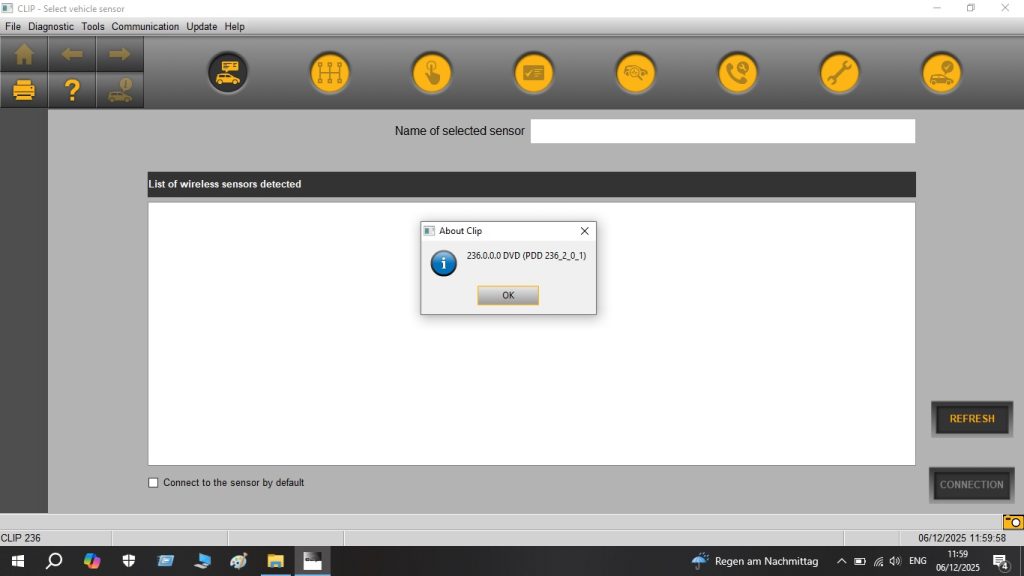
Renault CAN Clip is the official diagnostic software used at all Renault and Dacia dealerships worldwide. Version 236 is the

General Questions What is ODIS Service used for? ODIS Service is the official VAG dealer diagnostic software. It reads and
ODIS Service 25 is the official dealer diagnostic software for the entire Volkswagen Group. If you work on VW, Audi,
If you work on VAG group vehicles, you have three main diagnostic options: the official ODIS Service, VCDS by Ross-Tech,
VMware Version Requirements (Recommended) Host OS: Windows 10 or Windows 11 (64-bit) RAM: 8GB minimum (16GB recommended — ODIS is
ODIS Service 25 reads fault codes from every module across all VAG group vehicles. Below are the most common VAG
ODIS Service has undergone significant evolution since its introduction, with major changes in architecture, vehicle coverage, and protocol support. Here
Optionally provide your details for faster support: