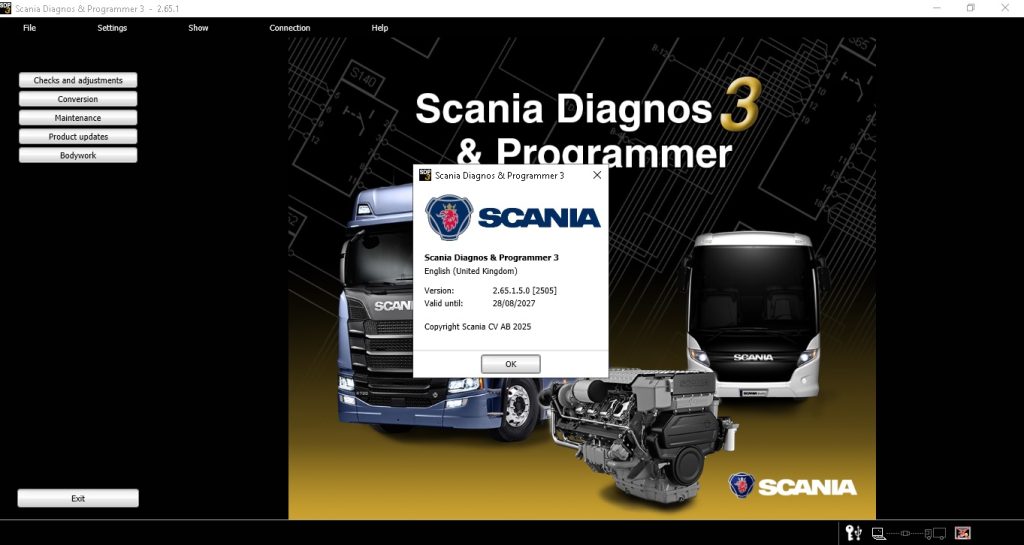
Scania SDP3 v2.65 for Beginners — First-Time Setup Complete Guide
Welcome to Scania SDP3 v2.65 — Your First Session Scania SDP3 v2.65 gives you OEM-level access to all Scania truck […]
Welcome to Scania SDP3 v2.65 — Your First Session Scania SDP3 v2.65 gives you OEM-level access to all Scania truck […]
Running Scania SDP3 v2.65 on VMware Scania SDP3 v2.65 is Windows-only software. Running it inside a VMware virtual machine on
Scania SDP3 Version History — Why Upgrading Matters Each Scania SDP3 version expands coverage for new Scania models, updates the
Scania SDP3 v2.65 Fault Codes — How the System Works Scania SDP3 v2.65 displays fault codes in two formats: SAE
Scania SDP3 v2.65 — System Requirements SDP3 v2.65 installs a large vehicle database (3–5 GB) covering all Scania models from
Scania SDP3 v2.65 vs JPRO 2025 v2 — The Real Difference Scania SDP3 and JPRO 2025 v2 serve fundamentally different
Why Scania SDP3 v2.65 Is the Standard for Scania Truck Diagnostics In 2017, the European Commission fined Scania €880 million
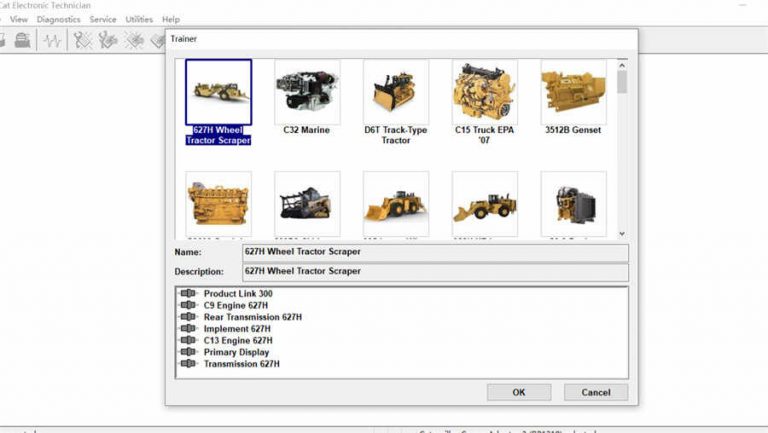
CAT ET 2019C — Top 20 Questions Answered 1. Does CAT ET 2019C require the CAT Communication Adapter 3 (CA3)?
Welcome to CAT ET 2019C — Your First Session Caterpillar ET 2019C is one of the most powerful OEM diagnostic
Running CAT ET 2019C on VMware Caterpillar ET 2019C is Windows-only. Running it inside a VMware virtual machine on a
CAT ET Version History — Why the Version Matters Caterpillar releases ET updates annually. Each version expands the list of
CAT ET 2019C Fault Codes — Two Code Systems Caterpillar Electronic Technician 2019C reads fault codes in two formats depending
Optionally provide your details for faster support: