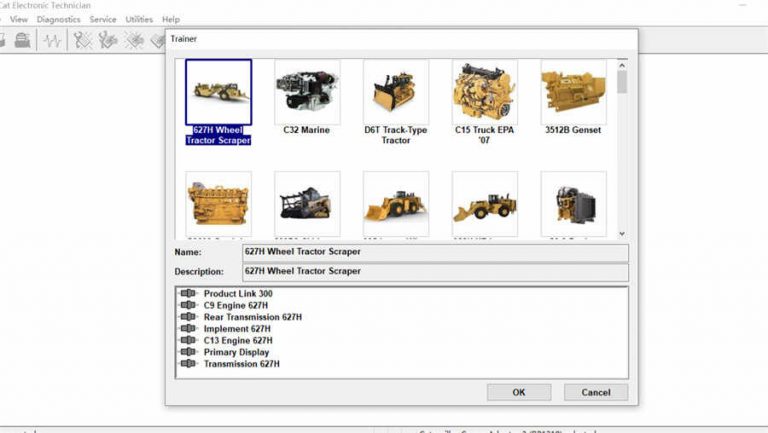
CAT ET 2019C vs JPRO 2025 v2 — Which Tool Do You Need for Caterpillar?
CAT ET 2019C vs JPRO 2025 v2 — The Core Difference Caterpillar ET 2019C and JPRO 2025 v2 serve fundamentally […]
CAT ET 2019C vs JPRO 2025 v2 — The Core Difference Caterpillar ET 2019C and JPRO 2025 v2 serve fundamentally […]
CAT ET 2019C System Requirements CAT ET 2019C hardware requirements depend on your use case. Fault code reading and parameter
CAT ET 2019C Fault Codes — Two Code Systems Caterpillar Electronic Technician 2019C reads fault codes in two formats depending
CAT ET Version History — Why the Version Matters Caterpillar releases ET updates annually. Each version expands the list of
Running CAT ET 2019C on VMware Caterpillar ET 2019C is Windows-only. Running it inside a VMware virtual machine on a
Welcome to CAT ET 2019C — Your First Session Caterpillar ET 2019C is one of the most powerful OEM diagnostic
CAT ET 2019C — Top 20 Questions Answered 1. Does CAT ET 2019C require the CAT Communication Adapter 3 (CA3)?
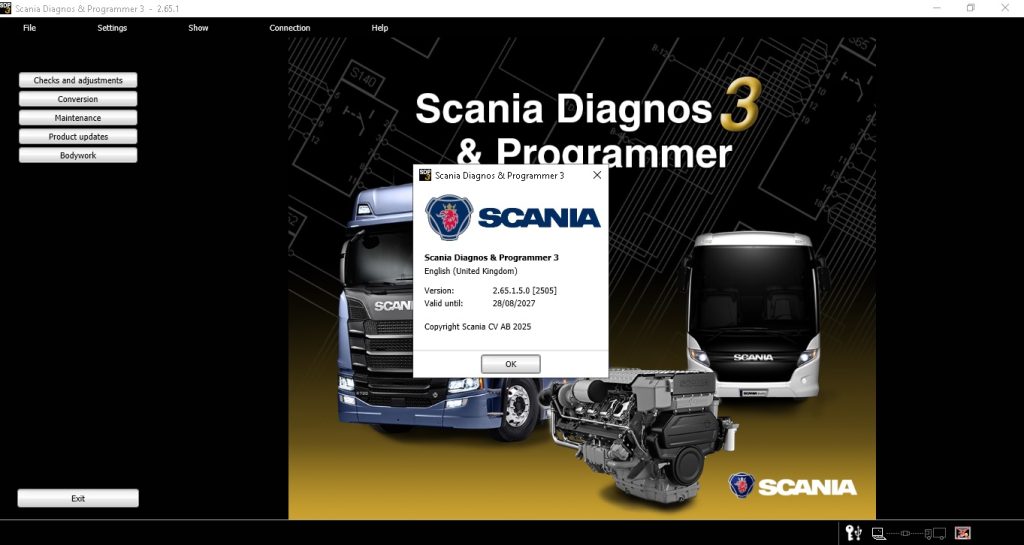
Why Scania SDP3 v2.65 Is the Standard for Scania Truck Diagnostics In 2017, the European Commission fined Scania €880 million
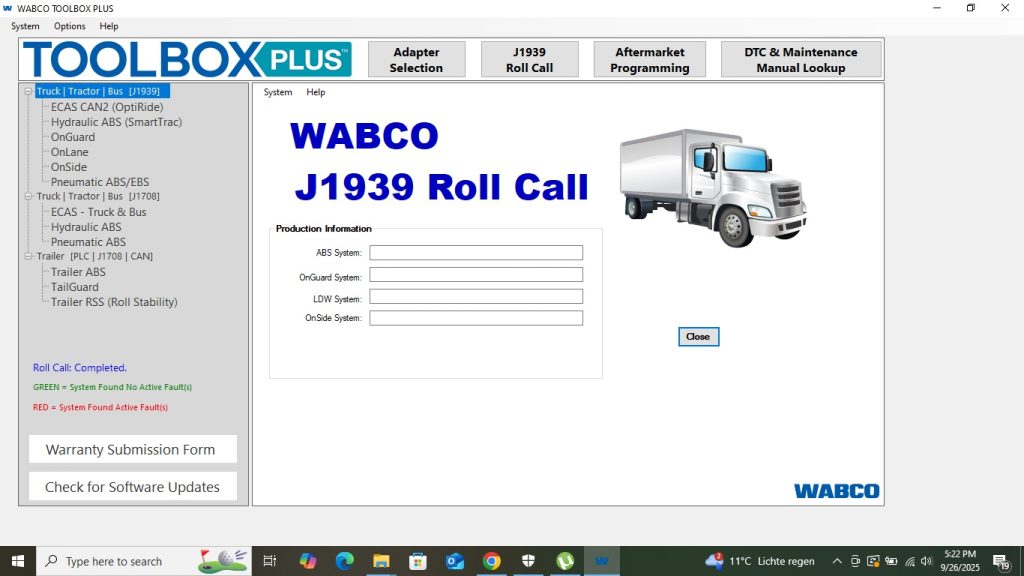
WABCO Toolbox 13.7 vs JPRO 2025 v2 — Brake System Diagnostics JPRO 2025 v2 is a multi-brand diagnostic platform covering
WABCO Toolbox 13.7 — PC Requirements Component Minimum Recommended OS Windows 10 Pro 64-bit Windows 10 Pro 64-bit (22H2) CPU
WABCO Fault Code System — How It Works WABCO uses a proprietary fault code system alongside J1939 SPN/FMI codes. In
WABCO Toolbox Version History WABCO Toolbox has evolved through major and minor releases, adding new system support, fixing known diagnostic
Optionally provide your details for faster support: