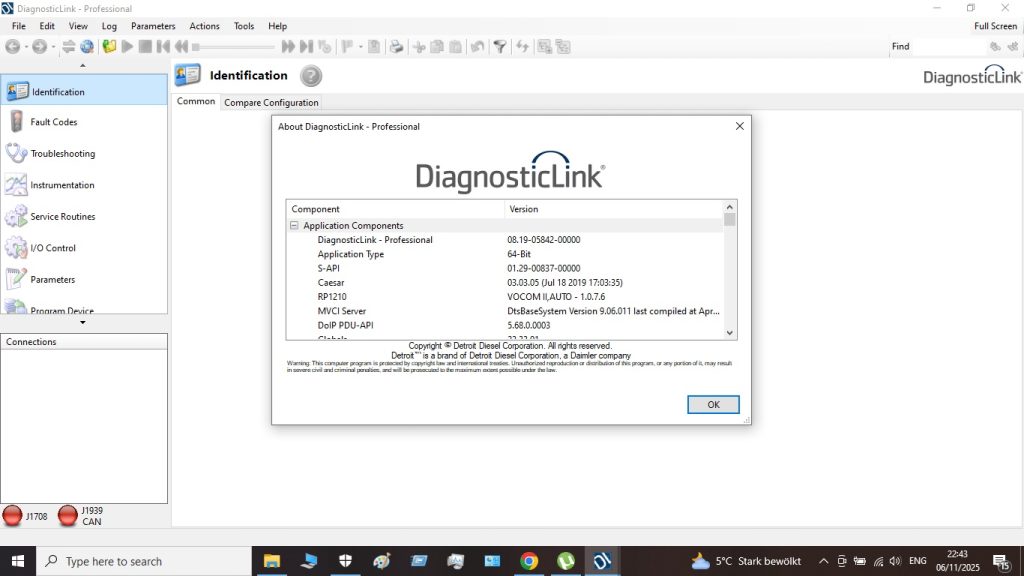
Detroit DDDL 8.19 Complete Guide — Installation, Setup & Troubleshooting 2025
What Is Detroit DDDL 8.19? Detroit Diesel Diagnostic Link (DDDL) 8.19 is the official OEM diagnostic software for all Detroit […]
What Is Detroit DDDL 8.19? Detroit Diesel Diagnostic Link (DDDL) 8.19 is the official OEM diagnostic software for all Detroit […]
DDDL 8.19 vs JPRO 2025 v2 — Detroit Diesel Diagnostic Showdown Both DDDL 8.19 and JPRO 2025 v2 support Detroit
DDDL 8.19 Minimum and Recommended System Requirements Detroit DDDL 8.19 runs on Windows and requires a proper RP1210-compliant hardware adapter.
Understanding Detroit Diesel SPN/FMI Fault Codes Detroit Diesel engines use the SAE J1939 standard fault code format: SPN (Suspect Parameter
DDDL Version History — From 8.17 to 8.19 Detroit Diesel Diagnostic Link has evolved significantly over recent versions. Each release
Why Run DDDL 8.19 in a Virtual Machine? Running Detroit DDDL 8.19 in a VMware virtual machine keeps your diagnostic
Getting Started with Detroit DDDL 8.19 If you’ve just purchased Detroit DDDL 8.19 and this is your first time using
Detroit DDDL 8.19 — Frequently Asked Questions These questions come from recurring threads on TruckersReport, TruckNet, and diesel mechanic forums
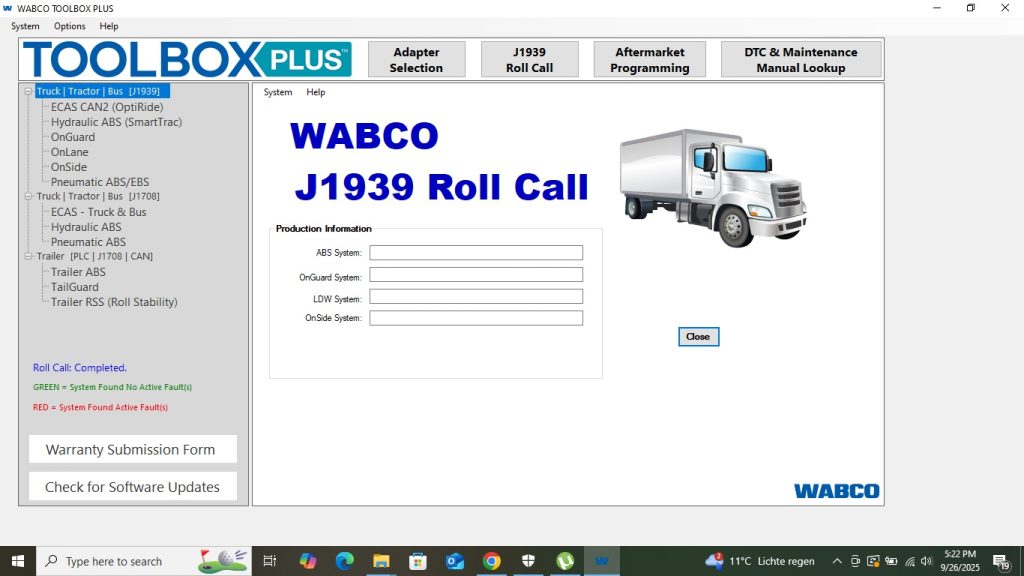
What Is WABCO Toolbox 13.7? WABCO Toolbox (WT) 13.7 is the official OEM diagnostic software for WABCO brake and suspension
WABCO Toolbox 13.7 vs JPRO 2025 v2 — Brake System Diagnostics JPRO 2025 v2 is a multi-brand diagnostic platform covering
WABCO Toolbox 13.7 — PC Requirements Component Minimum Recommended OS Windows 10 Pro 64-bit Windows 10 Pro 64-bit (22H2) CPU
WABCO Fault Code System — How It Works WABCO uses a proprietary fault code system alongside J1939 SPN/FMI codes. In
Optionally provide your details for faster support: