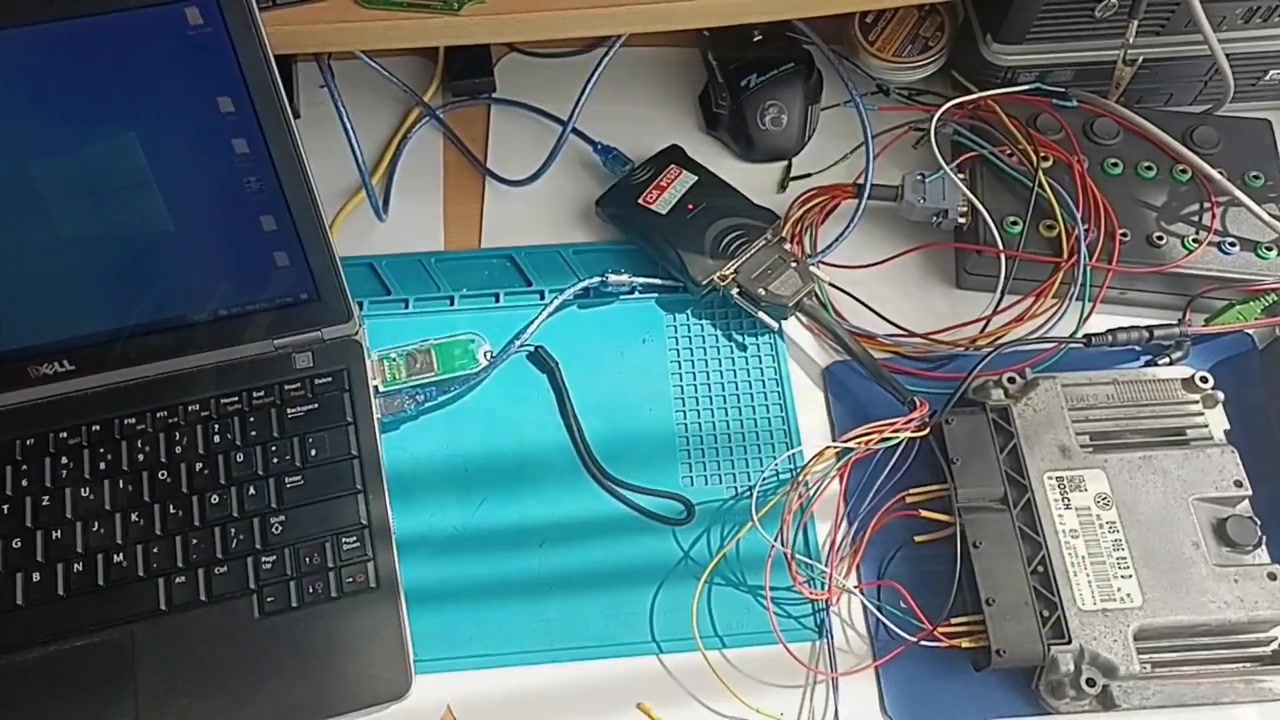
Flex Master vs Scanmatik 2 Pro Clone – Read‑Write EDC17U01 Performance Test
When it comes to Volkswagen and Peugeot diesel engines, the ability to read and write the EDC17U01 or EDC17C60 control units reliably can save you hours of workshop time and thousands of euros in replacement costs. In this tutorial we put two popular programming solutions head‑to‑head: the professional Flex Master (Flex version 6.29.1.0 with FlexBox FLX1.9) and the budget‑friendly Scanmatik 2 Pro clone (PCMFlash 1.2.0 with J2534 SM2 USB). By the end of the video you’ll see exactly how fast each tool can read EEPROM, dump the internal flash, write new maps, and correct checksums – and you’ll understand why the original programmer still dominates the market despite its price tag.
What You Will Learn
- How to connect both Flex Master and Scanmatik 2 Pro clone to a VW 1400 TDI (EDC17U01) and a Peugeot EDC17C60.
- Step‑by‑step procedures for ECU identification, EEPROM readout, internal flash dump, flash write, and checksum correction.
- Performance benchmarks – seconds taken for a 1.5 MB flash dump with each device.
- Key differences in reliability, required internet connection, and overall user experience.
- Practical tips for getting the most out of clone hardware while minimizing risk.
Step‑By‑Step Breakdown
Step 1 – Prepare Your Hardware
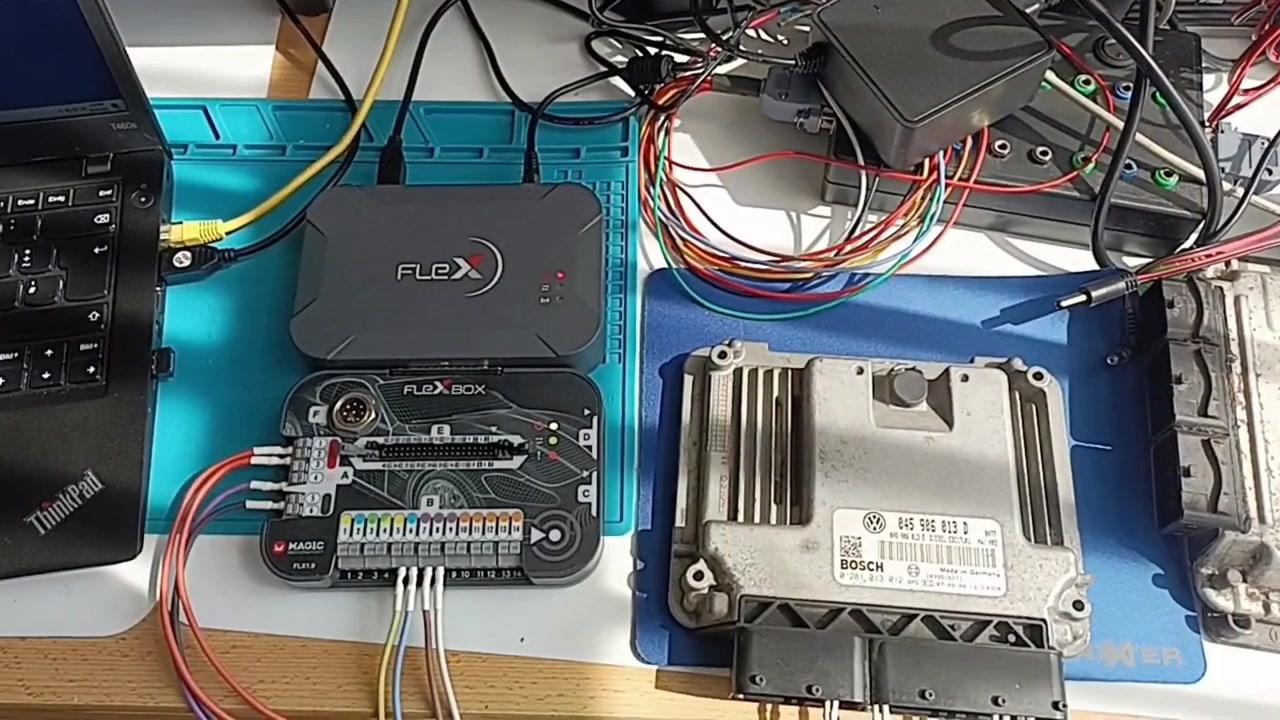
Connect the FlexBox FLX1.9 to the vehicle’s OBD‑II port using the supplied 16‑pin cable. For the Scanmatik clone, plug the SM2 USB adapter into the same port. Ensure both devices are powered and that your laptop recognizes them (Device Manager → COM ports).
Step 2 – Launch the Software
Open Flex 6.29.1.0 and select ECU Identification. The program will auto‑detect the EDC17U01 and display the part number, software version, and flash size. Repeat the same process in PCMFlash 1.2.0 – choose J2534 → Scanmatik from the driver list.
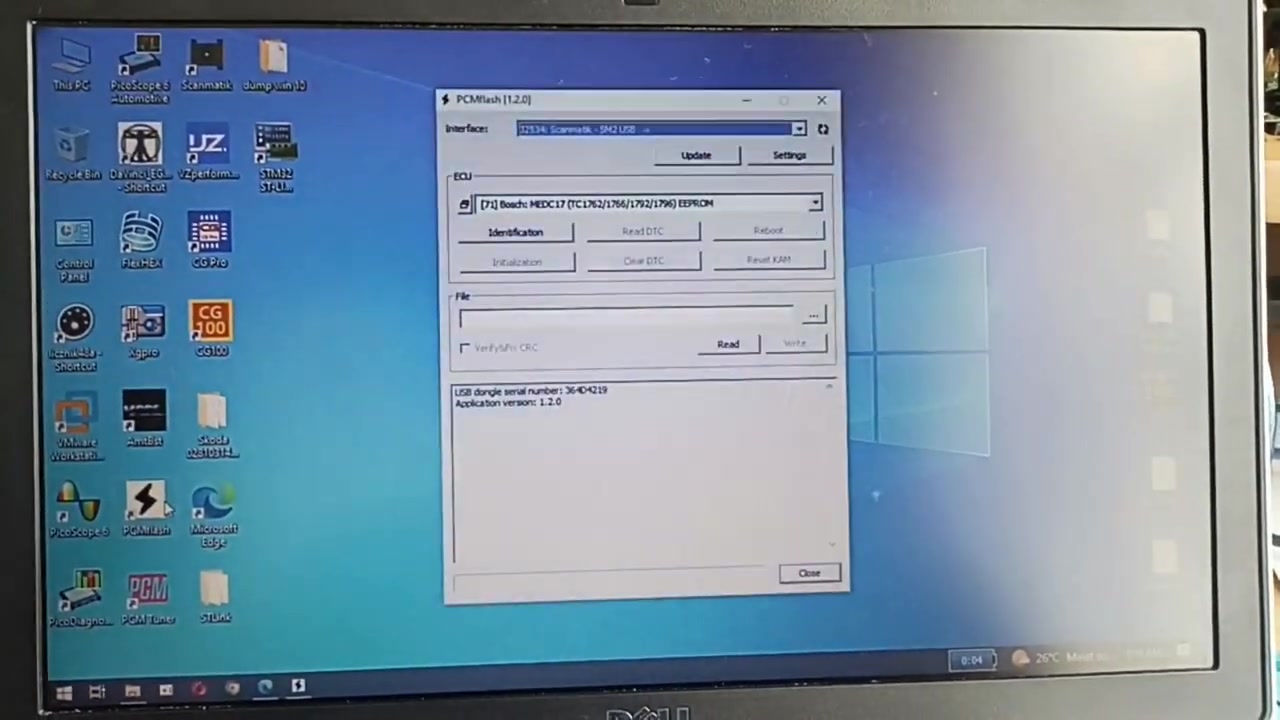
Step 3 – Read EEPROM
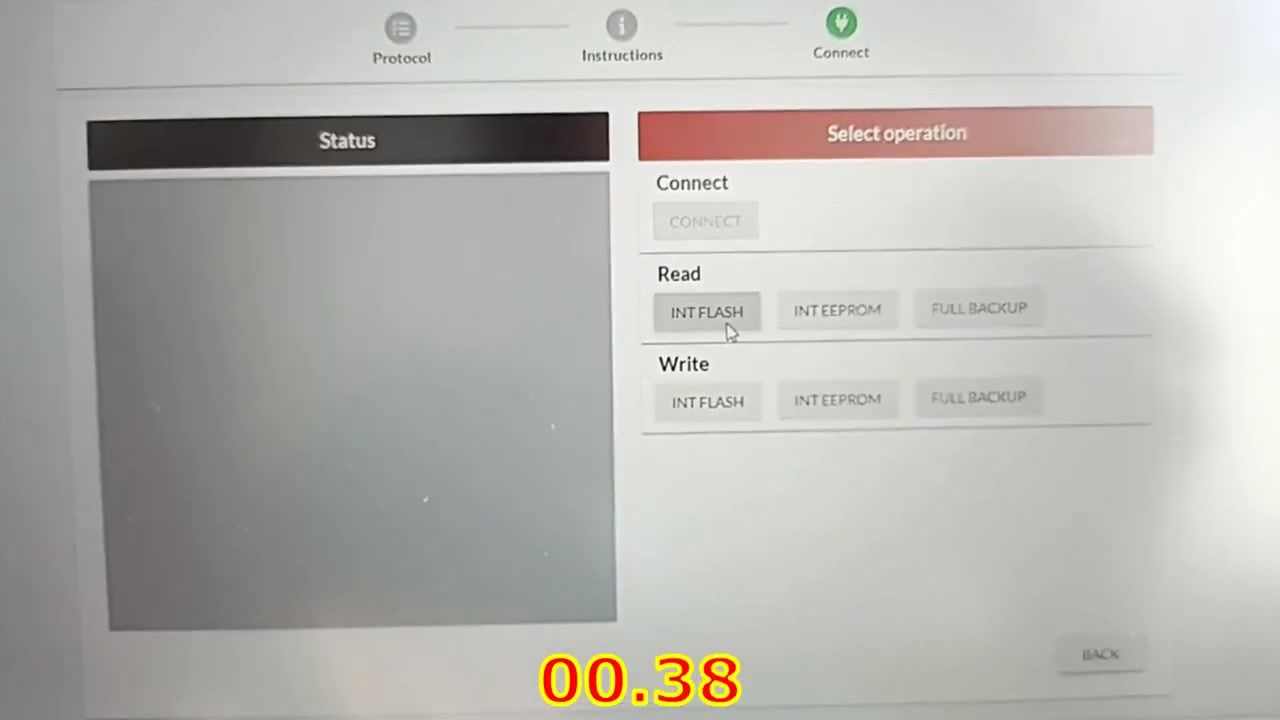
In Flex, click Read EEPROM. The read completes in roughly 6 seconds. In PCMFlash, the same operation takes about 12 seconds. Save both files with clear naming (e.g., VW_EDC17U01_EEPROM_Flex.bin).
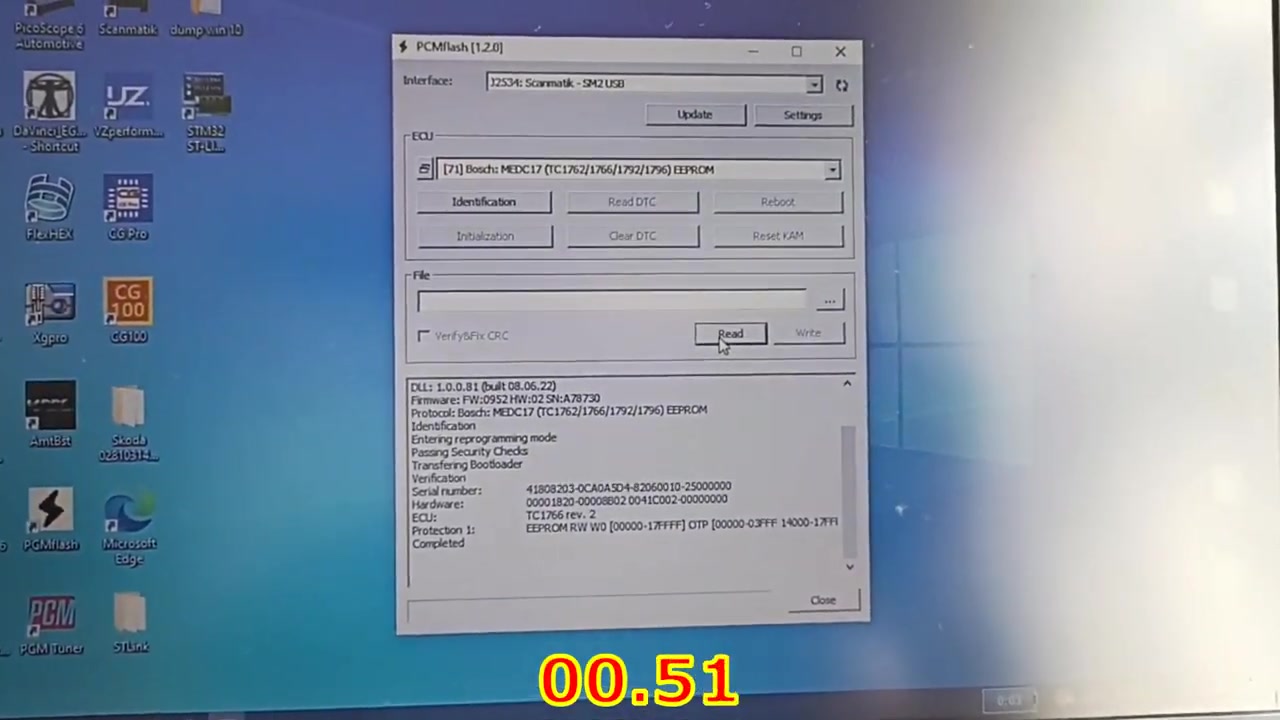
Step 4 – Dump Internal Flash
This is the true performance test. The internal flash of the EDC17U01 is ~1.5 MB. Flex finishes the dump in 22 seconds**, while the Scanmatik clone needs **38 seconds**. The time difference becomes more noticeable when working with larger maps or multiple ECUs.
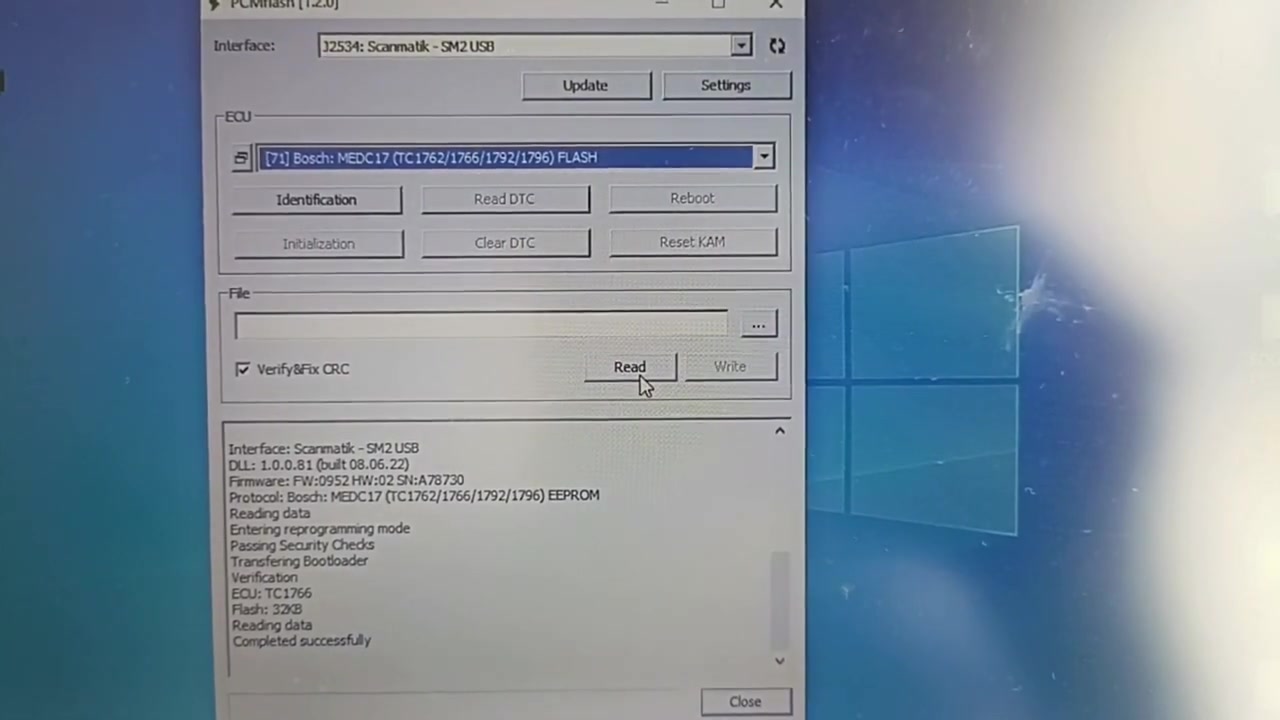
Step 5 – Write New Flash Data
After editing a map in your favourite tuning software, load the modified file back into Flex and click Write Flash. The write operation completes in ~30 seconds. PCMFlash’s write routine is slower (≈ 45 seconds) and occasionally prompts for an internet verification step – a behavior not seen with the original Flex hardware.
Step 6 – Verify & Correct Checksums
Both programs automatically calculate checksums after a write. Flex shows a green checkmark in under 2 seconds. The clone displays a warning that the checksum cannot be verified offline; you must click “Online Verify” which adds another 5‑10 seconds.
Step 7 – Disconnect Safely
Always power down the ECU before unplugging the cable. Both tools provide a “Close Connection” button – use it to prevent voltage spikes that could corrupt the flash.
Key Features of PCMFlash (1.2.0) with J2534: Scanmatik SM2 USB; Flex (version 6.29.1.0) with FlexBox FLX1.9
- ECU Identification: Automatic detection of ECU family, software version, and flash size.
- Reading EEPROM: Fast, non‑volatile memory extraction for backup and analysis.
- Reading Internal Flash: Full dump of up to 2 MB flash images for complete re‑programming.
- Writing Internal Flash: Secure flash programming with built‑in verification.
- Checksum Correction: Real‑time checksum calculation ensures the ECU boots after flashing.
- J2534 Compatibility: Plug‑and‑play driver support for many third‑party adapters.
- Multi‑ECU Management: Switch between VW, Peugeot, Audi, and other manufacturers without reinstalling software.
- Log Export: Export detailed session logs for future reference or warranty documentation.
Compatible Vehicles
The test focuses on two popular diesel platforms, but the same workflow applies to a wide range of models equipped with EDC17 family ECUs.
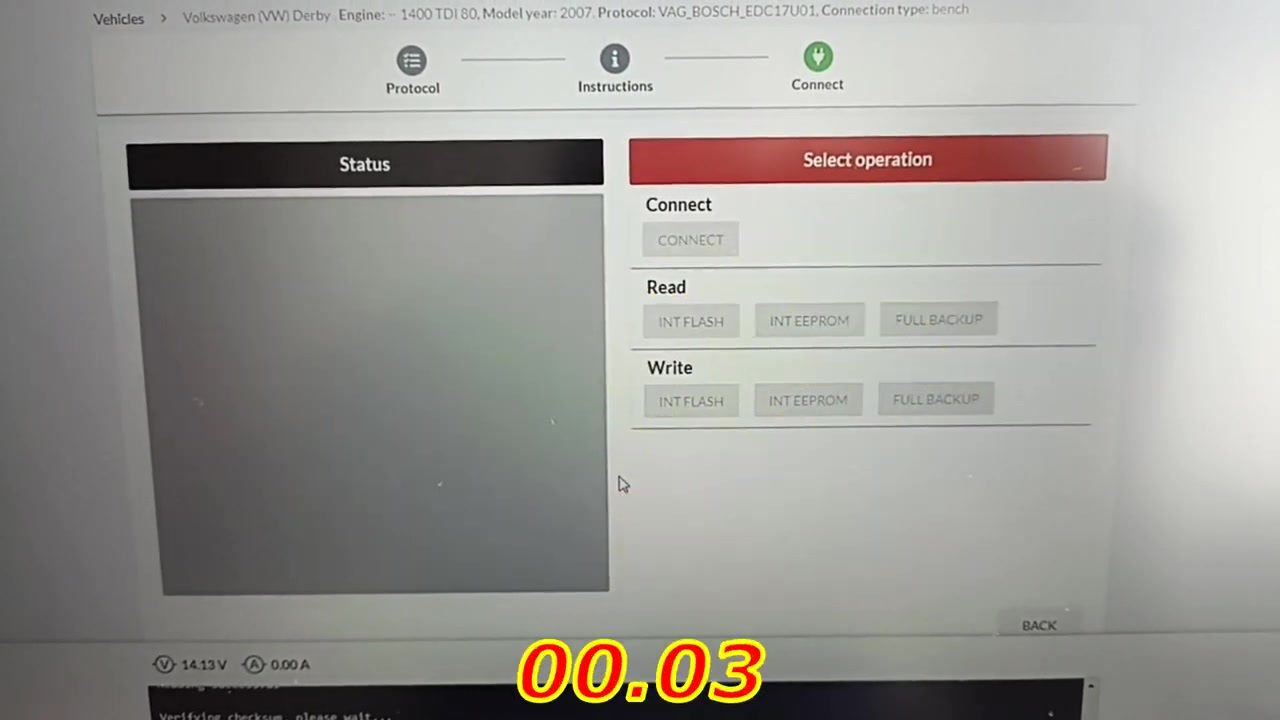
- Volkswagen (VW) – EDC17U01 – 1.4 L TDI 80 kW (2007‑2012), commonly found in Golf, Polo, and Jetta.
- Peugeot – EDC17C60 – 1.6 L HDi 92 kW (2008‑2014), used in 207, 308, and partner vans.
- Other compatible ECUs: EDC17C44, EDC17U02, EDC17C41, and many Audi diesel modules.
Pro Tips
- Original tools win on reliability. Factory‑grade programmers like Flex Master use certified hardware that delivers consistent timing and less risk of flash corruption.
- Clones often need an internet connection. PCMFlash may request online verification before writing, which can be a drawback in a workshop without stable Wi‑Fi.
- Back up every ECU. Always save both EEPROM and full flash dumps before making any changes – you’ll thank yourself if something goes wrong.
- Use a powered USB hub. The Scanmatik clone draws more current during flash writes; a stable power source prevents unexpected disconnects.
- Check cable quality. Poor OBD‑II pins cause intermittent communication and can lead to failed writes.
- Keep software updated. Flex releases minor patches that improve checksum algorithms; PCMFlash’s last update was in 2020.
- Validate with a second tool. If you have access to both devices, compare the read‑out files to ensure data integrity.
If you’re ready to experience the speed of a professional programmer or want to test a cost‑effective clone, this side‑by‑side comparison shows exactly what you can expect. Remember, investing in a high‑quality tool like Flex Master pays off in faster diagnostics, fewer errors, and longer hardware lifespan.
Ready to upgrade your workshop? Visit firstdiag.com today for the latest deals on Flex Master, Scanmatik adapters, and a full library of ECU maps. Unlock the full potential of your diagnostic setup and keep your customers coming back for reliable, high‑performance service.
Frequently Asked Questions
Is it important for an ECU programmer to be the fastest?
Not necessarily the fastest, but it should be fast enough, especially for expensive original tools.
Should I buy a clone?
The presenter does not suggest buying clones, but if one is needed, the PCMFlash clone shown is considered ‘good’ (though it failed on a specific ECU later).
Ready to tune ECUs like a professional? Get ECM Titanium + WinOLS as a ready-to-run VMware image — instant download from firstdiag.com.



