Remote installation via TeamViewer included for free
Service any Caterpillar machine like a dealer with CAT SIS 2021 (Service Information System), delivered as a ready-to-run VMware virtual machine. Start the VM, open the SIS icon, log in — the full service library runs locally in your browser, no internet and no dealer account needed.
Key Features:
- System: Caterpillar SIS 2021 web version served locally (127.0.0.1/sisweb)
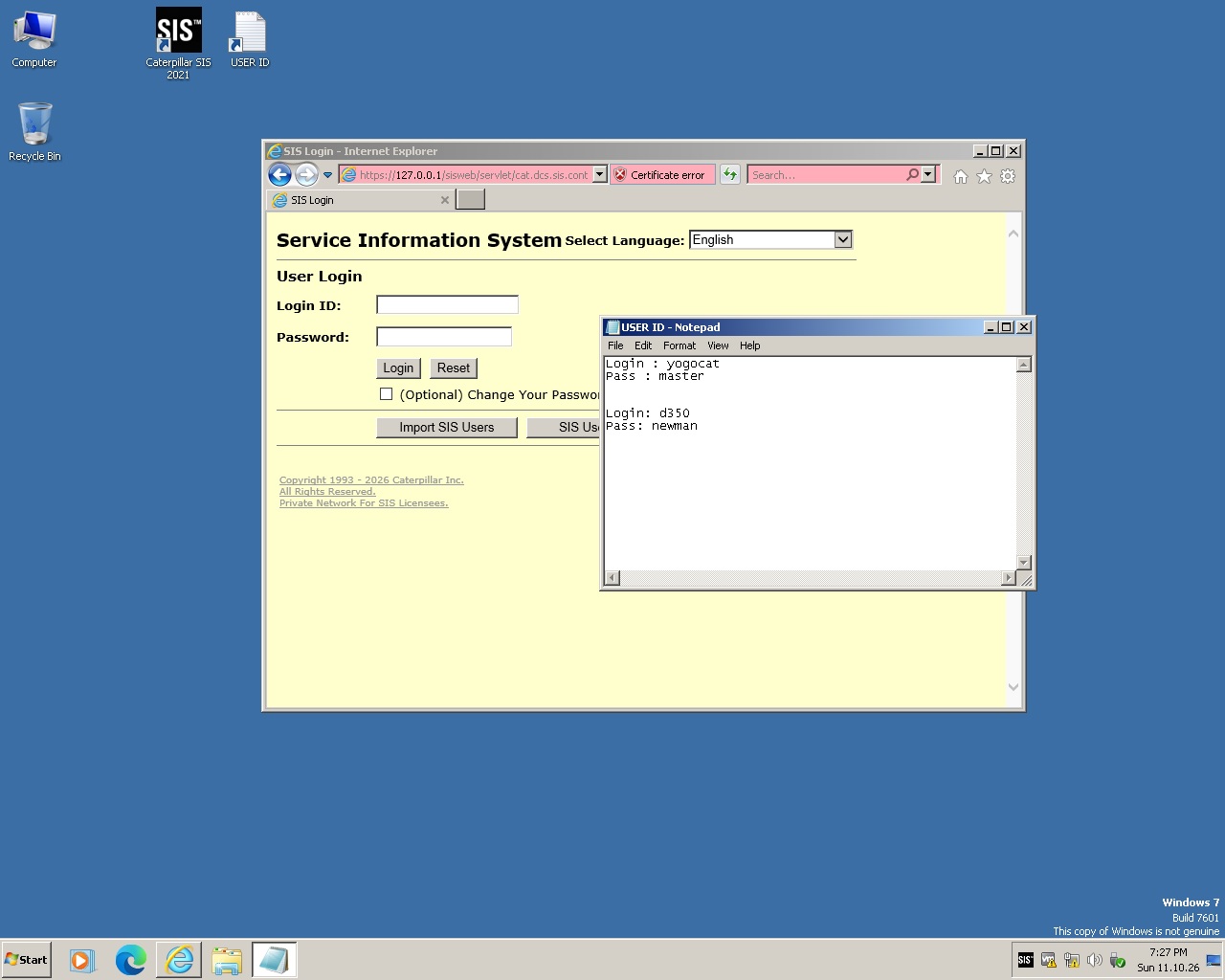
- Login: ready accounts included (USER ID file on the desktop)
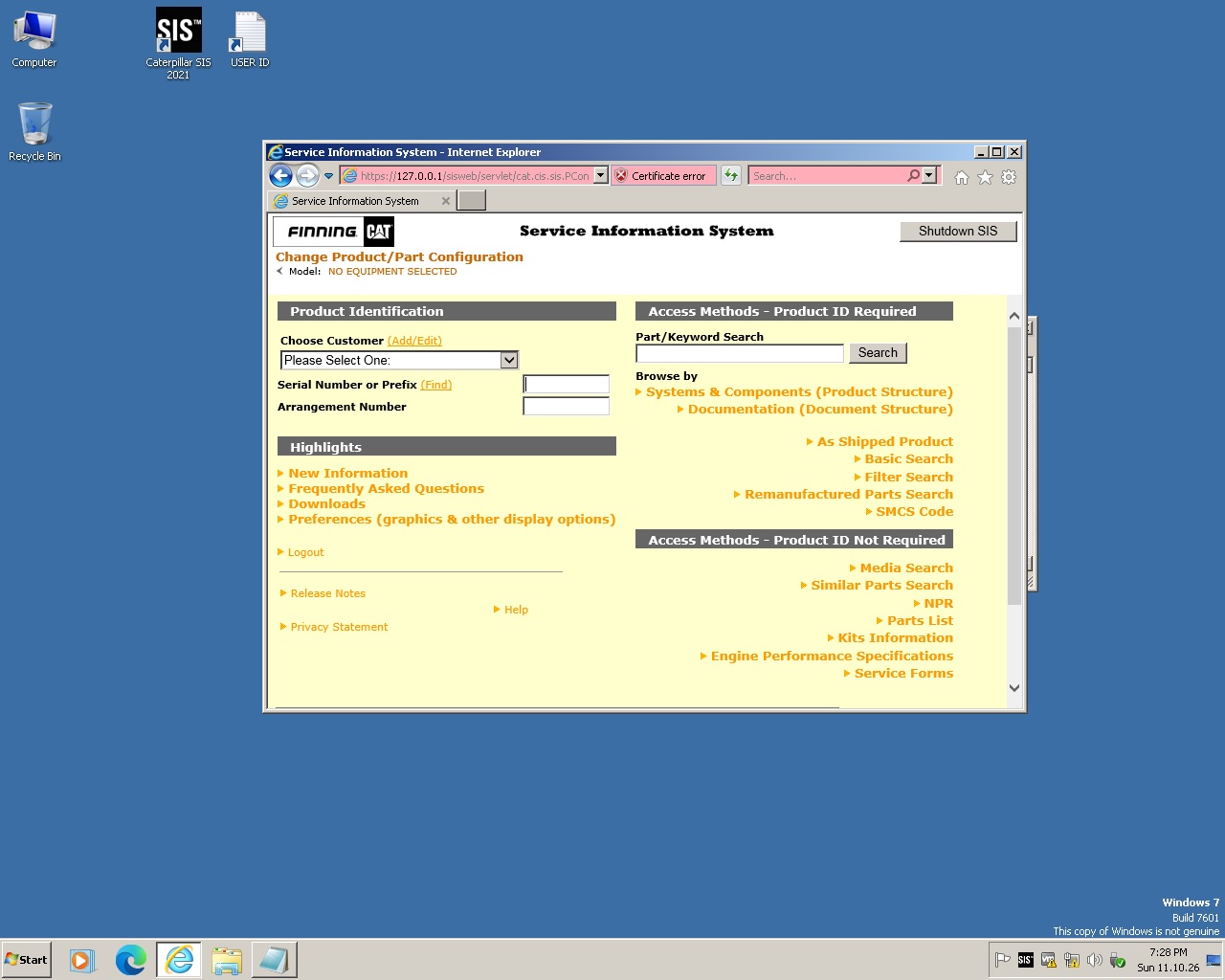
- Search: serial number, sales model, part number, keyword, SMCS code, NPR and similar-parts search
- Content: systems & components, documentation, interactive schematics, parts manuals with diagrams and genuine part numbers
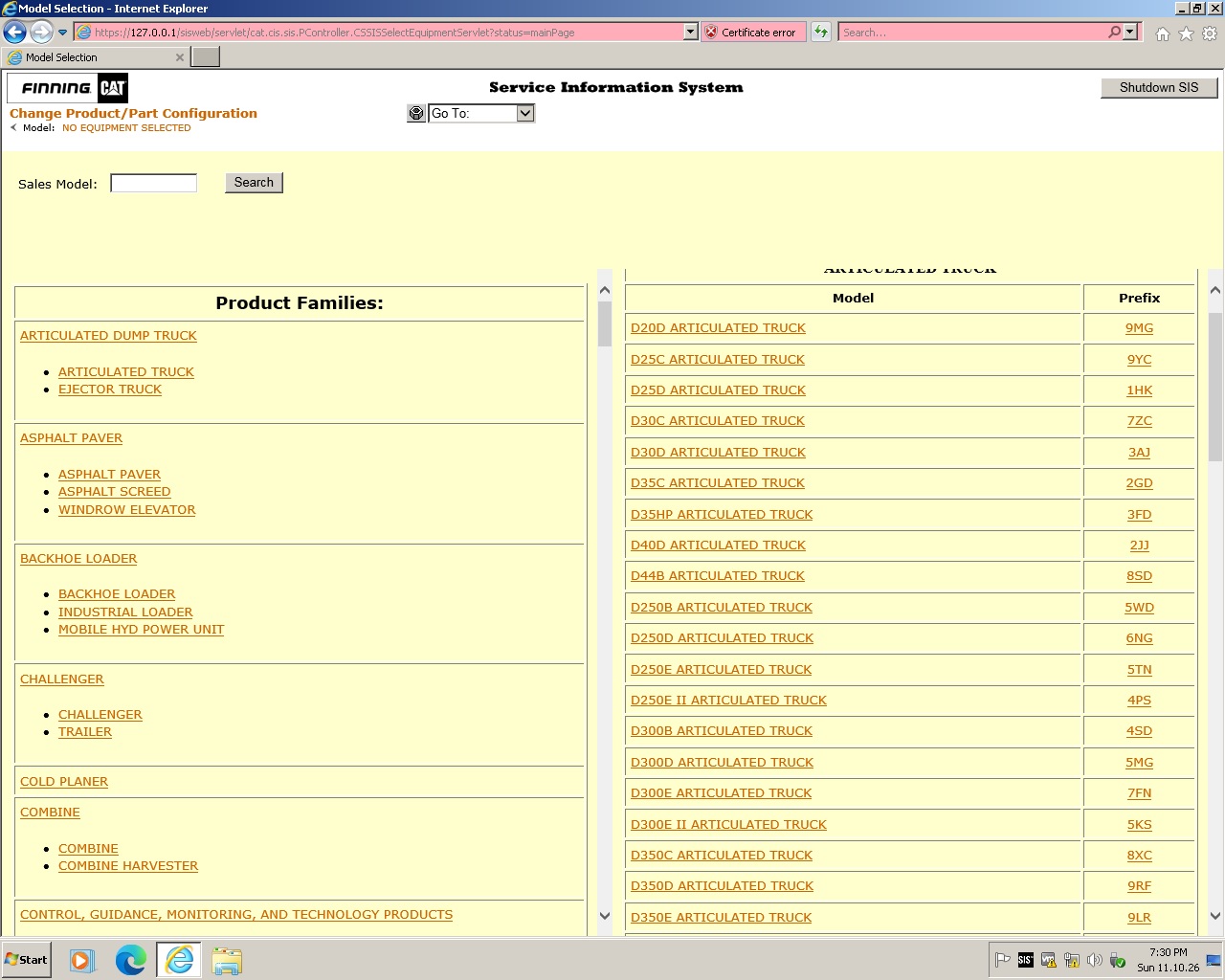
- Coverage: articulated trucks, pavers, backhoes, dozers, excavators, engines and more (FINNING dataset)
How to use (see screenshots):
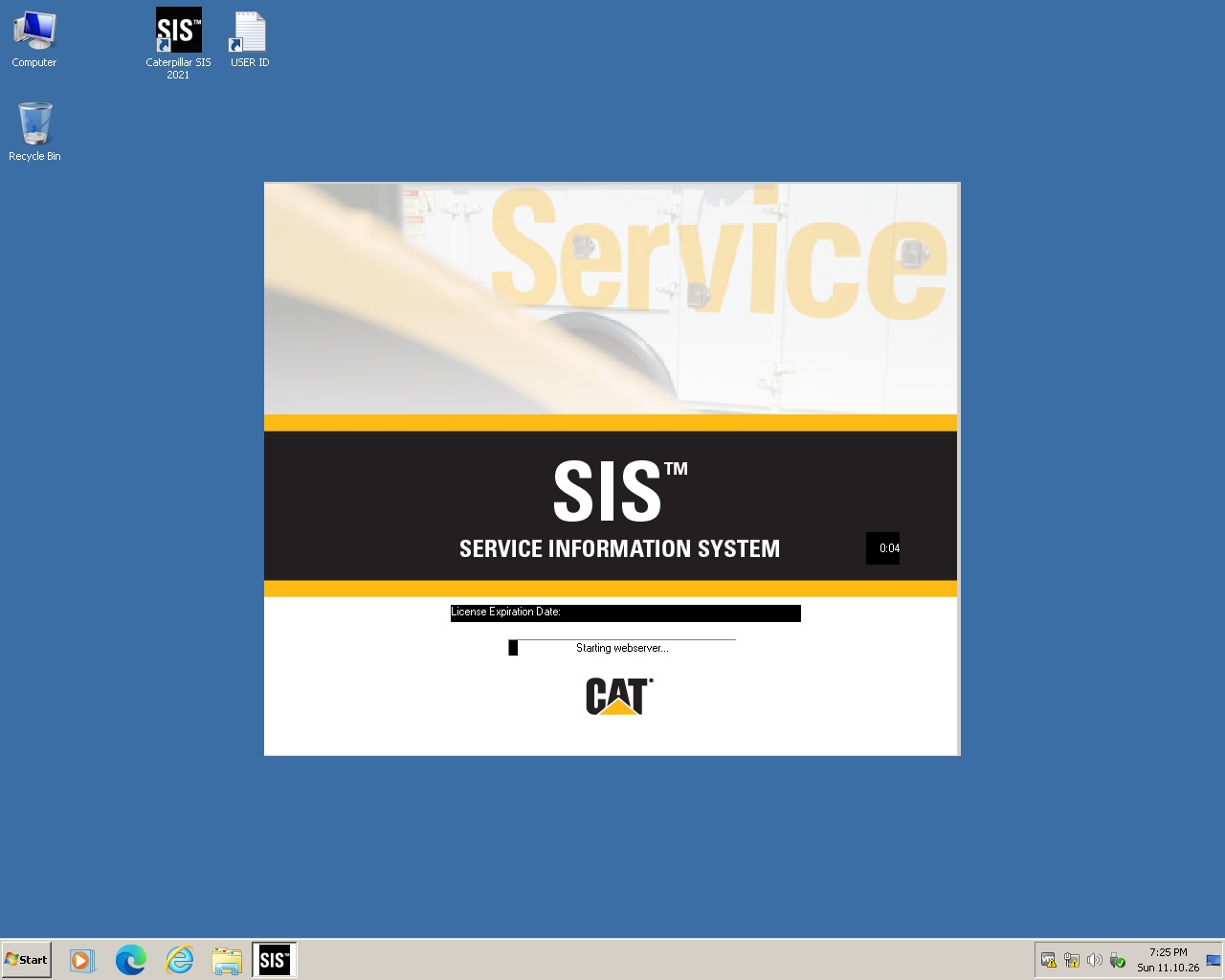
- Power on the VM and double-click Caterpillar SIS 2021 (photo 1) — the local webserver starts automatically.
- Log in with the credentials from the USER ID file on the desktop (photo 2).
- Enter a serial number or browse product families and models with prefixes (photos 3–4).
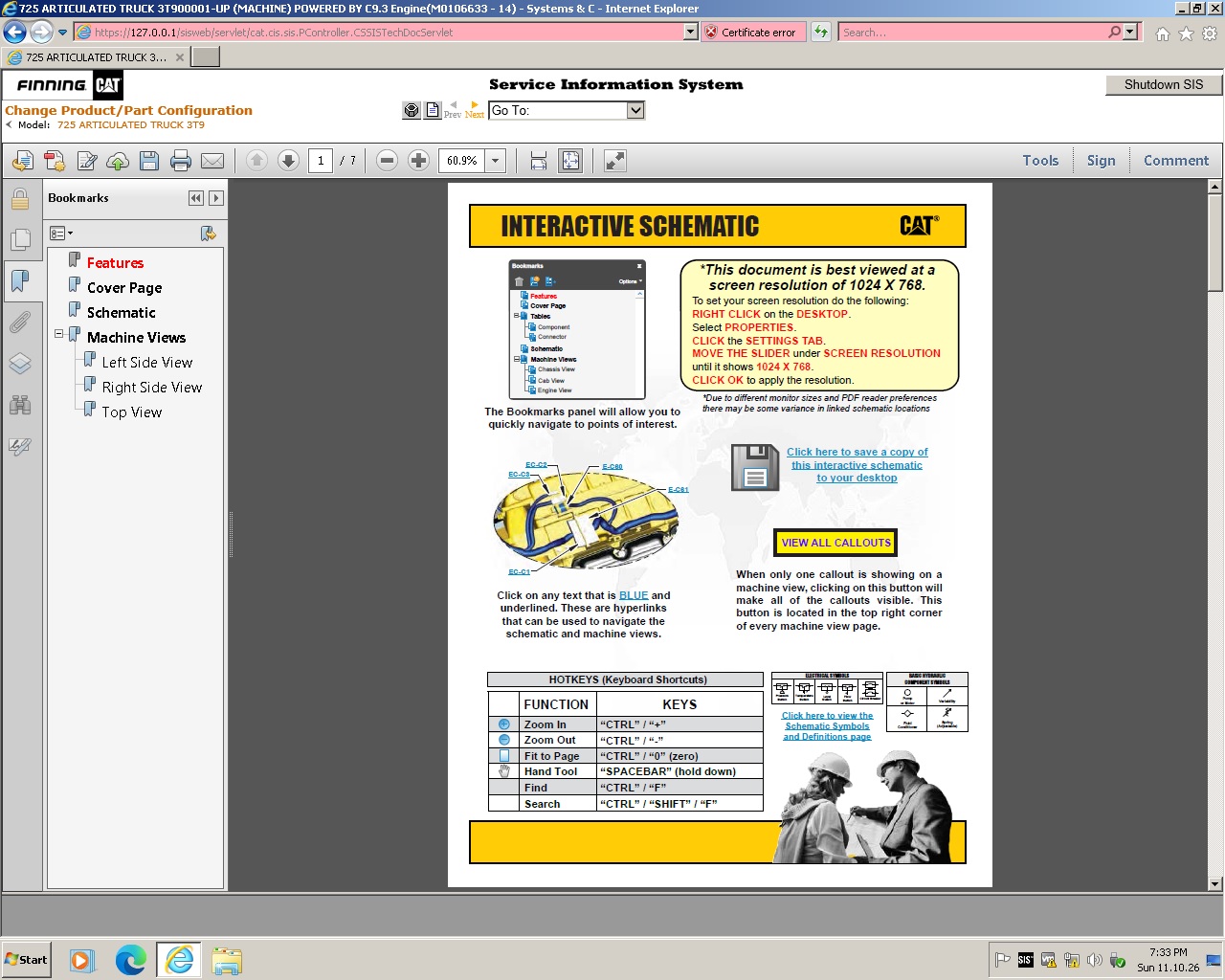
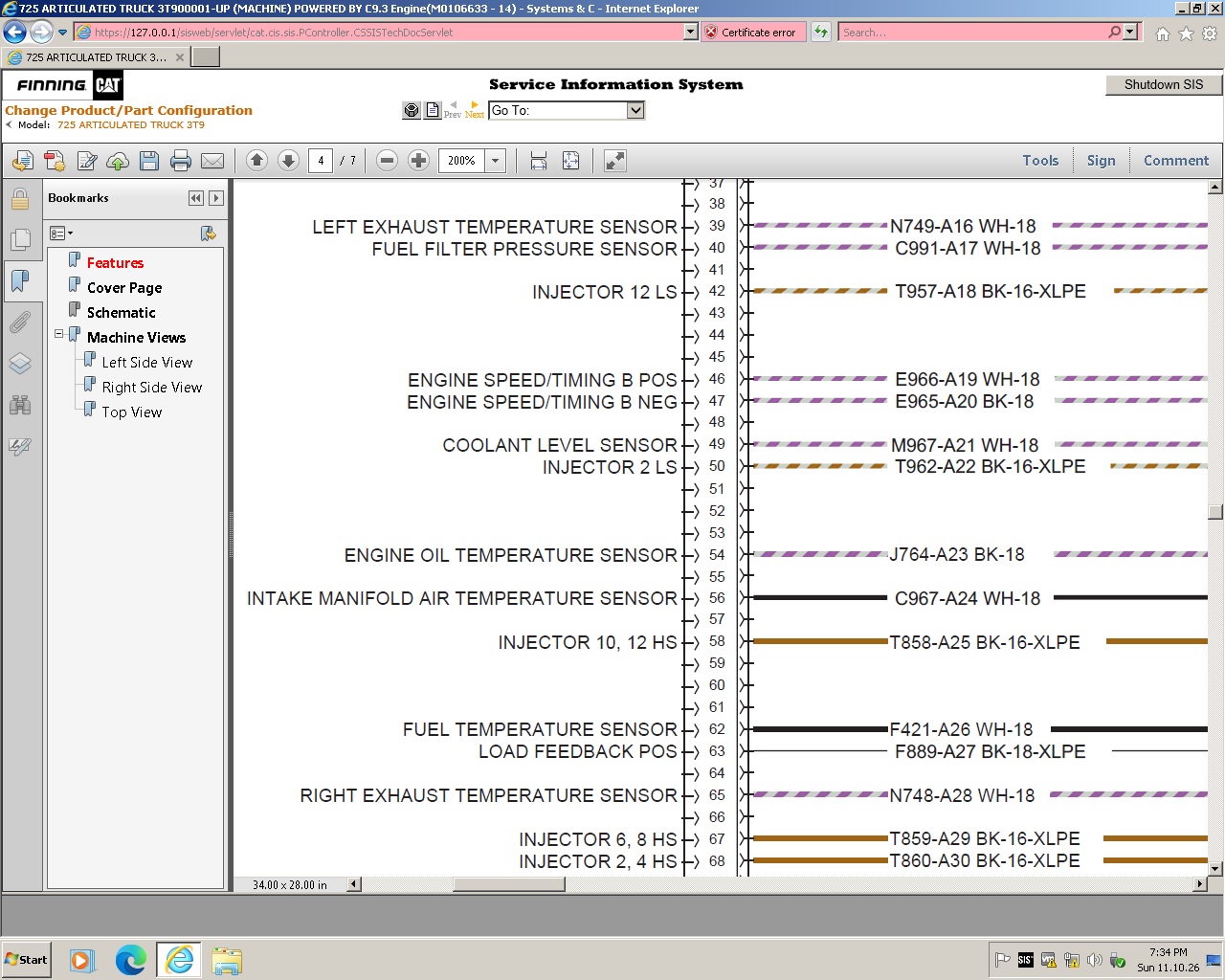
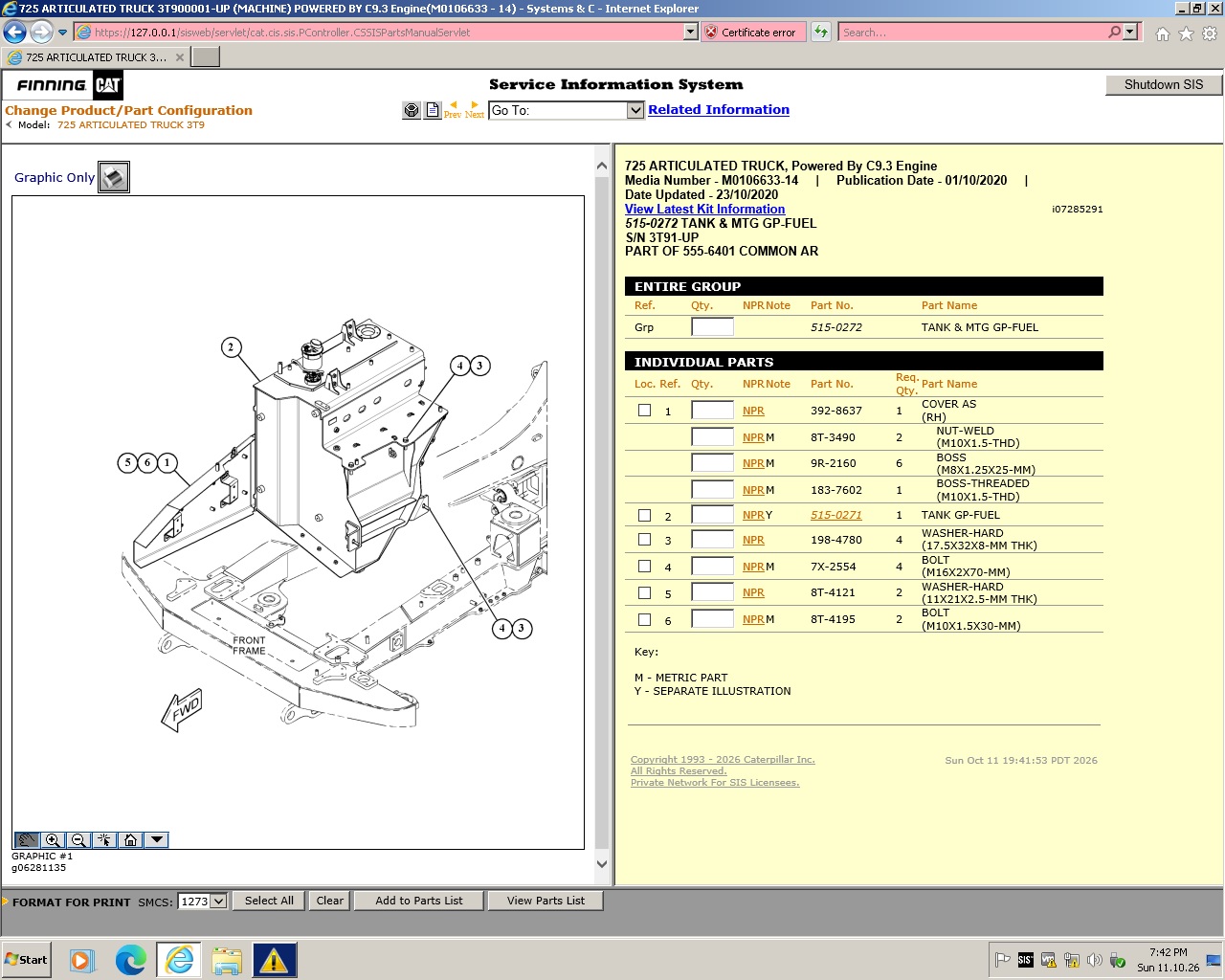
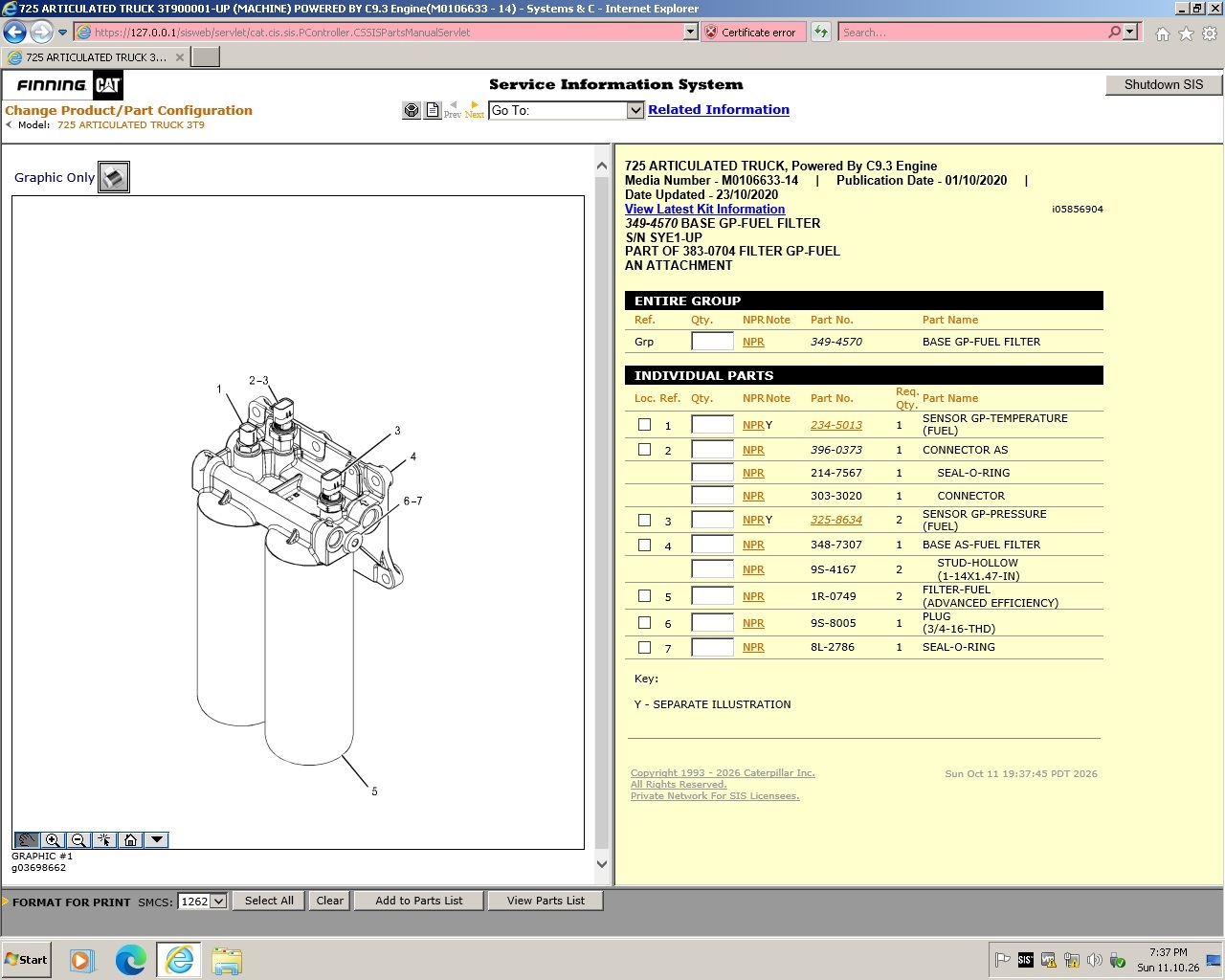
- Open interactive schematics, wiring diagrams and parts pages with part numbers and quantities (photos 5–8).
Delivery: download link sent after payment. VMware Workstation or Player required (free).
Reviews
There are no reviews yet.