Remote installation via TeamViewer included for free
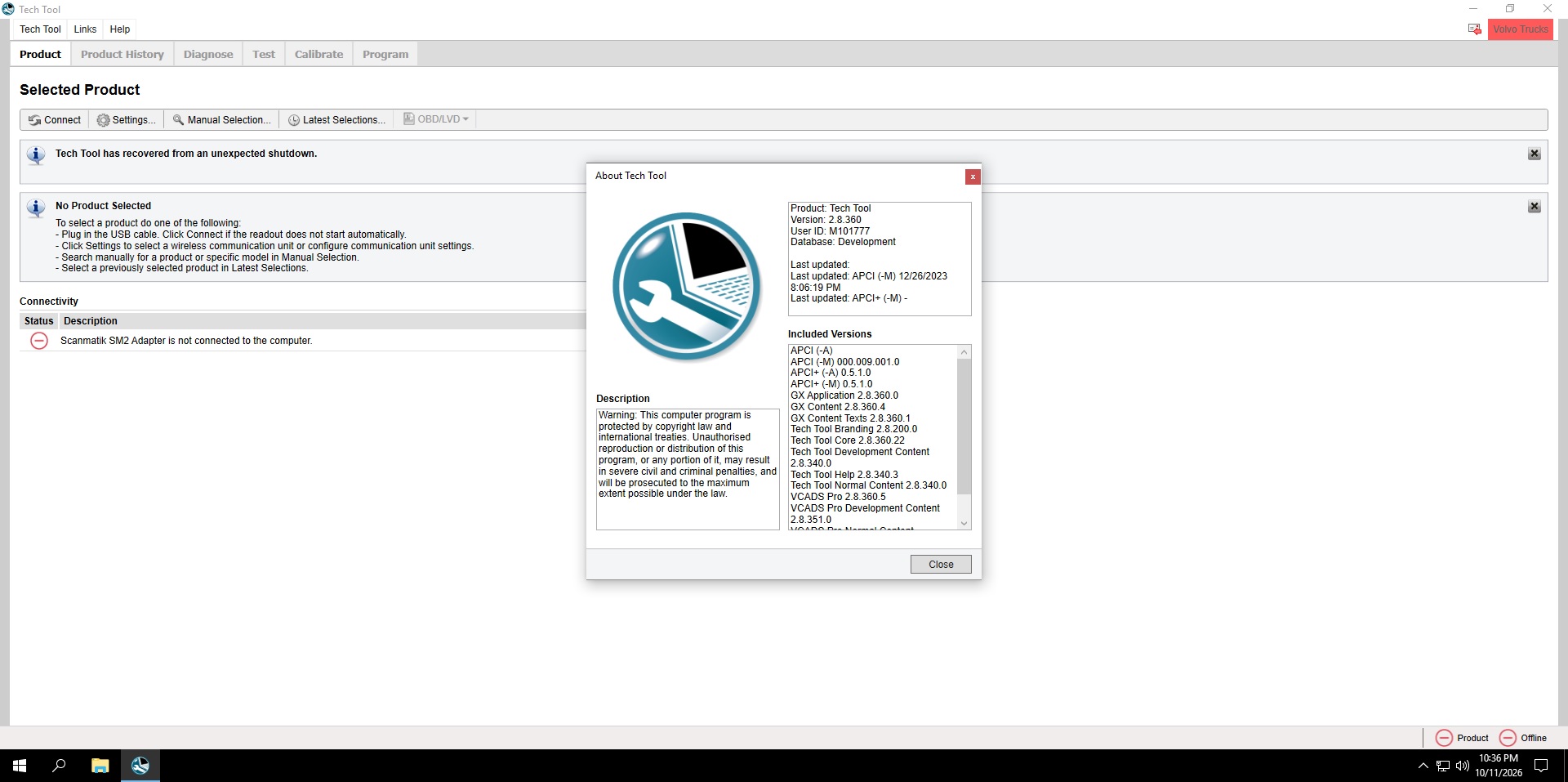
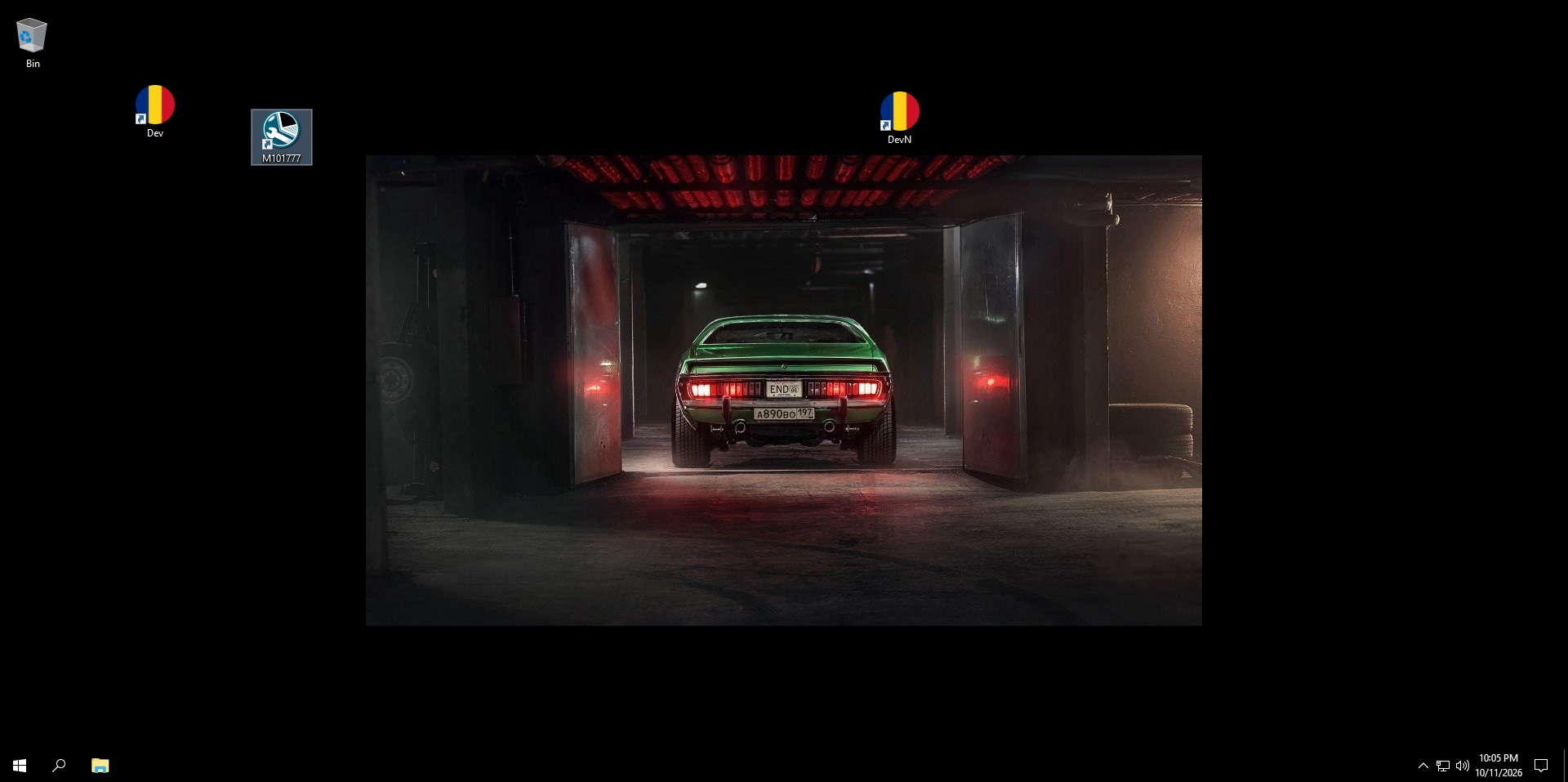
Get the newest Volvo dealer-level diagnostics with Volvo TechTool PTT 2.8.360, supplied as a fully pre-installed and pre-activated VMware virtual machine. No complicated installation, no activation headaches — import the VM, power it on, and start diagnosing Volvo trucks, buses and construction equipment right away while your host PC stays untouched.
Key Features:
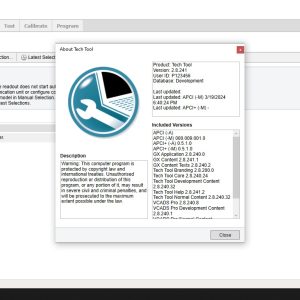
- Version: 2.8.360 (newest release — GX Application 2.8.360.0, Tech Tool Core 2.8.360.22, VCADS Pro 2.8.360.5)
- Format: ready-to-run VMware virtual machine, pre-activated with User ID M101777
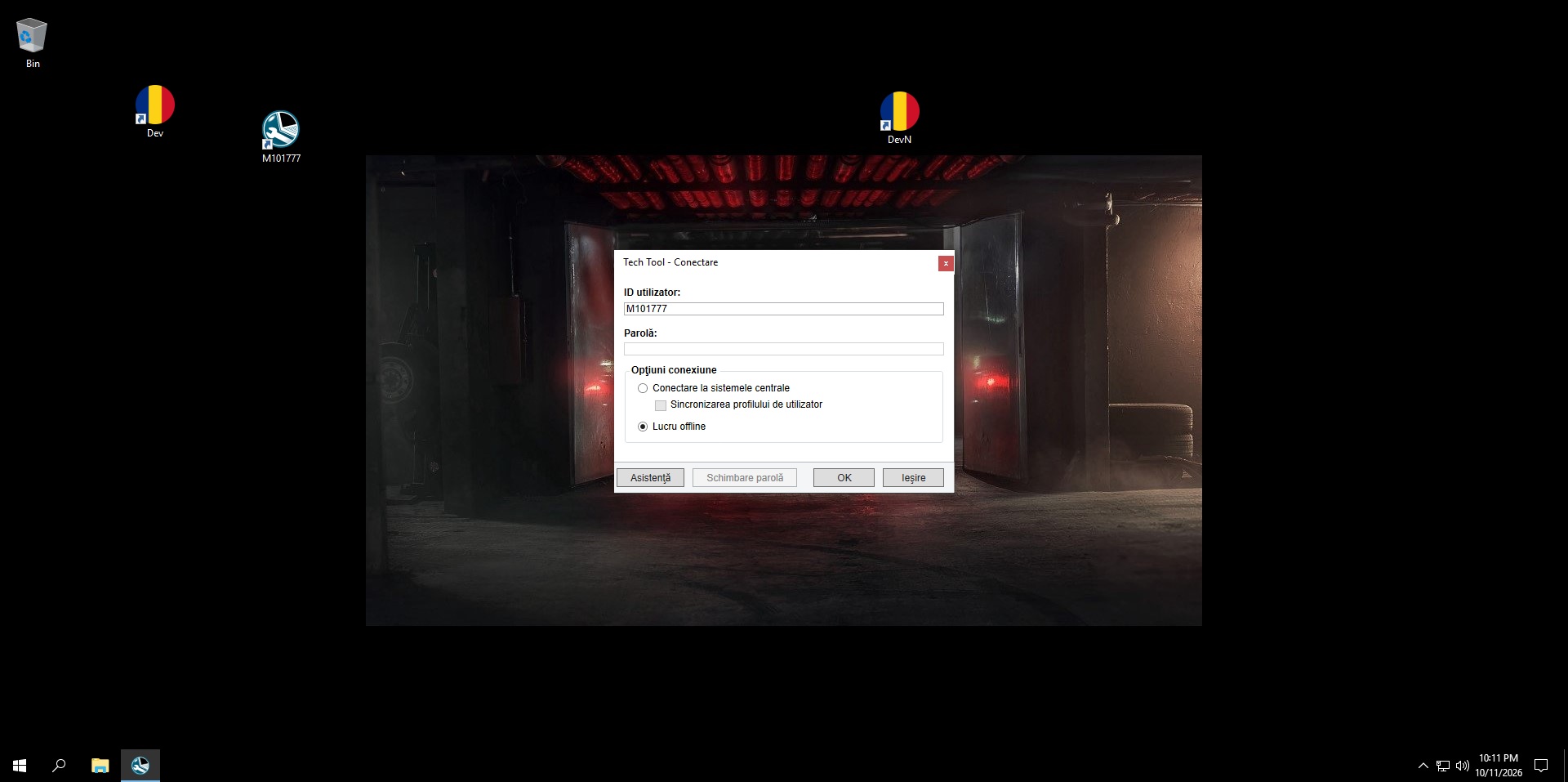
- Mode: works fully offline — just select Lucru offline (Work offline) at login, no central server needed
- Coverage: Volvo Trucks, Buses, Penta and CE — fault tracing, tests, calibrations, programming and parameter changes
- Database: Development database build, APCI data December 2023
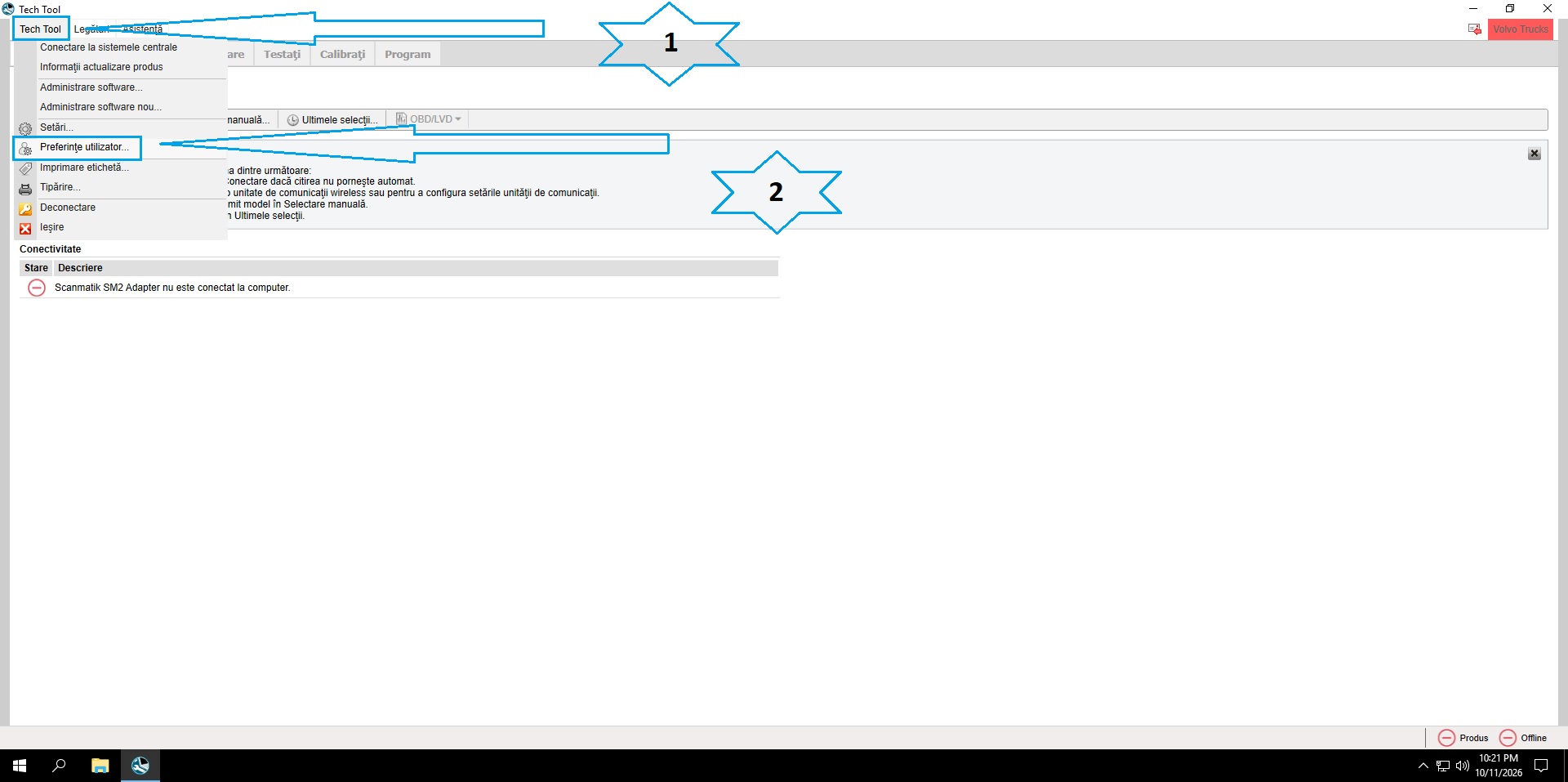
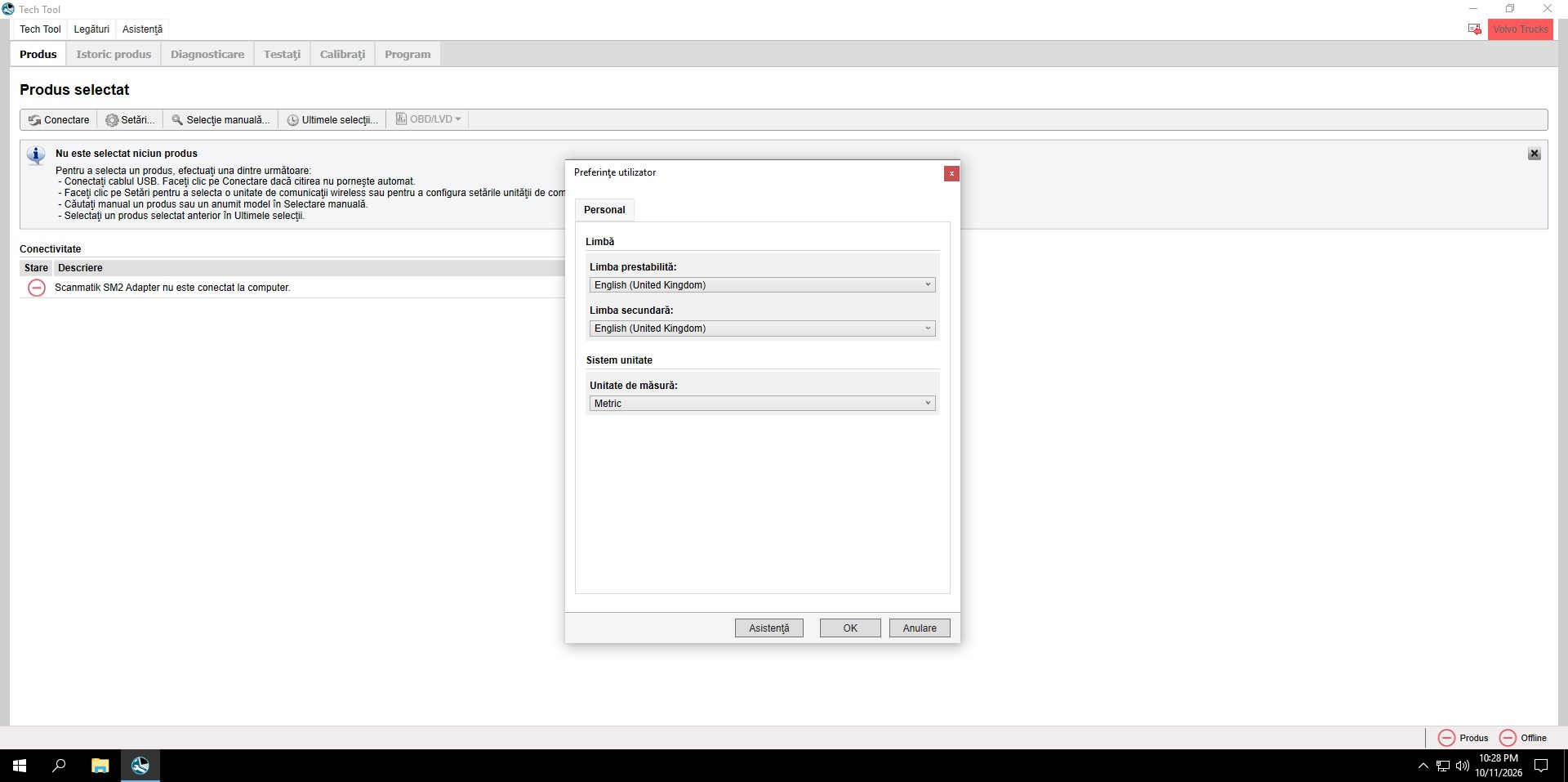
How to change the language (see screenshots 3 & 4):
- Open Tech Tool and click the Tech Tool menu in the top-left corner.
- Click Preferințe utilizator… (User Preferences).
- In the Personal tab, open the Limba prestabilită (Default language) dropdown and pick your language, e.g. English.
- Optionally set Limba secundară (Secondary language) the same way, choose Metric/Imperial under Unitate de măsură, then press OK.
- Restart Tech Tool — the whole interface now appears in your chosen language.
Delivery: download link sent after payment. VMware Workstation or Player required (free). A compatible RP1210 adapter (VOCOM, VCADS interface) is needed for live vehicle connection; full offline simulation included.
Reviews
There are no reviews yet.