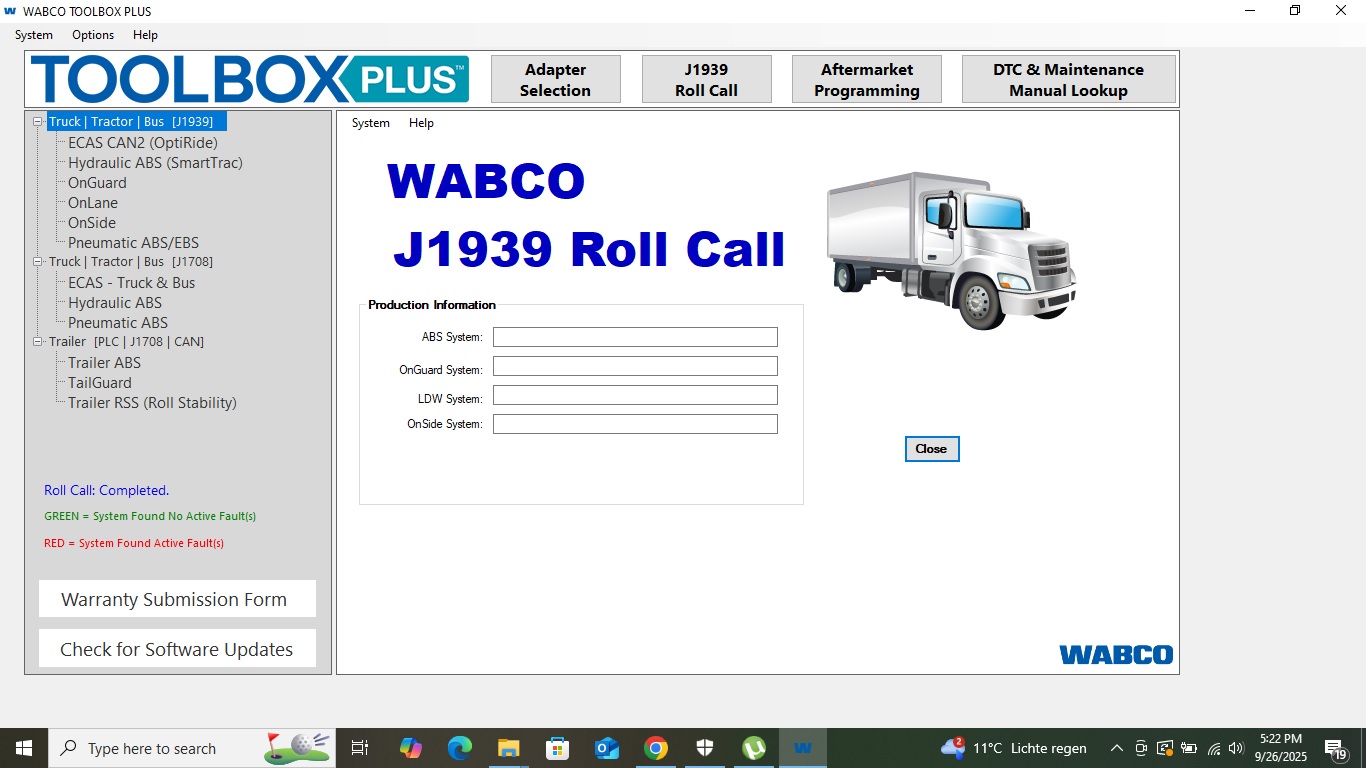
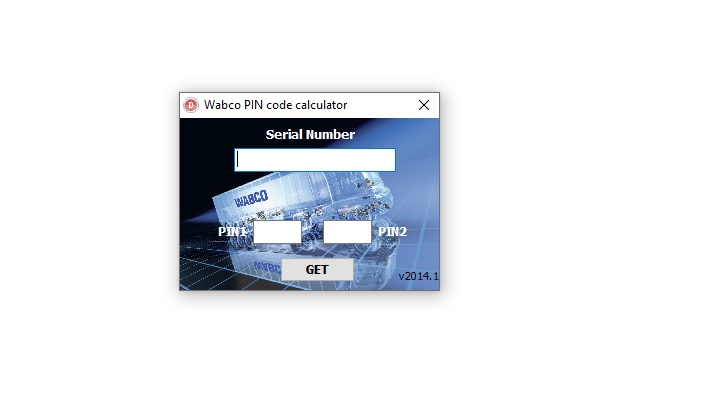
WABCO Toolbox Plus v13.7.1 is a leading diagnostic and programming software suite designed for commercial vehicle braking, suspension, and safety systems. This tool empowers workshops and technicians to fault-diagnose, configure, and calibrate WABCO ABS, HPB, ECAS, OnGuard, lane-assist, and trailer systems using modern interfaces.
✅ Key Features
-
Comprehensive System Support: Covers WABCO ABS & Hydraulic Power Brake (HPB), ECAS air suspension, trailer ABS & RSS, OnGuard collision safety system, OnLane lane departure, and blind-spot systems.
-
Dynamic & Static Diagnostics: View live and stored module data, execute system tests and component activations, and perform wiring integrity checks.
-
Aftermarket Programming: Program or re-configure ABS and ECAS modules when replacing ECUs or retrofitting parts.
-
User Interface & Tools: Modern menu layout, J1939 bus monitoring, fault lookup, and embedded documentation for enhanced usability.
-
Trailer & Tractor Support: Configure trailer ABS, auto lift axles, roll stability (RSS), and sensor calibrations on trailers and trucks.
? System Compatibility & Requirements
-
Supports Windows 10 / 11 platforms
-
Works with diagnostic adapters like Nexiq, Noregon DLA, DPA5, and RP1210 interfaces
-
Requires typical workshop PC specs (RAM, storage, etc.) and USB connectivity
📚 WABCO Toolbox 13.7 — Complete Documentation
Everything you need to get started with WABCO Toolbox 13.7:
- Complete Installation & Setup Guide
- System Requirements & Adapters
- ABS/EBS Fault Codes Guide
- Version History (13.7 vs earlier)
- Run on VMware Guide
- Beginner’s Guide
- FAQ — Top 20 Questions
Learn more: WABCO Toolbox 13.7 Complete Guide — setup, requirements, error codes, and FAQs.
Reviews
There are no reviews yet.