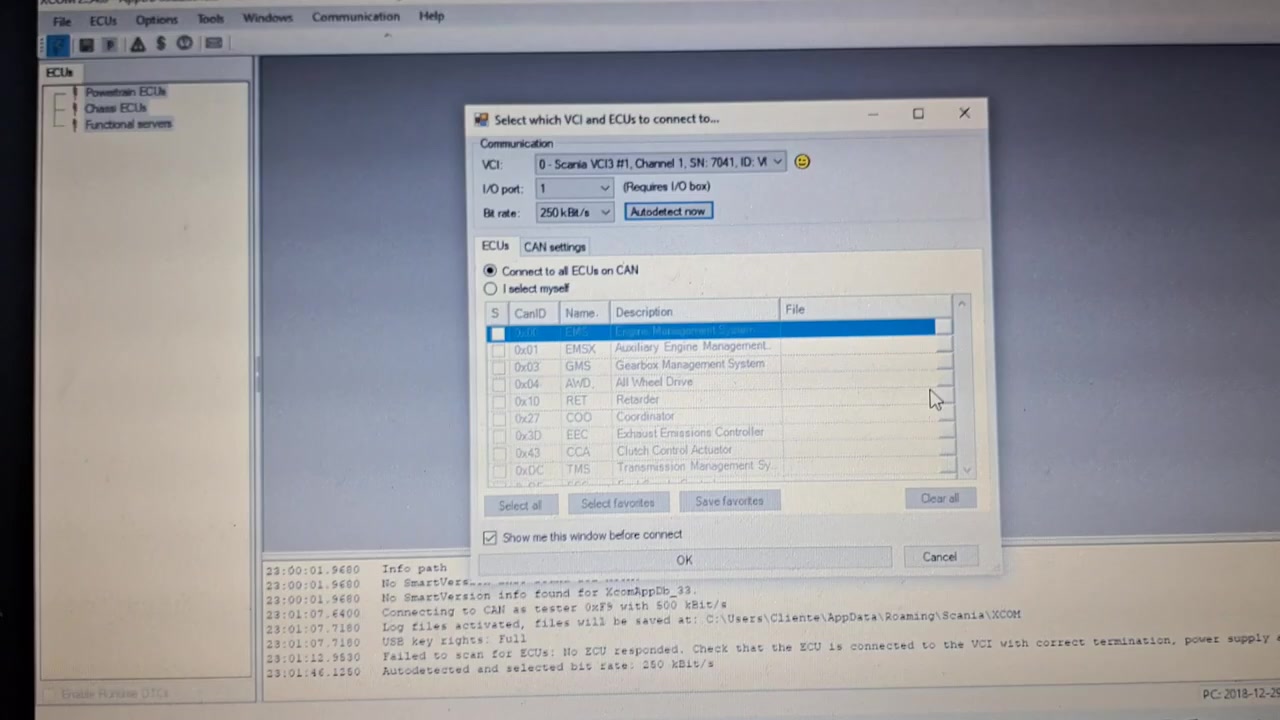
The SCANIA XCOM 2.54.0 AppDb 33.22010.3 diagnostic suite gives technicians deep access to engine control units, allowing precise configuration changes and fault clearing. This tutorial shows how to remove the power‑reduction mode on a Scania R440 that has a burnt AdBlue pump, using XCOM to edit emission‑related parameters and reset the ECU.
What You Will Learn
- How to connect XCOM to the R440 ECU and verify the correct vehicle identification.
- How to read key configuration parameters related to the AdBlue system.
- How to program the Euro‑3 emission level and disable SCR heating.
- How to turn off the NOx‑control torque reduction flag that triggers power loss.
- How to perform a proper ECU reset after parameter changes.
- How to confirm that the yellow dashboard warning stays off after the modification.
- Best‑practice safety steps before removing or disabling the AdBlue pump.
Step-by-Step Walkthrough
1. Launch SCANIA XCOM 2.54.0 and select the ECU Connection tab. Choose the correct COM port (usually COM3 for the Scania diagnostic cable) and click Connect. XCOM will display the ECU model and firmware version, confirming a successful link.
2. Once connected, navigate to Vehicle Identification. Verify that the displayed VIN matches the R440 chassis and that the software version is listed as Euro‑5 (the tool will allow you to downgrade to Euro‑3 for this procedure). Click Read to pull the current configuration set.
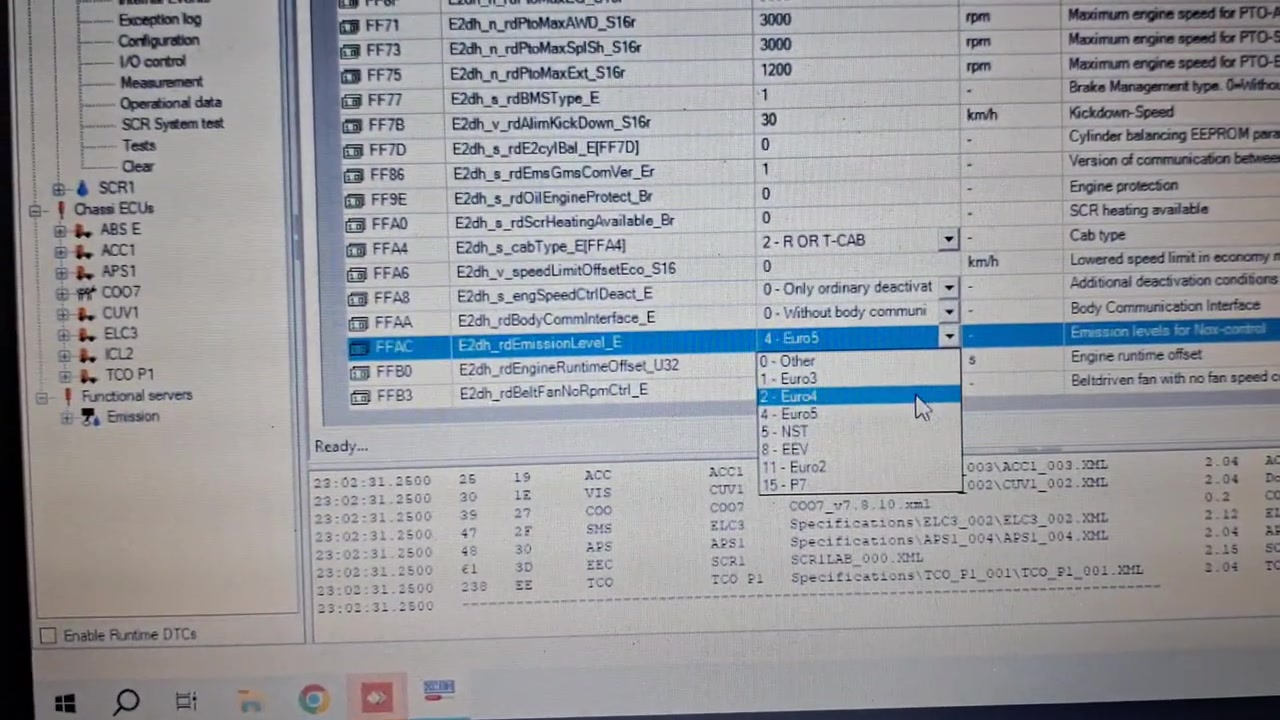
3. Open the Parameter List and locate the three parameters that control the AdBlue system:
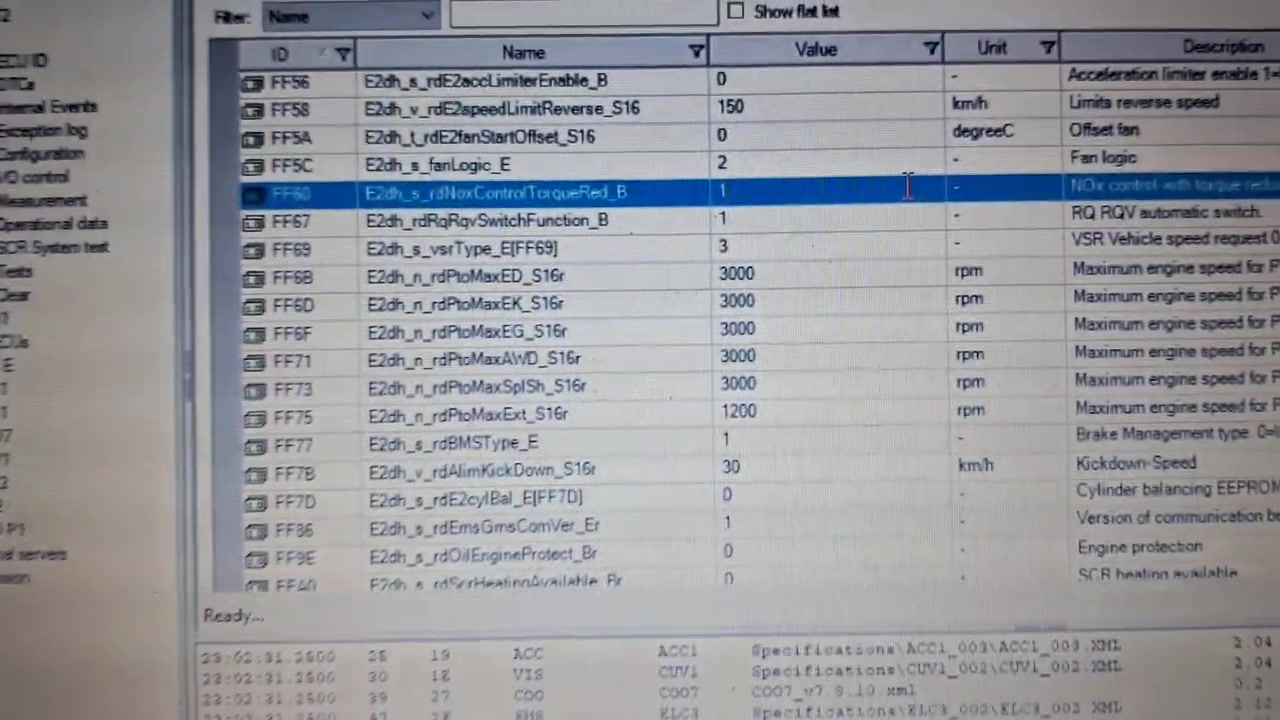
FFAC E2dh_rdEmissionLevel_EFFA0 E2dh_s_rdScrHeatingAvailable_BrFF60 E2dh_s_rdNoxControlTorqueRed_B
Use the filter box to type each code and press Enter. The current values will appear in the right‑hand column.
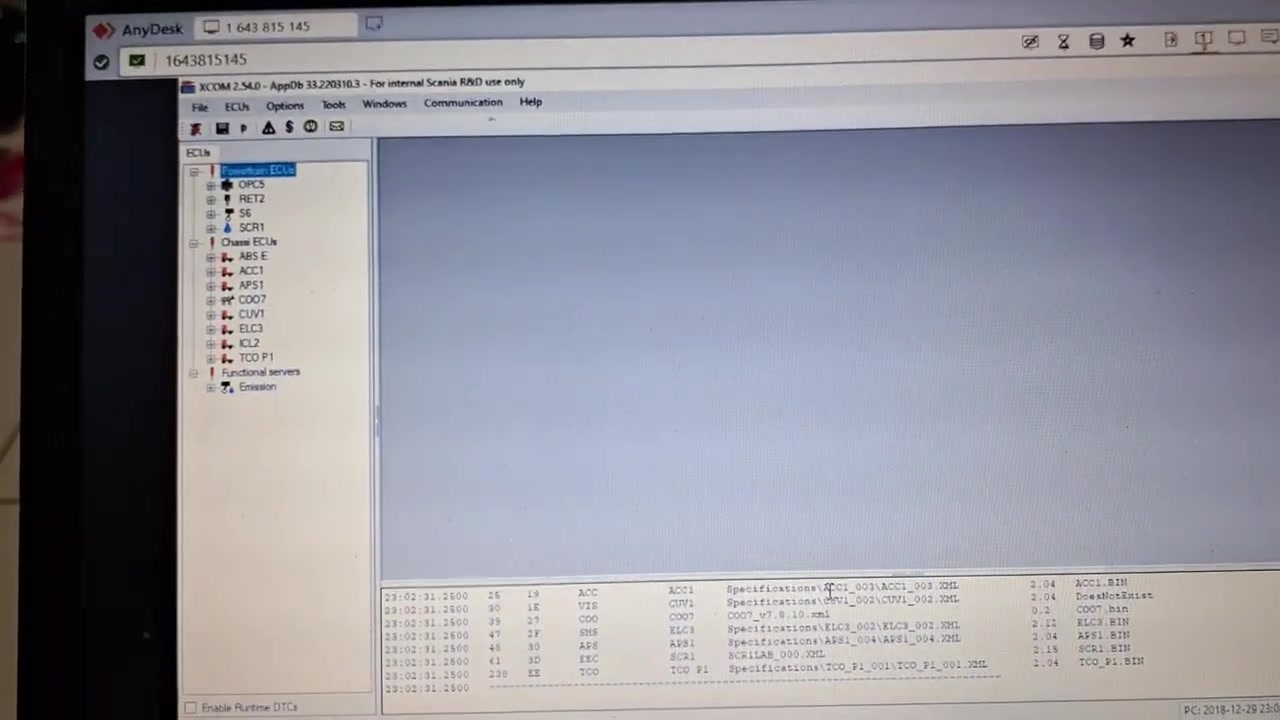
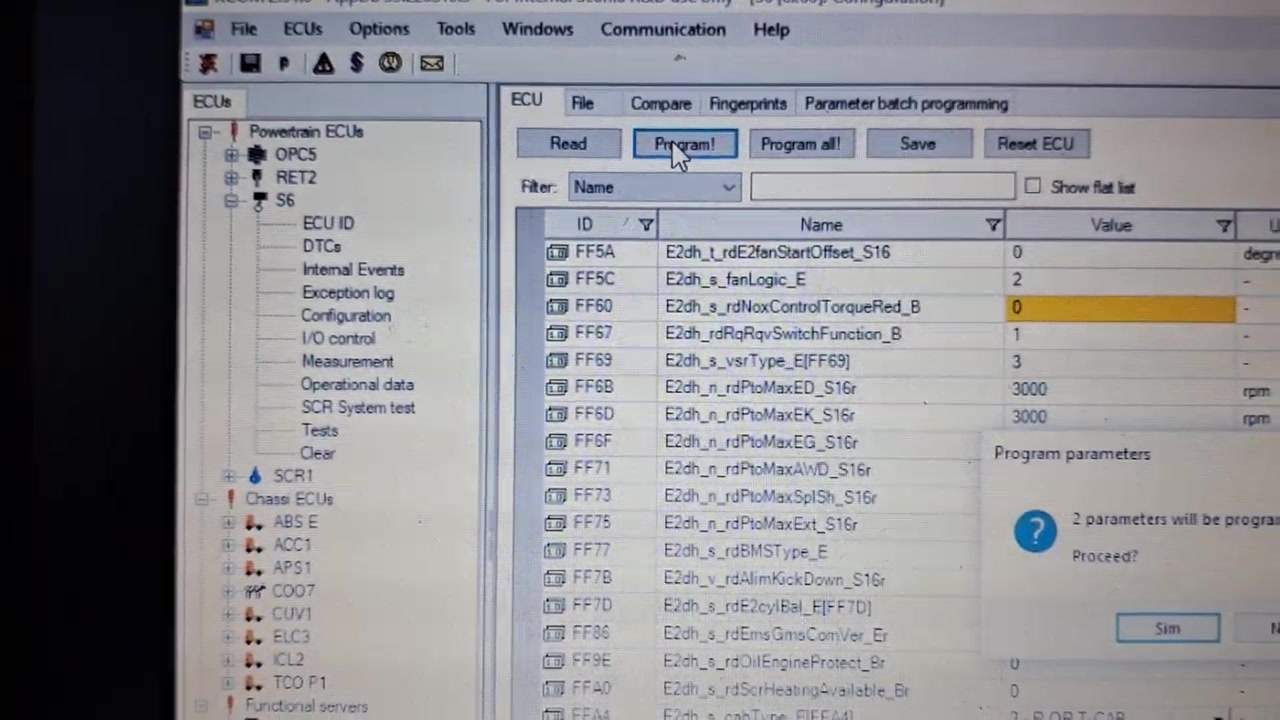
4. To fully disable the AdBlue system (recommended when the pump is removed), change the emission level to Euro‑3 by selecting FFAC E2dh_rdEmissionLevel_E and choosing “1‑Euro3” from the dropdown. Then set FFA0 E2dh_s_rdScrHeatingAvailable_Br to “0” (heating unavailable) and FF60 E2dh_s_rdNoxControlTorqueRed_B to “0” (torque reduction disabled). Click Write after each change to store the new value in the ECU.
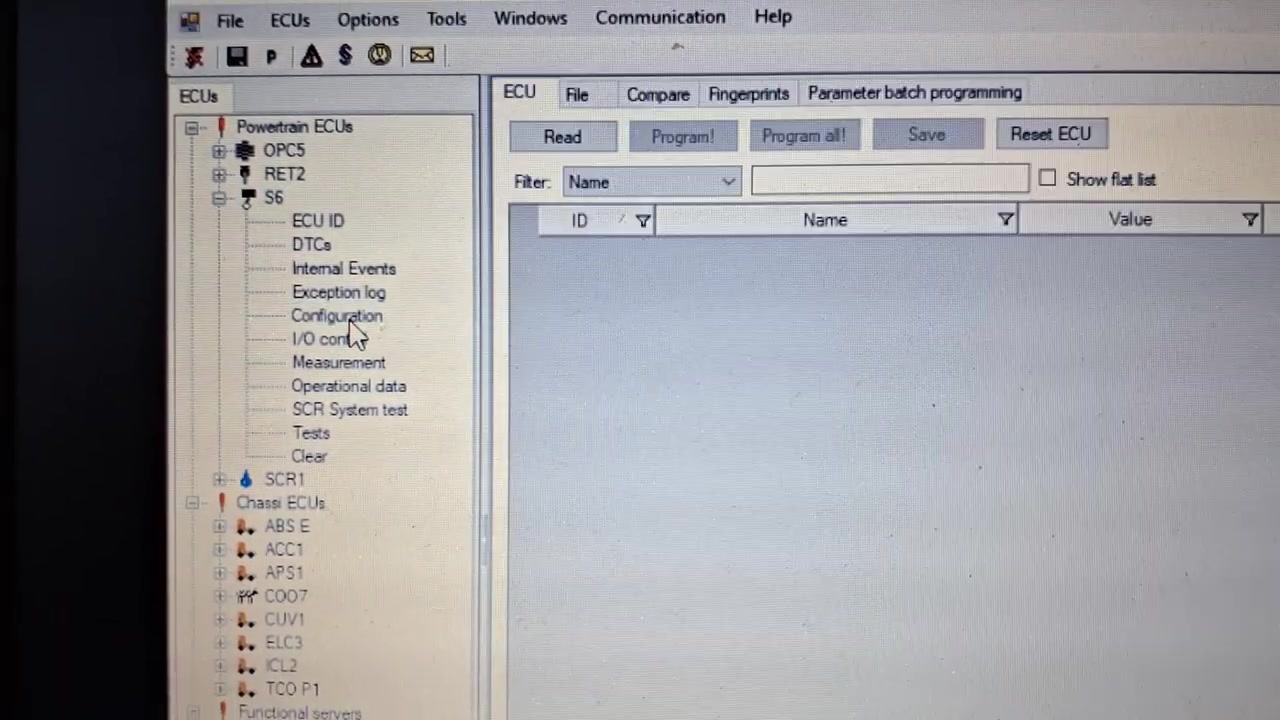
5. If you only need to remove the power‑reduction flag while keeping the rest of the SCR system intact, edit only FF60 E2dh_s_rdNoxControlTorqueRed_B to “0” and write the change. This approach leaves the SCR heating and emission level untouched.
6. After all parameter writes are complete, go to the ECU Reset screen. Select Full Reset and confirm the prompt. XCOM will cycle power to the control unit, clearing volatile memory and forcing the new parameters to take effect. The reset process takes about 30 seconds; a progress bar will indicate completion.
7. Re‑connect to the ECU and read back the three parameters to verify that the values persisted through the reset. The yellow AdBlue warning light should now stay off, and the engine will no longer limit torque under load. Perform a short road test to confirm that the power reduction is gone.
8. Finally, document the changes in the service log within XCOM. Add a note describing the burnt pump, the parameter modifications, and the reset timestamp. Export the log as a PDF for future reference.

Key Features of SCANIA XCOM 2.54.0 AppDb 33.22010.3
- Comprehensive ECU identification and firmware readout for all Scania truck models.
- Live parameter editing with validation against the AppDb database to prevent illegal values.
- Batch write capability that reduces the time needed for multiple configuration changes.
- Integrated ECU reset functions (soft, hard, and full) to ensure changes are applied correctly.
- Diagnostic trouble‑code (DTC) retrieval and clear functions for both emission and power‑train systems.
- Exportable service reports that meet OEM documentation standards.
Compatible Vehicles and ECUs
This guide applies to the Scania R440 equipped with the Euro‑5 engine control unit that can be re‑programmed to Euro‑3 emission settings via XCOM. The same parameters are present in other Scania models such as the G-series and P‑series when they share the E2dh ECU architecture, but the VIN and firmware version must be verified before proceeding.
Pro Tips
- Always back up the original parameter set using the Export Parameters function before making any changes.
- If the AdBlue pump is still physically present but non‑functional, disconnect its wiring harness to avoid false sensor readings after disabling the system.
- After a full system disable, monitor exhaust gas temperature (EGT) during the first 200 km to ensure the engine remains within safe limits.
- When only clearing the torque‑reduction flag, keep a copy of the original emission level setting in case future regulations require re‑activation.
- Use the “Diagnostic Session – Extended” mode in XCOM for faster data transfer when reading large parameter blocks.
By mastering these XCOM procedures, technicians can reliably eliminate power‑loss symptoms caused by a faulty AdBlue system, restore full engine performance, and keep detailed service records for compliance.
Frequently Asked Questions
What happens after disabling the AdBlue system?
The truck will no longer cut power, but will generate communication faults with the pump and the yellow warning light on the dashboard will remain on.
Which parameters need to be changed to disable AdBlue power reduction?
`FFAC E2dh_rdEmissionLevel_E` to Euro3, `FFA0 E2dh_s_rdScrHeatingAvailable_Br` to 0, and `FF60 E2dh_s_rdNoxControlTorqueRed_B` to 0.
Ready to use SCANIA XCOM 2.54.0 AppDb 33.22010.3 in your workshop? Download it directly from firstdiag.com — instant delivery, no subscription needed.



