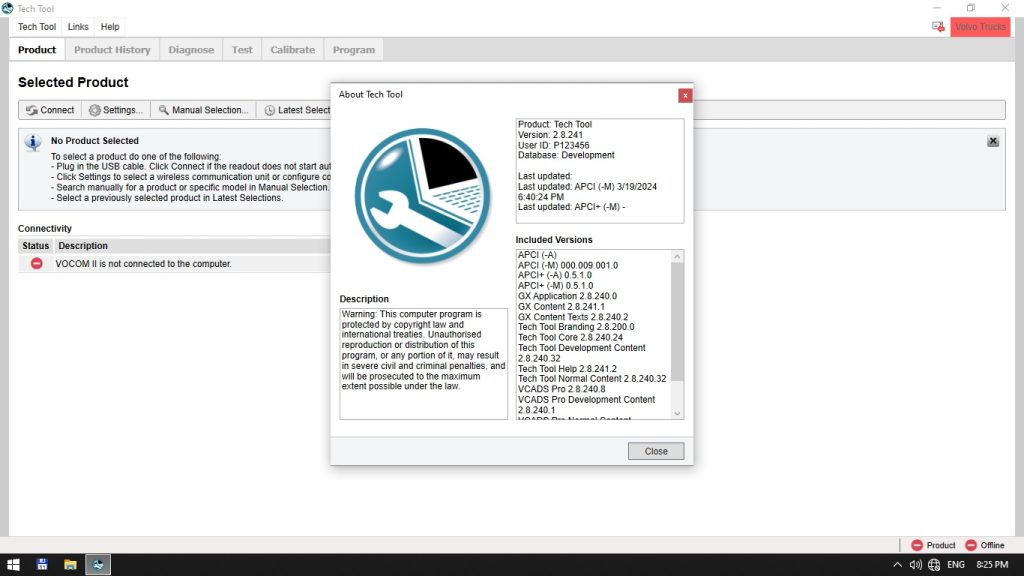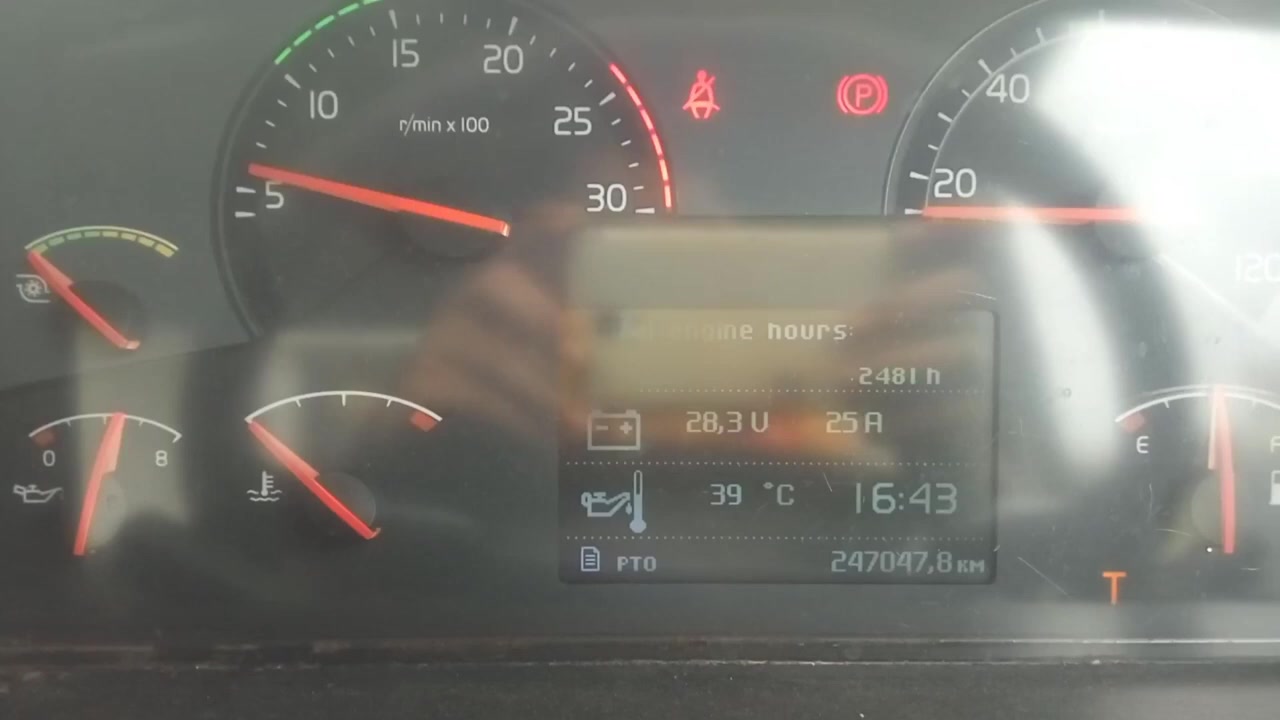
Volvo Tech Tool is the official diagnostic and programming suite for Volvo Trucks, giving technicians direct access to vehicle parameters and ECU functions. This tutorial walks you through using Volvo Tech Tool to set the engine speed limit when the PTO is active on a Volvo FM 440, helping you prevent costly hydraulic pump damage.
What You Will Learn
- How to navigate to the engine control module (ECM) in Volvo Tech Tool.
- How to read the current PTO‑related parameters.
- How to modify the engine speed limit for PTO operation.
- How to write the new parameter values back to the ECM.
- How to verify the change with a live data read.
- How to safely power‑cycle the vehicle after programming.
- How to troubleshoot common error messages that may appear during the process.
Step-by-Step Walkthrough
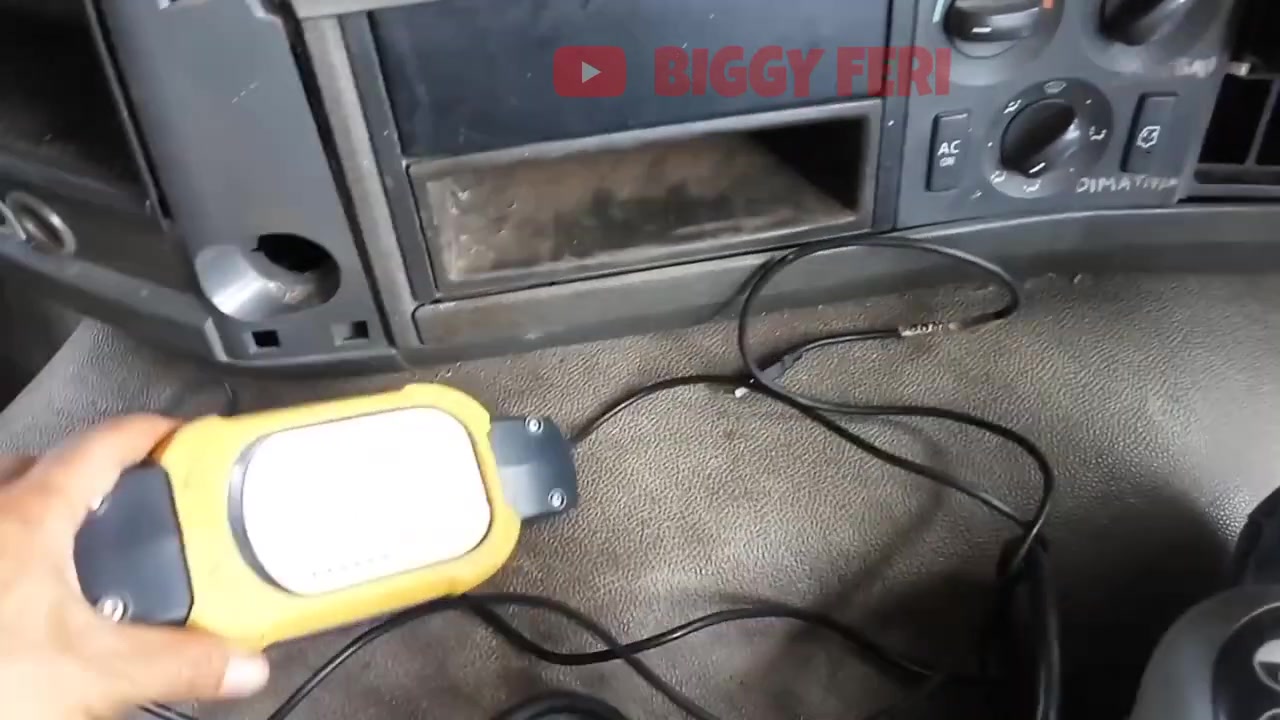
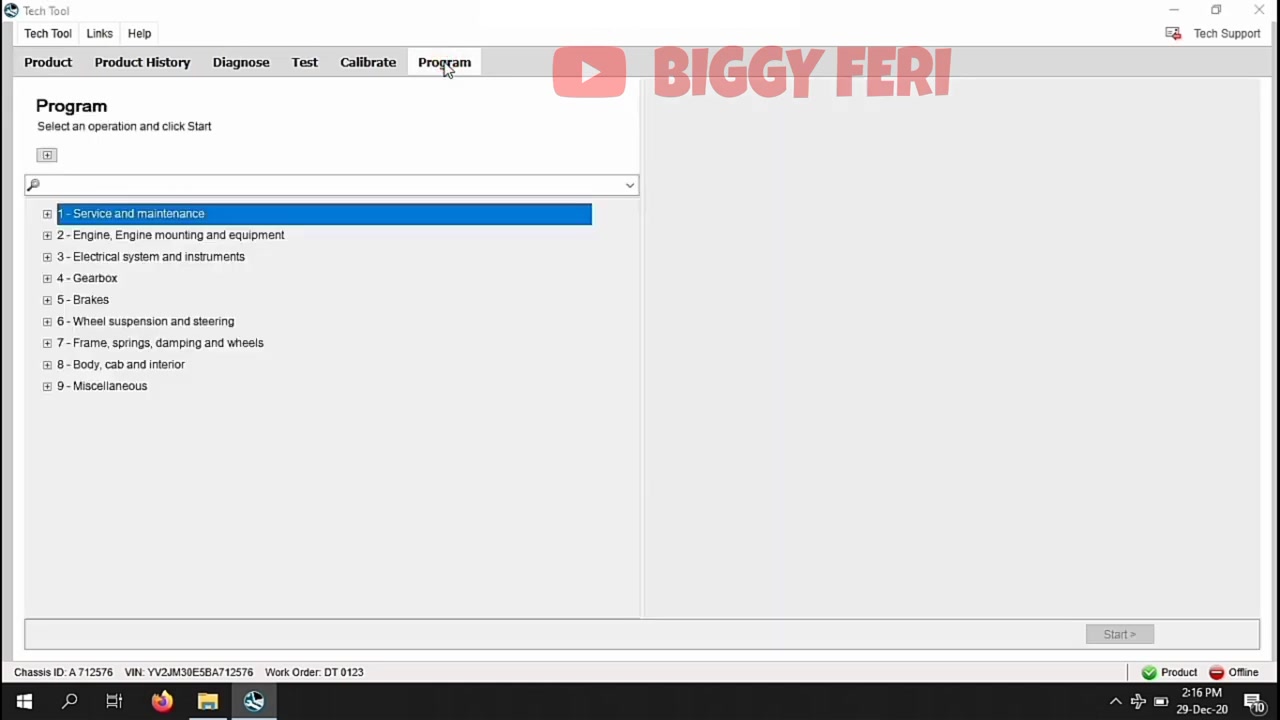
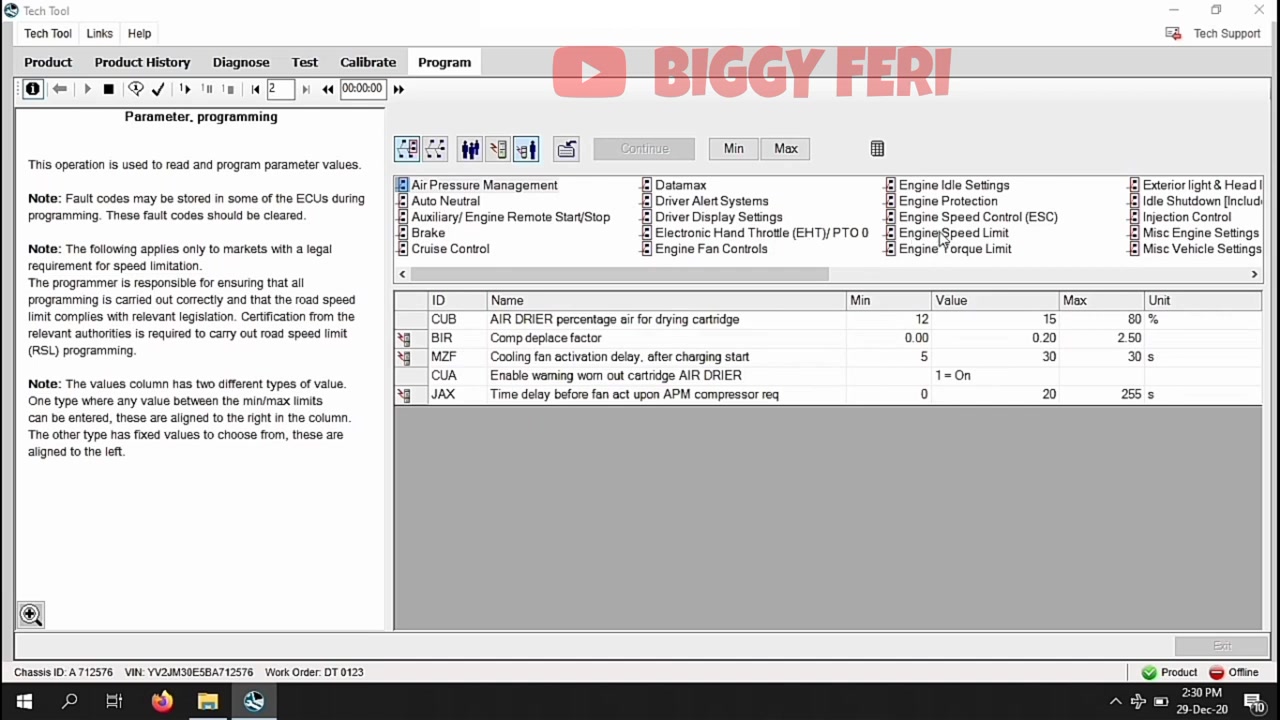
Begin by connecting the Volvo Tech Tool interface cable to the diagnostic port on the FM 440 chassis (ID A.712576). Launch the Volvo Tech Tool software and select the correct vehicle profile – Euro 3 FM 440 – from the drop‑down list. Once the connection is established, the main screen will display a list of available ECUs. Click on Engine Control Module (ECM) to open the parameter tree.
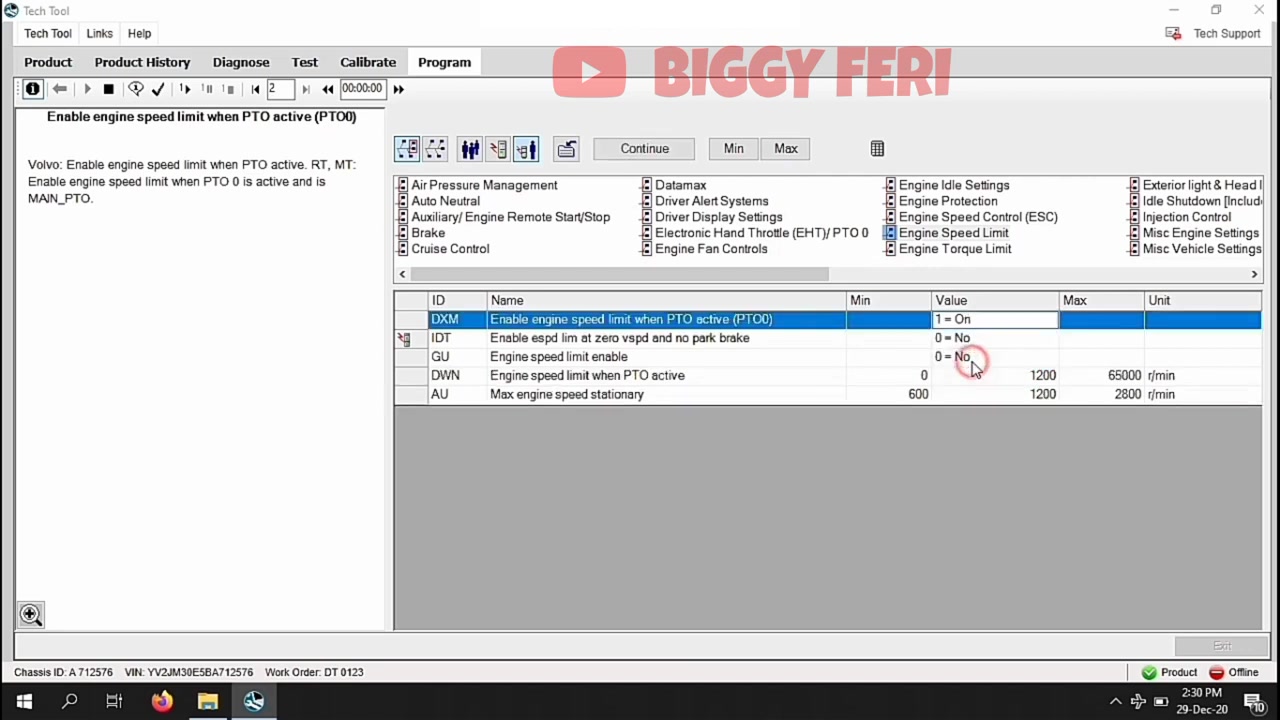
In the ECM tree, expand the Power Take‑Off (PTO) folder and locate the parameter named EngineSpeedLimit_PTOActive. Highlight it and press the Read button; the current value (typically 1650 rpm) will appear in the value field. Verify the reading against the service bulletin that recommends a lower limit to protect the hydraulic pump.
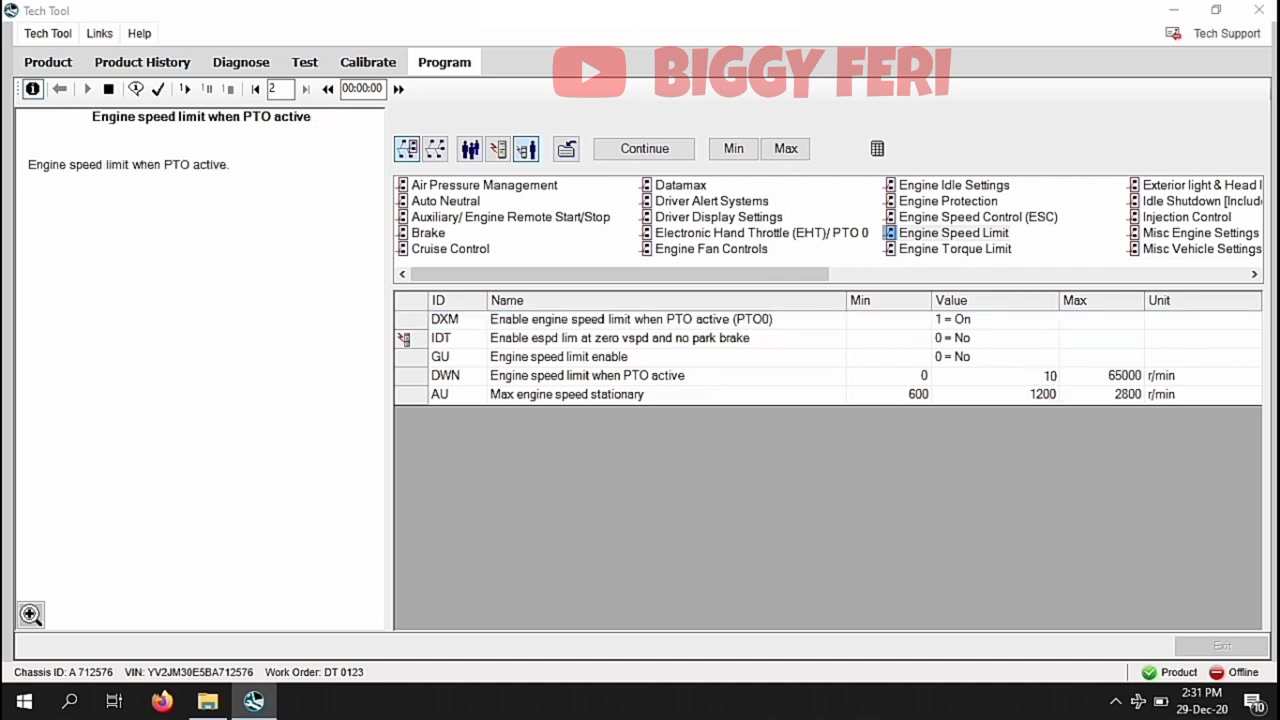
To change the limit, select the same parameter and click Write. A numeric keypad will appear; enter the desired maximum RPM, for example 1400, then confirm. The software will prompt you to confirm the write operation; accept it and wait for the “Write successful” message.
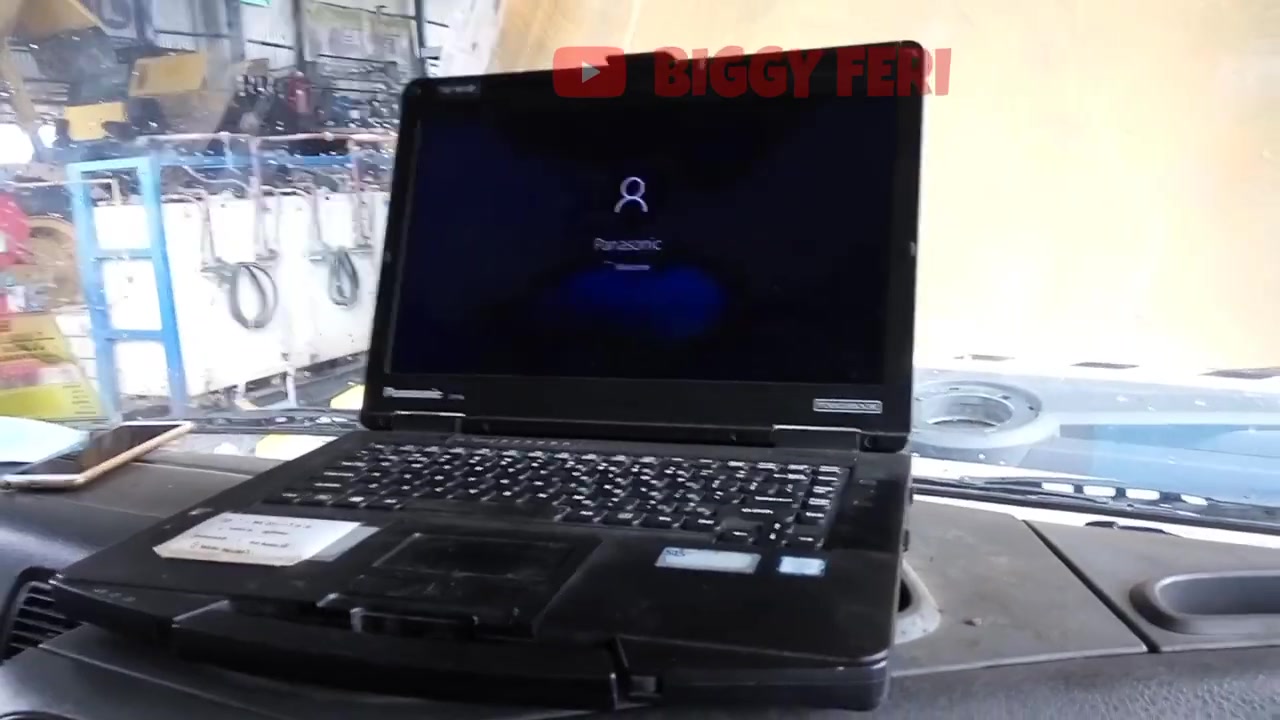
After the write completes, it is essential to power‑cycle the vehicle. Volvo Tech Tool will display a dialog instructing you to turn the ignition off, wait ten seconds, and then restart the engine. Follow the on‑screen prompts exactly; this ensures the new setting is stored in non‑volatile memory.
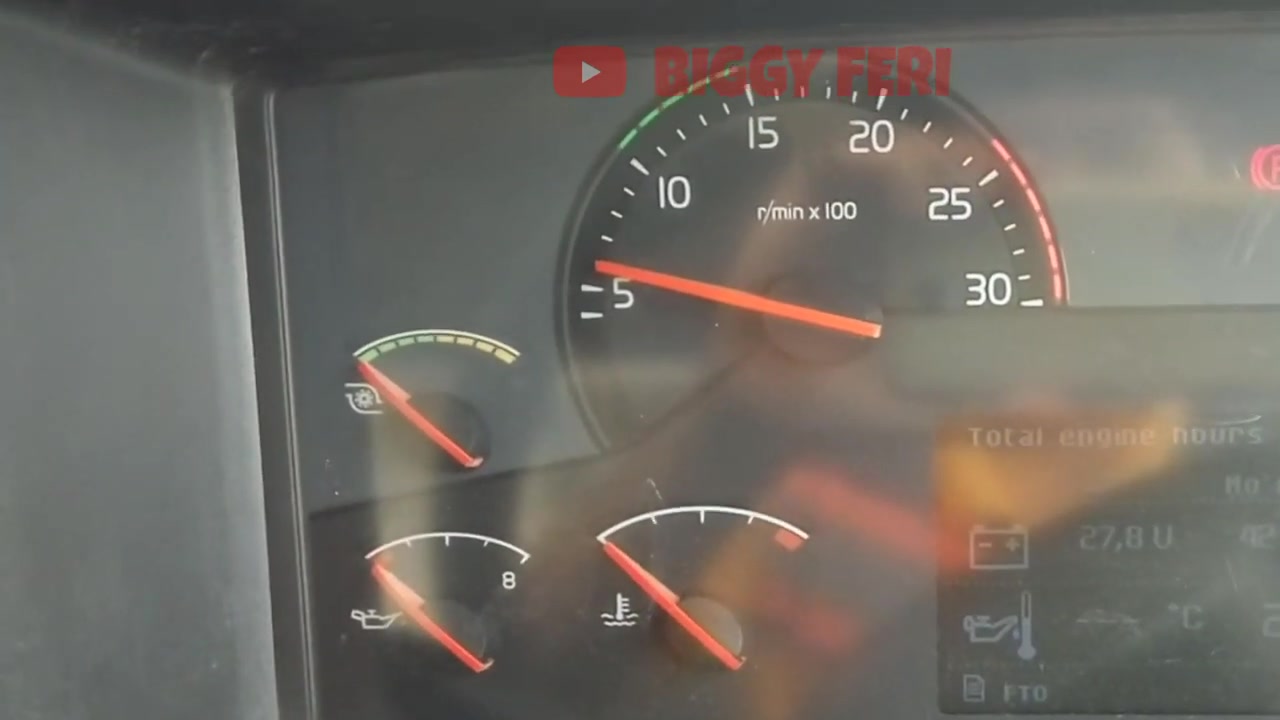
With the engine running, return to the ECM screen and select Live Data. Add the EngineSpeedLimit_PTOActive channel to the live view to confirm that the new limit is active. Spin the PTO lever and observe the engine speed; it should not exceed the programmed 1400 rpm.
If the engine still reaches 1650 rpm, repeat the read/write cycle and verify that the correct ECU was selected. Occasionally, the software may display an error code such as 0xA123 – Parameter Locked. In this case, ensure the parking brake is fully applied and the engine is off before attempting the write again.
For documentation, use the Export Log function to save a PDF of the before‑and‑after parameter values. Attach this file to the service order to provide proof of compliance with the OEM recommendation.
Finally, close Volvo Tech Tool, disconnect the cable, and perform a short road test. Verify that the PTO operates smoothly and that the engine never exceeds the newly set limit under load. Capture a final screenshot of the live data readout for your records.
Key Features of Volvo Tech Tool
- Comprehensive ECU access for reading, coding, and programming.
- Live data streaming with customizable channel lists.
- Built‑in error‑code library and diagnostic trouble‑code (DTC) lookup.
- Secure parameter locking and unlocking based on vehicle state.
- Exportable reports in PDF and CSV formats for service documentation.
- Multi‑vehicle database covering all Volvo Truck series and model years.
Compatible Vehicles and ECUs
This procedure applies to Volvo FM series trucks equipped with Euro 3 emissions, specifically chassis ID A.712576. The primary ECU involved is the Engine Control Module (ECM), but related modules such as the Transmission Control Module (TCM) and the Power Take‑Off Control Unit (PTO‑CU) may also be accessed for broader diagnostics.
Pro Tips
- Always switch off the engine and engage the parking brake before initiating any write operation to prevent accidental parameter changes.
- Use the “Read All” function after a write to confirm that no other parameters were unintentionally altered.
- Keep a backup of the original parameter set by exporting the current configuration before making changes.
- If Volvo Tech Tool reports a communication timeout, reseat the diagnostic cable and verify that the vehicle’s battery voltage is above 12 V.
- After programming, perform a short idle test with the PTO engaged to ensure the engine speed limit holds under real‑world load.
By mastering this Volvo Tech Tool workflow, technicians can reliably protect PTO components, reduce warranty claims, and keep Volvo FM 440 trucks operating within safe engine speed parameters.
Frequently Asked Questions
How to set engine speed limit for PTO on a Volvo truck?
Use Volvo Tech Tool, navigate to Parameter Programming, enable ‘Enable engine speed limit when PTO active’, and set ‘Engine speed limit when PTO active’ to the desired RPM (e.g., 1000 RPM).
Ready to use Volvo Tech Tool in your workshop? Download it directly from firstdiag.com — instant delivery, no subscription needed.