When a customer brings in a 2012 Volkswagen Touran with a replaced gearbox and asks you to program the new Transmission Control Unit (TCU), which diagnostic scanner do you reach for? In this real-world workshop test, a technician using a Launch X431 Pro tablet attempted online TCU programming on a VW Touran 2.0 TDI DSG — and hit a wall. This article breaks down every step of the attempt, the exact error messages encountered, and what tools you actually need for VAG online ECU programming.
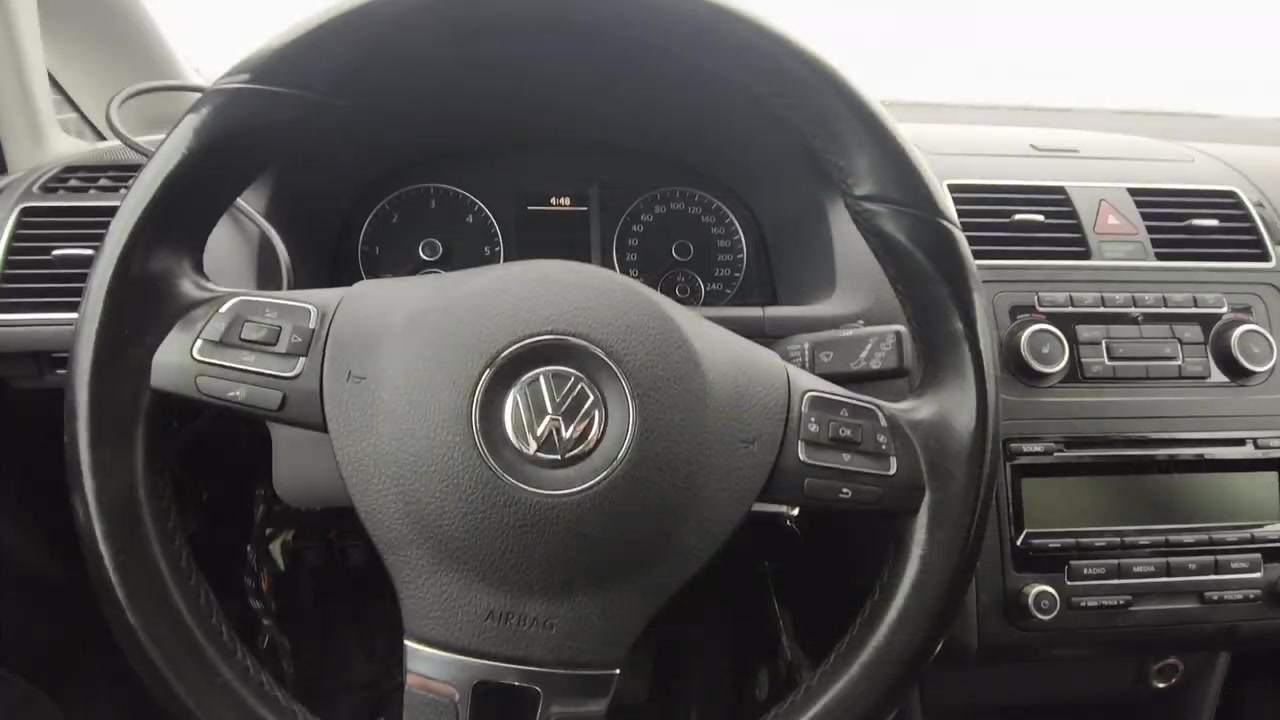
The Vehicle and the Problem
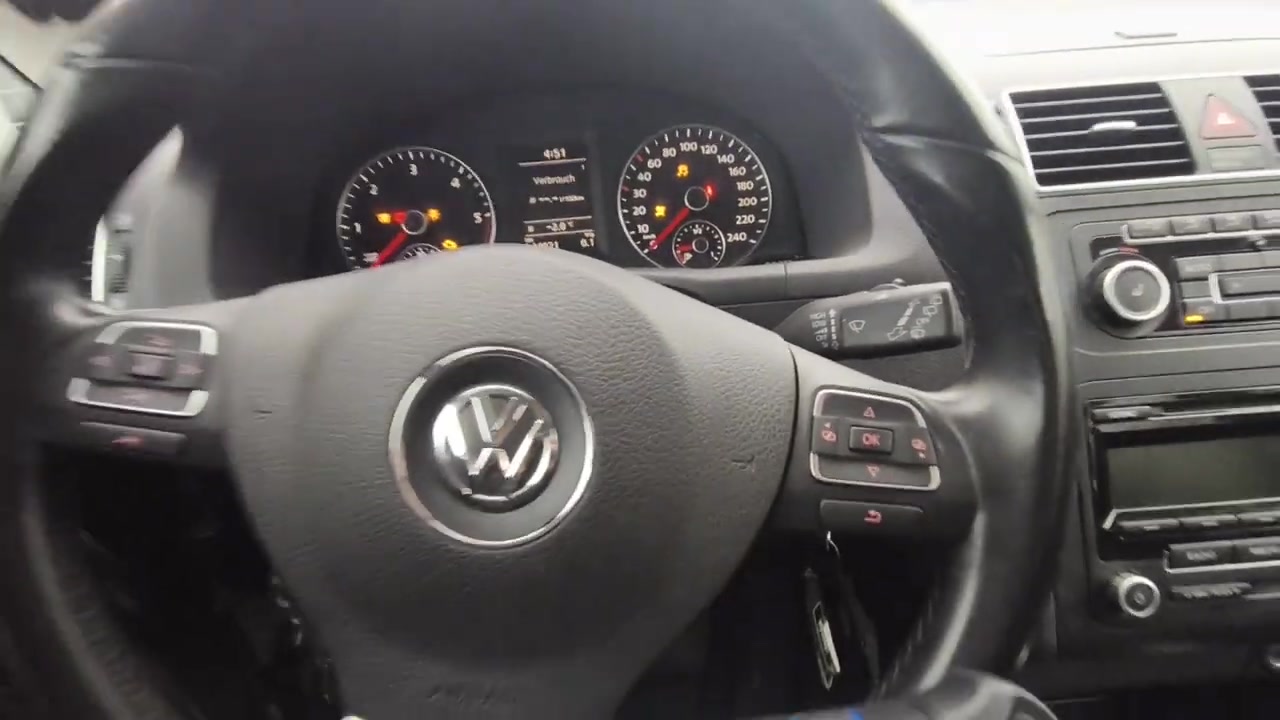
The test vehicle is a 2012 Volkswagen Touran fitted with the DSG (Direct Shift Gearbox) — specifically a DQ200 7-speed dry-clutch unit. The gearbox had been physically replaced, meaning the new TCU (Transmission Control Unit) needed to be married to the vehicle — a process that requires genuine OEM software or a compatible online programming platform.
The technician’s first discovery: the vehicle had zero communication at the OBD port. After tracing the wiring loom, a blown fuse near the battery box was identified as the culprit. Once replaced, full CAN bus communication was restored — a reminder that before blaming the scanner, always check the basics.
Launch X431: Initial System Scan
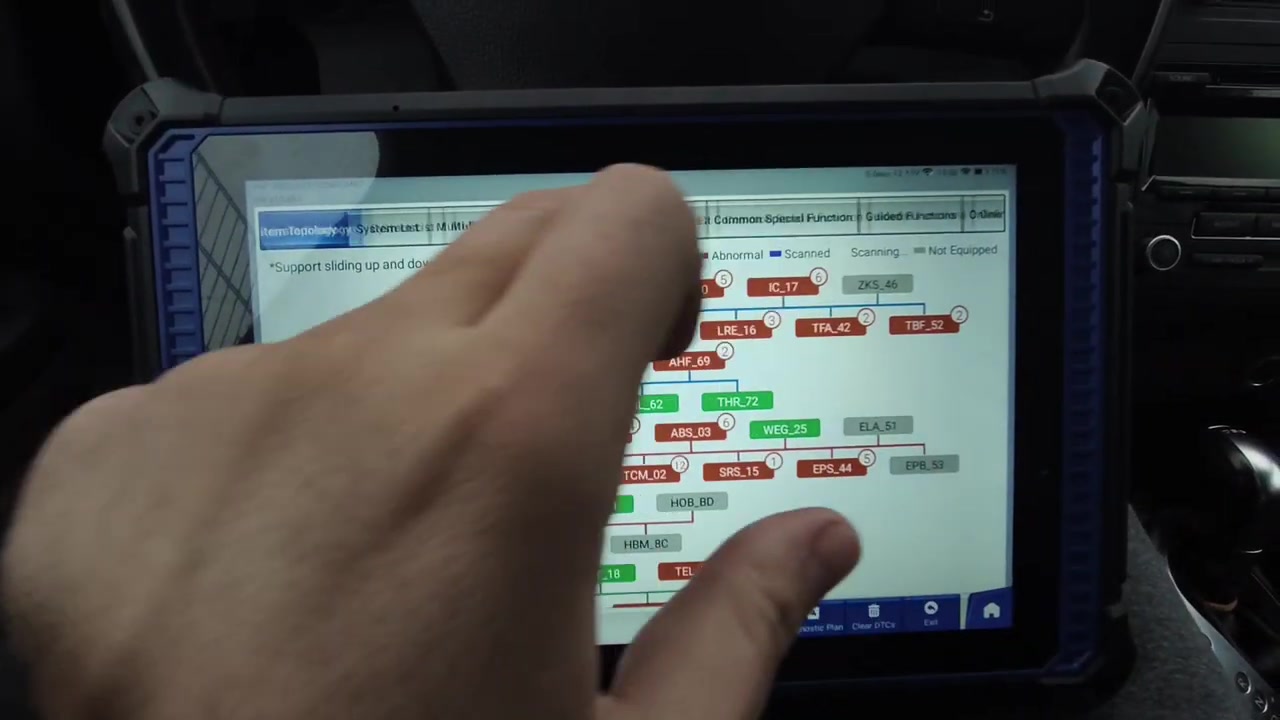
With communication restored, the Launch X431 tablet performed a full-system topology scan. The graphical topology map displayed over 20 modules across the Touran’s network — including the Gateway (CAN), Engine Control Module, ABS/ESP, Airbag, Instrument Cluster, Steering, and the target module: Transmission Electronics (Address 02).
Online Programming Attempt: Step by Step
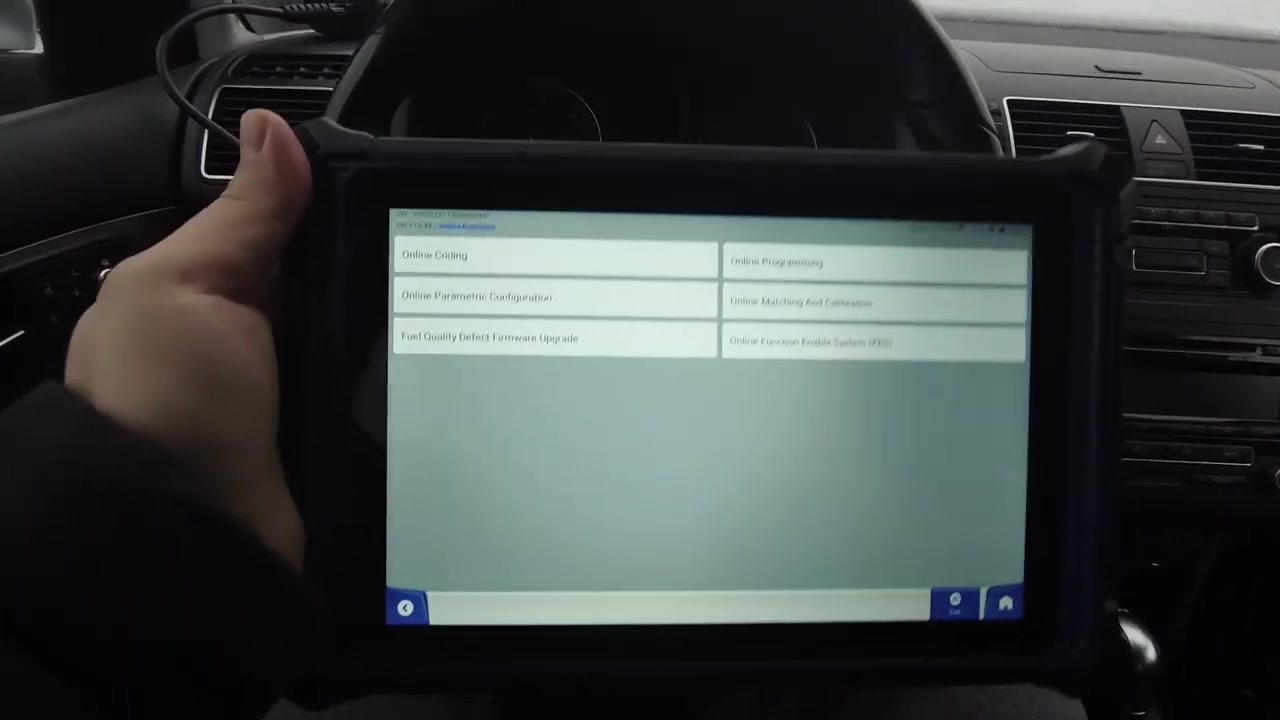
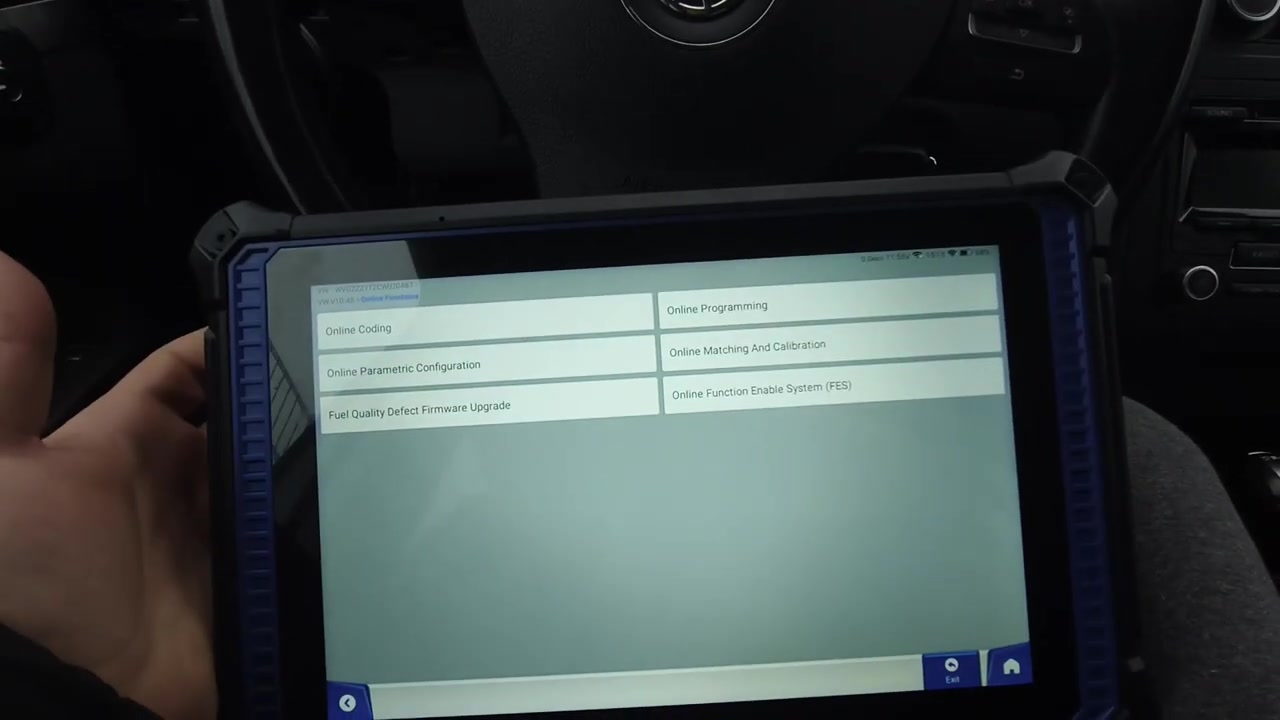
The technician navigated to Online Functions on the Launch X431 — the menu that promises cloud-connected programming, coding, matching, and calibration. The interface offered the following options:
| Online Function | Result on VW Touran TCU |
|---|---|
| Online Programming | ❌ FAILED — No refresh file found |
| Online Coding | ❌ FAILED — System does not support |
| Online Matching & Calibration | ❌ FAILED — System does not support |
| Online Parametric Configuration | ❌ FAILED — System does not support |
| Fuel Quality Defect Firmware Upgrade | ⚠️ Listed but not attempted |
| Online Function Enable System (FES) | ⚠️ Listed but not attempted |
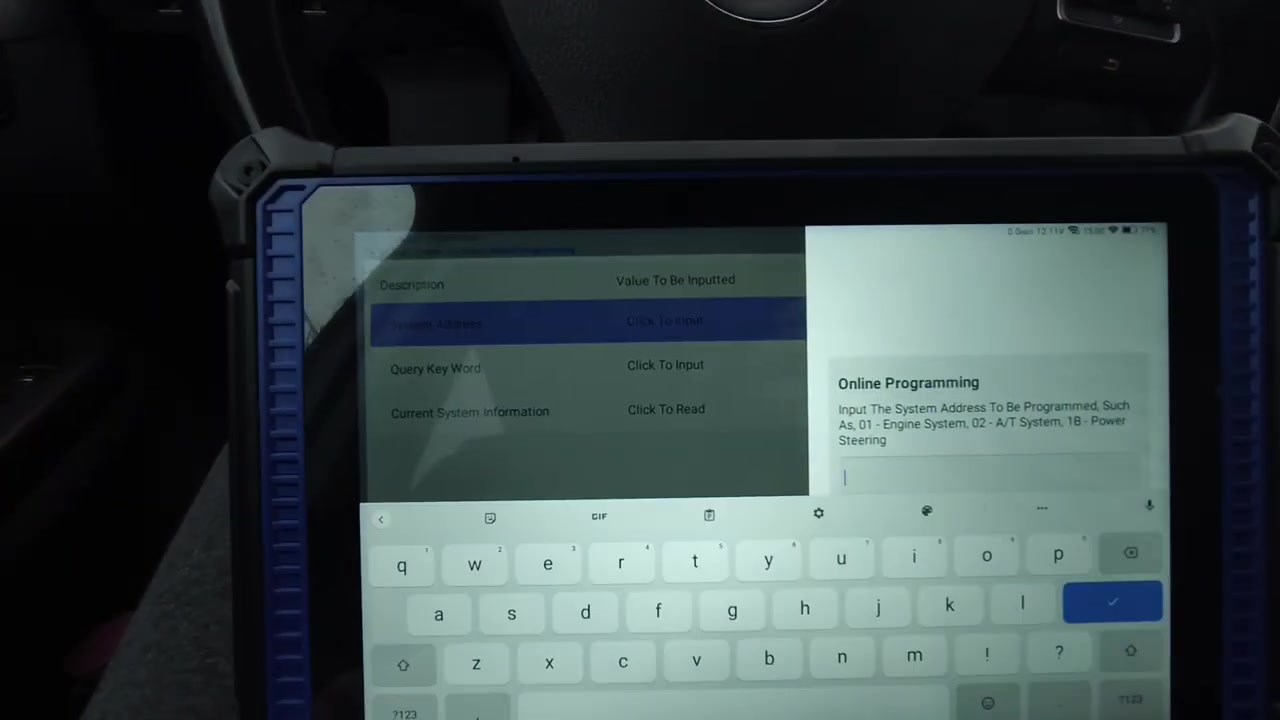
Step 1: Entering the System Address
The technician correctly entered System Address 02 — the standard VAG address for Transmission Electronics (used in all VAG diagnostic protocols from KWP2000 through UDS). This is the same address used in VCDS, ODIS, and other VAG-specific tools.
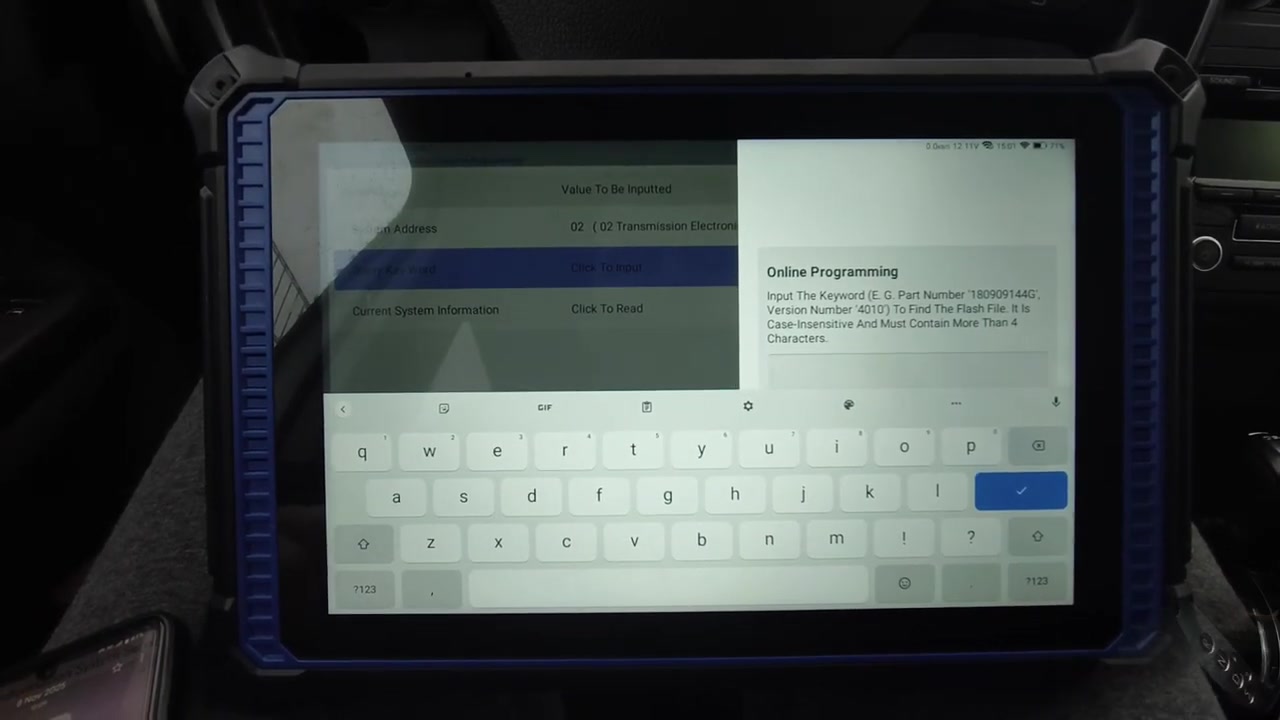
Step 2: Query by Part Number
For online programming, the X431 requires a query keyword — in this case the part number of the installed TCU: 0CW300044. This is the Bosch DQ200 TCU part number used in VW/Audi 7-speed dry-clutch applications (Golf, Touran, Polo).
Step 3: Module Successfully Identified
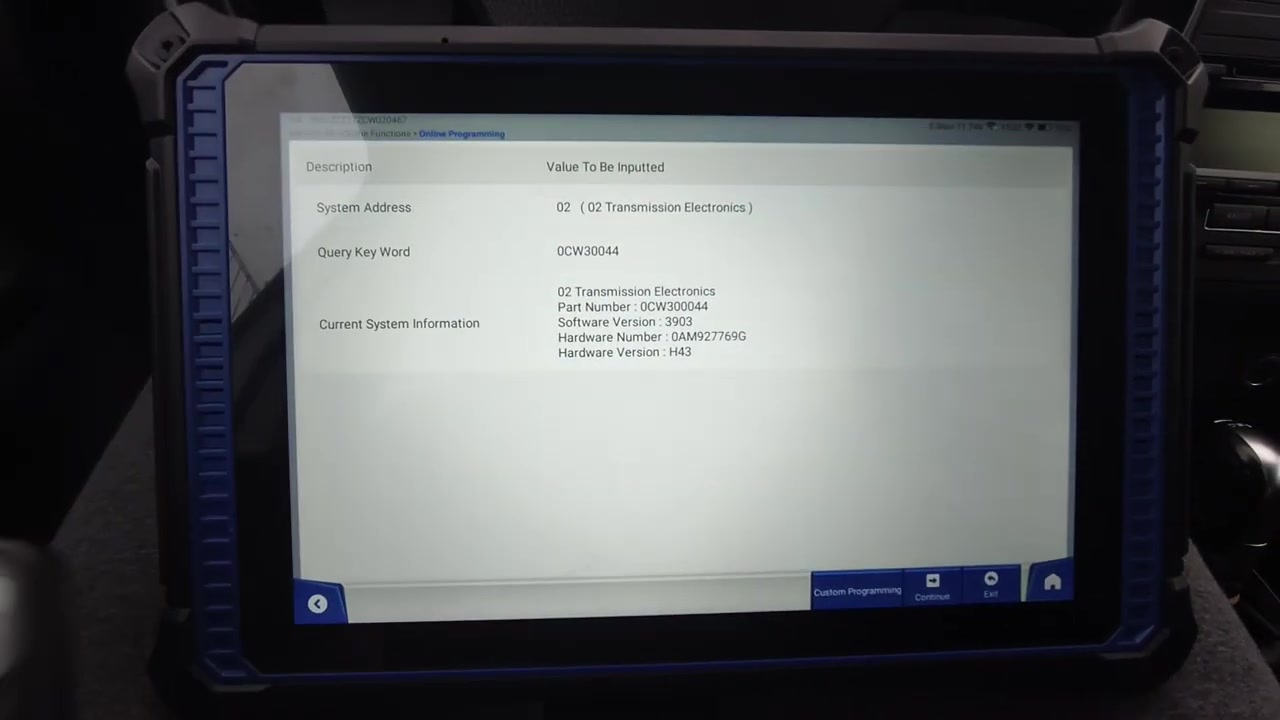
Crucially, the Launch X431 did successfully identify the TCU’s full details via the cloud lookup:
| Parameter | Value |
|---|---|
| Part Number | 0CW300044 |
| Software Version | 3903 |
| Hardware Number | 0AM927769G |
| Hardware Version | H43 |
| System Address | 02 — Transmission Electronics |
Step 4: Programming Fails — The Error Message
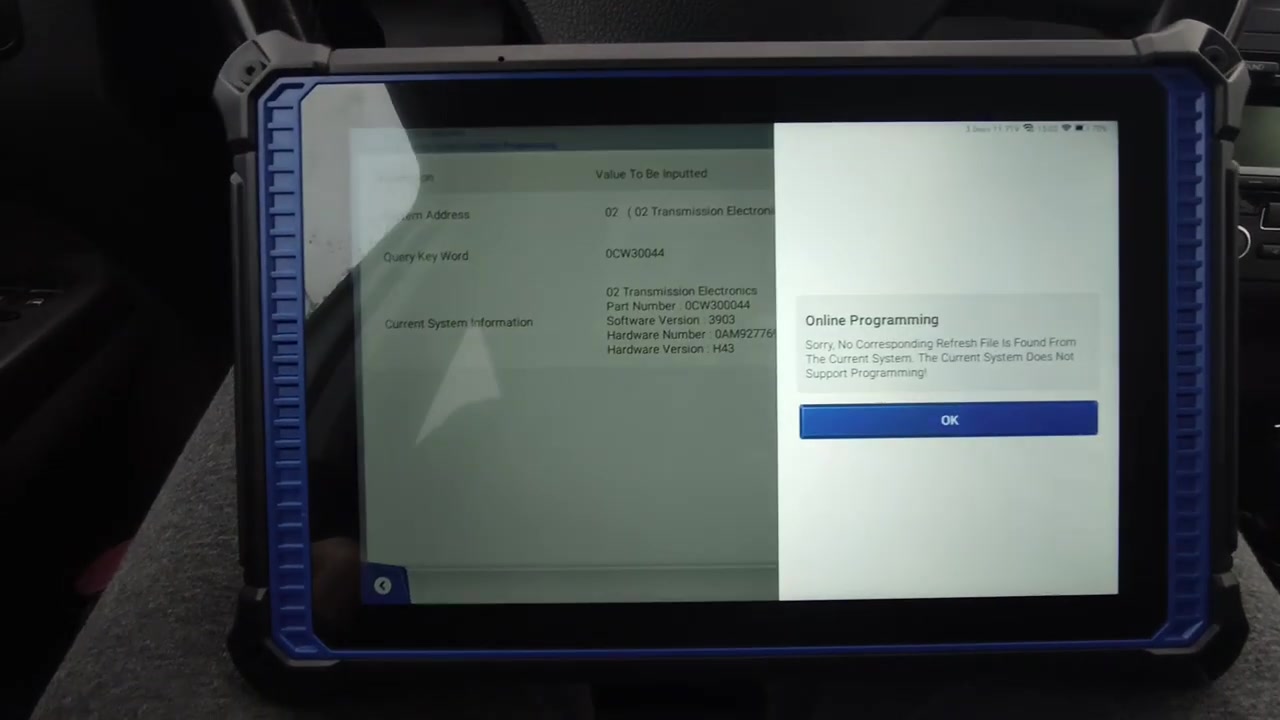
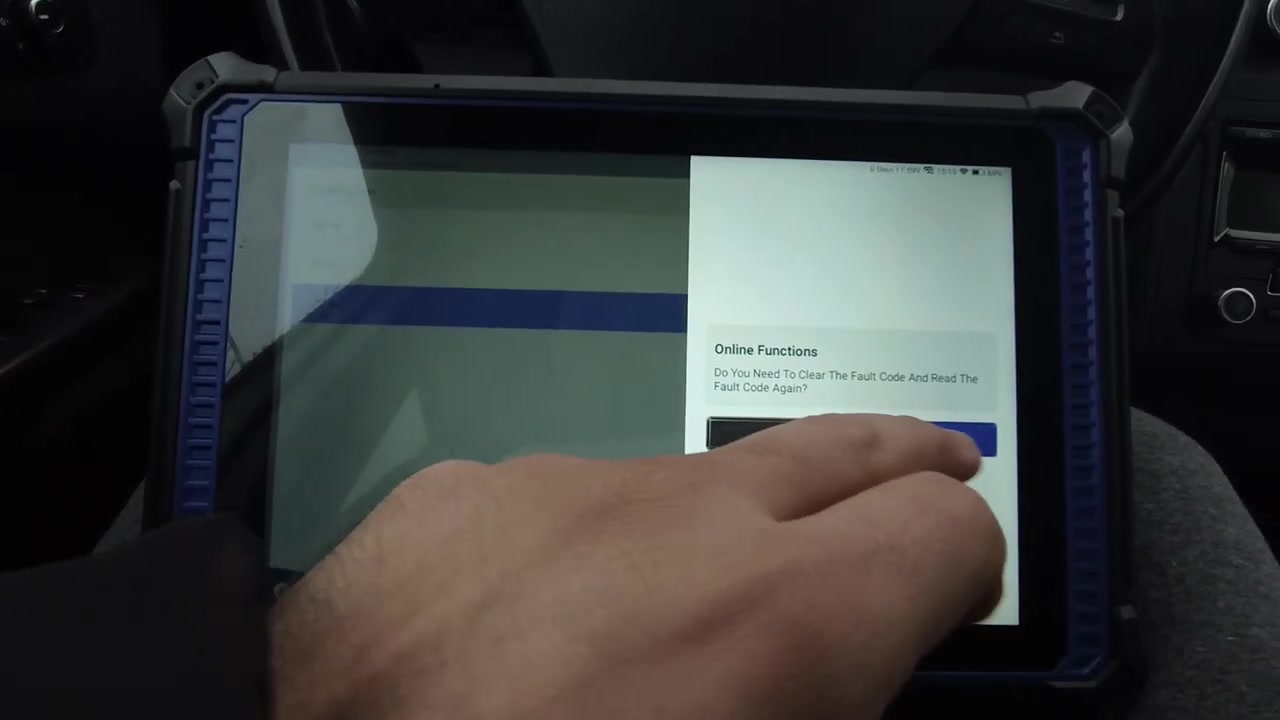
Despite identifying the module, the Launch X431 returned the following error:
“Sorry, No Corresponding Refresh File Is Found From The Current System. The Current System Does Not Support Programming!”
This error means the Launch cloud server does not have the flash file for this specific TCU variant and software version. This is a common limitation of third-party OEM clones — their programming file libraries are incomplete, particularly for VAG group DSG/S-Tronic units.
Fault Codes Generated During Failed Programming
After the repeated failed programming attempts, the vehicle generated a cascade of communication-related DTCs — expected when the TCU attempts to re-initialise on the network but fails to complete its coding process:
| DTC Code | Description | Status |
|---|---|---|
| U0103 00 | Lost Communication With Gear Shift Module | Active/Static |
| U0100 00 | Lost Communication With ECM/PCM | Active/Static |
| U0146 00 | Lost Communication With Serial Data Gateway Module A | Active/Static |
| U0122 00 | Lost Communication With Vehicle Dynamics Control Module | Active |
| U0128 00 | Lost Communication With Brake System Control Module | Active |
| U0131 00 | Lost Communication With Power Steering Control Module | Active |
| U0155 00 | Lost Communication With Instrument Panel Cluster (IPC) | Active |
| P1701 00 | Transmission Control Module Locked | Passive/Sporadic |
P1701 — TCM Locked is the key fault here. It confirms the replacement TCU is in a locked/uncoded state, waiting for a valid programming session that never completed. Most of the U-codes (network communication faults) are secondary — they’ll clear once the TCM is properly programmed and initialised.
Alternative Considered: Vdiag Handheld + Laptop
The technician briefly considered a small Vdiag handheld scanner as an alternative, along with a laptop-based approach. However, neither was tested for this specific TCU programming task in this session.
What Tools Actually Support VW DSG TCU Online Programming?
After this real-world failure, the question is clear: what software actually supports VW Touran DSG TCU programming? Here’s a comparison of tools with genuine VAG online programming capability:
| Tool | VW TCU Online Programming | DSG Matching | Flash File Coverage |
|---|---|---|---|
| ODIS Service 25 (Official VW) | ✅ Full support | ✅ Yes | Complete — OEM database |
| ODIS Engineering 19 | ✅ Full + advanced | ✅ Yes | Complete — OEM database |
| VCDS (Ross-Tech) | ✅ Coding + adaptation | ✅ Basic matching | Limited flash files |
| Launch X431 Pro | ❌ File not found (tested) | ⚠️ Partial | Incomplete for VAG DSG |
| Autel MaxiSys | ⚠️ Limited VAG flash | ✅ Basic | Partial |
| Vdiag + laptop | Unknown — not tested | Unknown | Depends on software |
For genuine VAG online programming — especially for DSG/S-Tronic TCU replacement — ODIS Service is the only tool with complete OEM flash file coverage. This is the same software used by VW dealerships worldwide. Our ODIS Service 25 + Engineering 19 VM package includes both tools pre-installed in a VMware virtual machine, ready to connect via a J2534 pass-thru adapter.
Key Lessons From This Real-World Test
- Always check fuses first: A blown fuse caused complete no-communication before the scanner was even connected. Basic electrical checks save diagnostic time.
- Module identification ≠ programming capability: The Launch X431 correctly identified the TCU via cloud lookup, but had no flash file for this specific variant. Cloud identification and cloud programming are two separate databases.
- Launch X431 excels on BMW and Mercedes — less so on VAG: The technician noted the tool works well on German brands like BMW and Mercedes, but VAG DSG programming is a gap in its library.
- For VAG online programming, ODIS is the gold standard: ODIS Service (used by VW Group dealerships) has complete flash file coverage for all VAG TCUs, including DQ200 DSG units.
- P1701 (TCM Locked) requires successful programming to clear: This code cannot be erased without completing a valid programming session — clearing it manually will not unlock the module.
- A cascading U-code list after TCU replacement is normal: Multiple communication faults are expected when an unprogrammed TCU is on the CAN bus. They resolve once programming completes.
Verdict
The Launch X431 is an impressive all-brand scanner for reading/clearing codes, live data, and many service functions — but this test exposes a real limitation: online TCU programming for VAG DSG units is not reliably supported. If your workshop regularly handles VW/Audi DSG replacements, coding-after-swap jobs, or Immo/adaptation work, you need ODIS Service in your toolkit.
The silver lining: once a blown fuse was found and replaced, the diagnosis itself was clean — the X431’s system topology and DTC reading were accurate and fast. For everyday diagnostic work, it remains a capable tool. But for online programming on VAG group vehicles, the tool’s cloud library simply doesn’t have the depth that the OEM software provides.
Need ODIS for Your Workshop?
Our ODIS Service 25 + Engineering 19 VMware Package gives you dealership-level programming capability on your workshop laptop. Pre-configured VM, J2534 pass-thru support, and full flash file access for VW, Audi, Skoda, SEAT, and Porsche. No dongle, no subscription — one-time download.
Technical Notes: VW DSG TCU Programming Explained
Understanding why third-party tools struggle with VAG TCU programming requires a look at the underlying process:
What is TCU “Marrying”?
When a new DSG gearbox is installed, the replacement TCU must be “married” to the vehicle — a process that involves writing the vehicle’s unique identifier (Immo data + chassis number) into the TCU’s non-volatile memory. Without this, the TCU remains in a locked/demo state (P1701) and the gearbox will not engage properly.
Flash Files vs. Coding
There are two distinct operations often confused:
- Coding: Writing configuration bytes (options like market variant, clutch type, output torque limits). Can be done with VCDS or most generic scanners using adaptation channels.
- Online Programming / Flashing: Uploading a complete firmware binary to the TCU. Requires the exact flash file for that hardware version from the manufacturer’s server. Third-party tools must maintain their own copy of this library — which is where gaps appear.
DQ200 DSG Specifics
The DQ200 7-speed dry-clutch DSG used in the VW Touran (and Golf 6/7, Polo, A1, A3) is particularly sensitive to TCU mismatch. Unlike the DQ250 or DQ500 (wet clutch), the DQ200 requires precise adaptation of clutch bite points, gear shift positions, and temperature compensation curves — all of which are reset when a new TCU is fitted and must be re-learned via ODIS after successful programming.




