Learn more: Toyota Techstream V18 Complete Guide — setup, error codes, version history, and more.
Virtual Machines
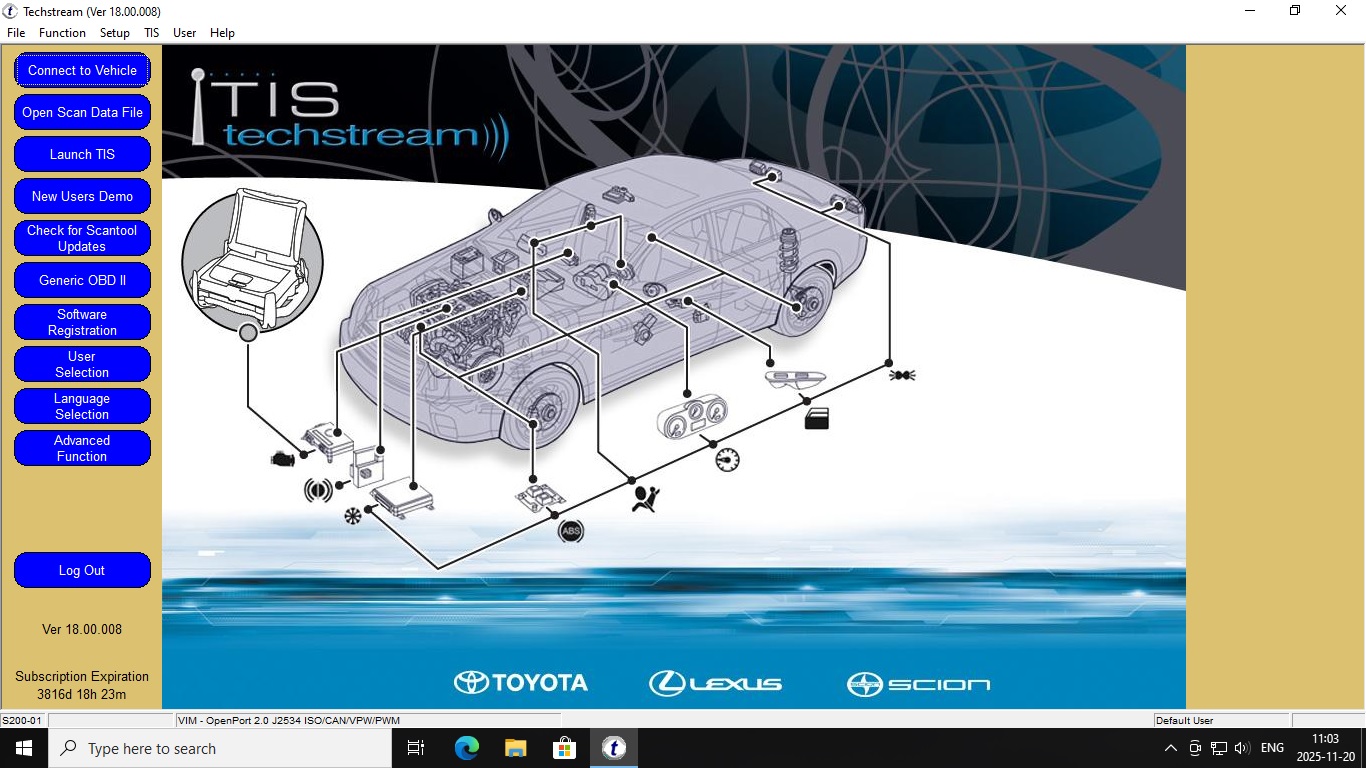
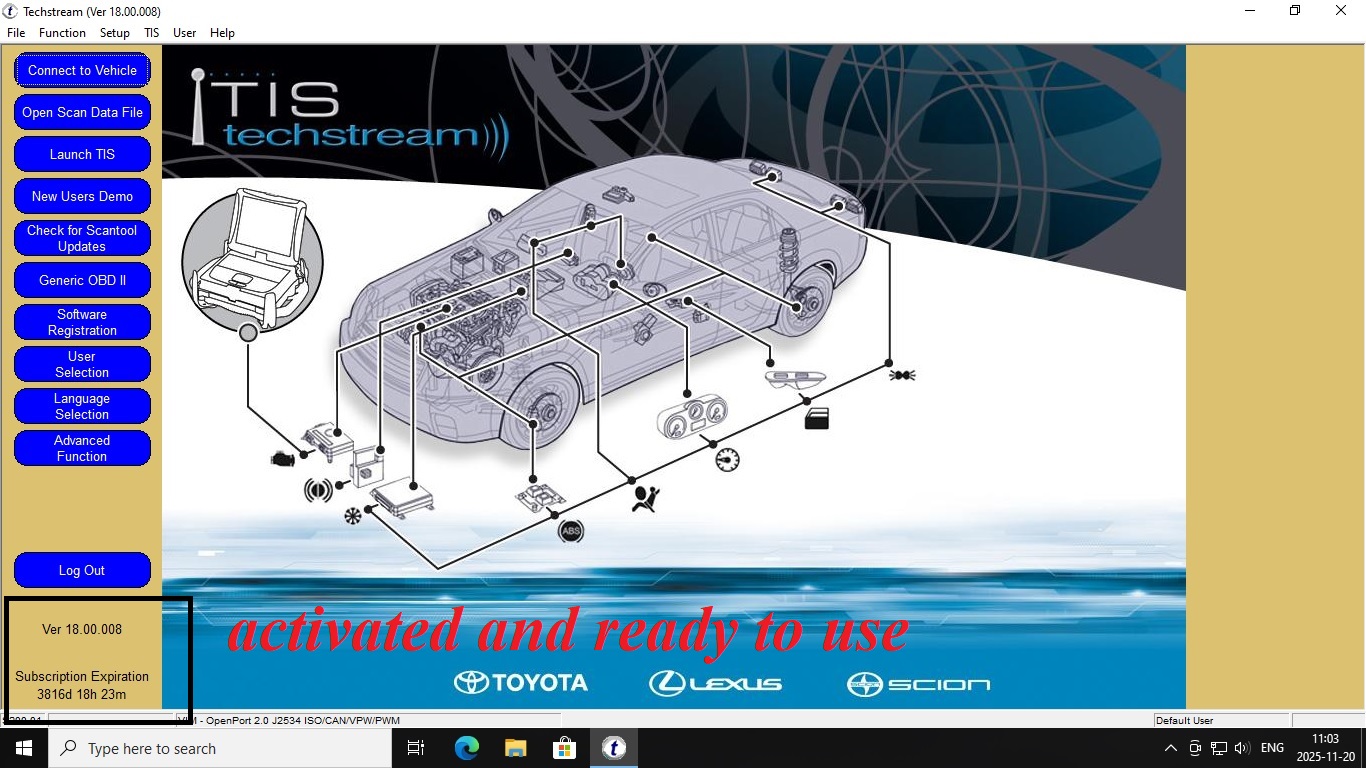
Toyota Techstream V18.008.00 VMWARE | Pro Ready-to-Use Software
15.00 $
🇺🇸 US Market Compatibility
Supported Brands: Toyota, Lexus, Scion
Interface Standard: J2534 Pass-Thru (Mini-VCI, Xhorse MVCI, Autel MaxiFlash)
Works with all Toyota and Lexus vehicles sold in the US market from 1996 to 2025, including USDM hybrid, plug-in hybrid, and bZ4X electric models. Any J2534-compliant interface is supported.
Supported Brands: Toyota, Lexus, Scion
Interface Standard: J2534 Pass-Thru (Mini-VCI, Xhorse MVCI, Autel MaxiFlash)
Works with all Toyota and Lexus vehicles sold in the US market from 1996 to 2025, including USDM hybrid, plug-in hybrid, and bZ4X electric models. Any J2534-compliant interface is supported.
Availability: 98 in stock
⭐ Be the first to review this product. After purchase, your review helps other technicians make the right call.
Leave a Review ↓
? Professional Toyota/Lexus Diagnostics (VMware)
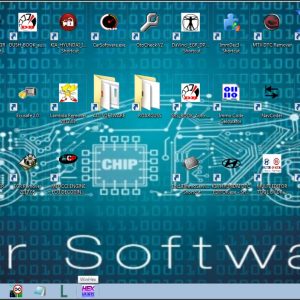
Gain the power of a dealership-level diagnostic tool right on your PC. This listing provides a complete, pre-installed, and fully configured virtual machine (VMware) containing the latest stable version of Toyota Techstream V18.008.00.
This is a ready-to-use package running on a light-weight Windows 10 Pro Lite x64 operating system within the virtual machine.
Why Choose This VM Package?
Plug-and-Play: Skip complicated installation, activation, and license issues. The software is ready to run right out of the box.
Latest Version: Features Techstream V18.008.00 for maximum coverage of the newest Toyota, Lexus, and Scion models (check compatibility guides for specific year ranges).
Full Diagnostic Power: Perform essential functions like:
Reading and clearing diagnostic trouble codes (DTCs).
Viewing live data streams and freeze frame data.
Running active tests and utility functions.
Customizing vehicle settings (doors, lights, etc.).
Programming keys and immobilizers (requires correct J2534 interface).
Stable Platform: The dedicated Windows 10 Pro Lite environment ensures the software runs smoothly and reliably without conflicts with your main operating system.
What You Will Receive:
A secure download link for the VMware image file and simple instructions.
Note: This is a digital product and requires VMware Workstation Player included . A separate J2534 compatible interface (e.g., Mini VCI, OpenPort 2.0, Mongoose) is required to connect to your vehicle and is NOT included.
{
“@context”: “https://schema.org”,
“@type”: “FAQPage”,
“mainEntity”: [
{
“@type”: “Question”,
“name”: “What Toyota models does Techstream V18 support?”,
“acceptedAnswer”: {
“@type”: “Answer”,
“text”: “Toyota Techstream V18 supports all Toyota, Lexus, and Scion vehicles from 1996 onwards, including hybrid models. It covers all ECUs: engine, transmission, ABS, airbag, climate, and more.”
}
},
{
“@type”: “Question”,
“name”: “Does Toyota Techstream V18 work on Windows 10 and Windows 11?”,
“acceptedAnswer”: {
“@type”: “Answer”,
“text”: “Yes, this VMware image of Toyota Techstream V18.008.00 runs on Windows 10 and Windows 11 (64-bit). The virtual machine handles all compatibility u2014 no additional setup required.”
}
},
{
“@type”: “Question”,
“name”: “What interface cable does Toyota Techstream require?”,
“acceptedAnswer”: {
“@type”: “Answer”,
“text”: “Toyota Techstream requires a Mini-VCI or MVCI interface cable with TIS protocol support. The most common and reliable option is the Mini-VCI J2534 cable.”
}
},
{
“@type”: “Question”,
“name”: “What is the difference between Techstream V17 and V18?”,
“acceptedAnswer”: {
“@type”: “Answer”,
“text”: “Techstream V18 adds support for 2022u20132023 Toyota models, improved hybrid battery diagnostics, expanded programming functions, and updated calibration data compared to V17.”
}
}
]
}
Related products
-
Virtual Machines
Diagbox Lexia 9.129 Virtual Machine Software | PSA Peugeot Citroën DS & Opel Diagnostics
19.00 $ Add to cart -
Virtual Machines
Ford Etis IDS Offline Service Manual Installation VMware Version 02.2022
29.00 $ Add to cart -
Virtual Machines
Volvo TechTool PTT 2.8.241 Full Version Pre-Installed & activated VMware Image
99.00 $ Add to cart
Reviews
There are no reviews yet.