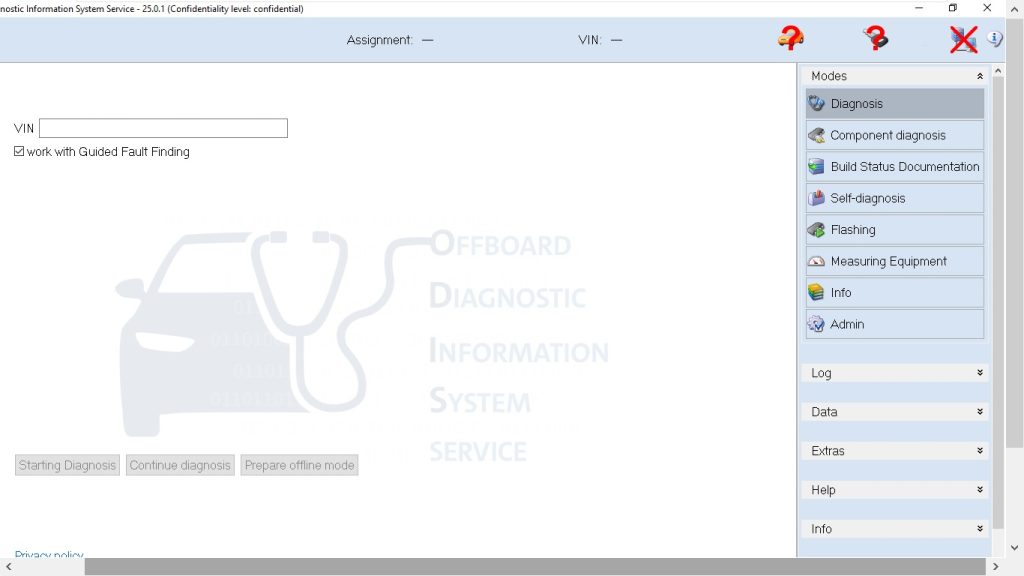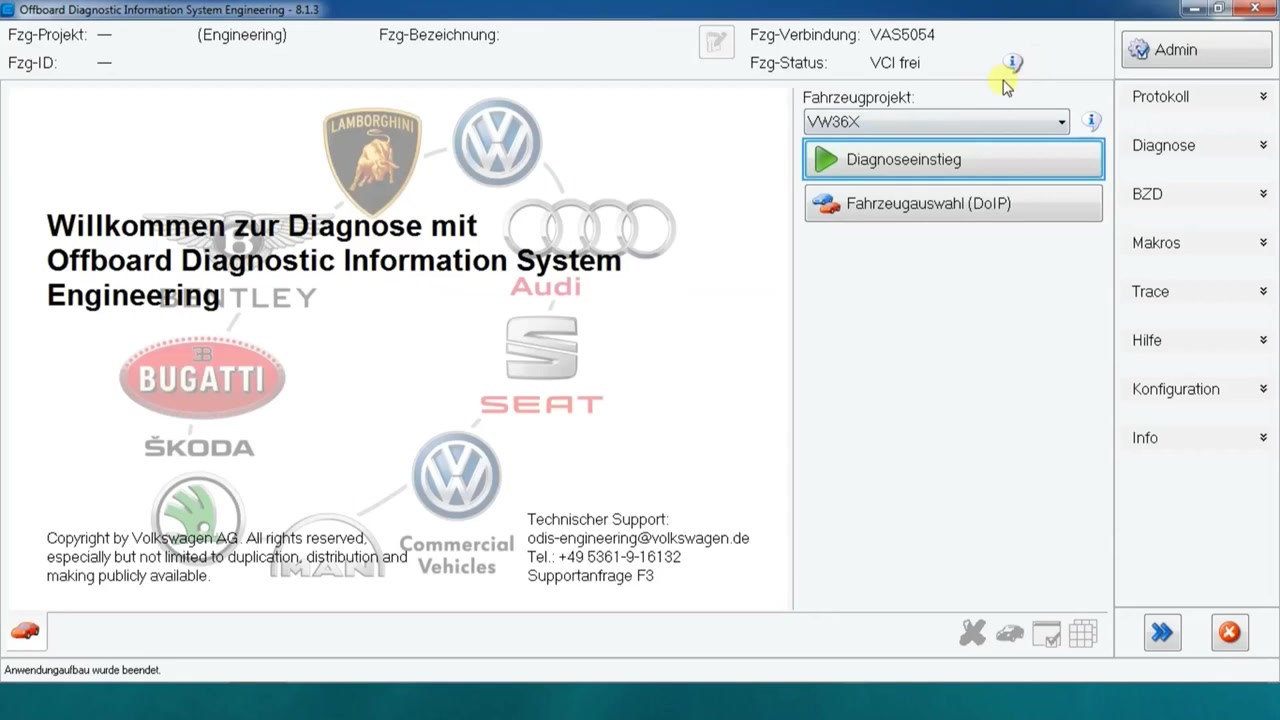
Offboard Diagnostic Information System Engineering 8.1.3 (ODIS Engineering) is the industry‑standard software for deep‑level ECU programming on VW Group vehicles. This tutorial walks technicians through selecting the VW35x_1K_4 project, reading and clearing DTCs, and flashing the ABS/ESC control unit to resolve the “defective control unit” error (16352 014). Mastering these steps reduces shop time and eliminates costly return visits.
What You Will Learn
- How to select the correct vehicle project in ODIS Engineering 8.1.3.
- How to identify and communicate with a specific ECU, such as the ABS/ESC module.
- How to read diagnostic trouble codes (DTCs) from a single ECU and from the global memory.
- How to clear individual and global error memories safely.
- How to load a local firmware file and flash it to the target ECU.
- How to verify the flash result and confirm that the error code has been cleared.
- How to document the entire procedure for service records.
Step-by-Step Walkthrough
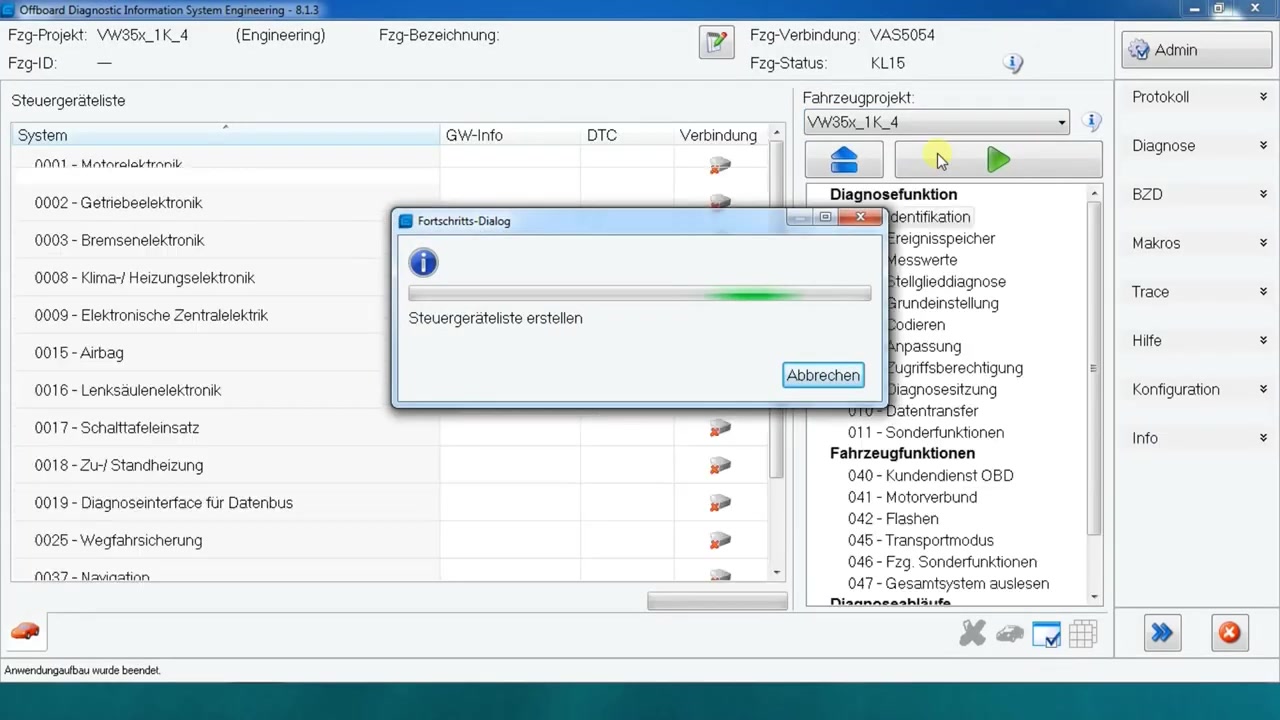
Begin by launching ODIS Engineering 8.1.3 and logging in with your dealer credentials. From the main screen, click the Project Selection button and choose VW35x_1K_4, which covers Golf Mk6, Škoda Octavia, and Audi A3 models. Confirm the selection and the software will load the appropriate vehicle database.
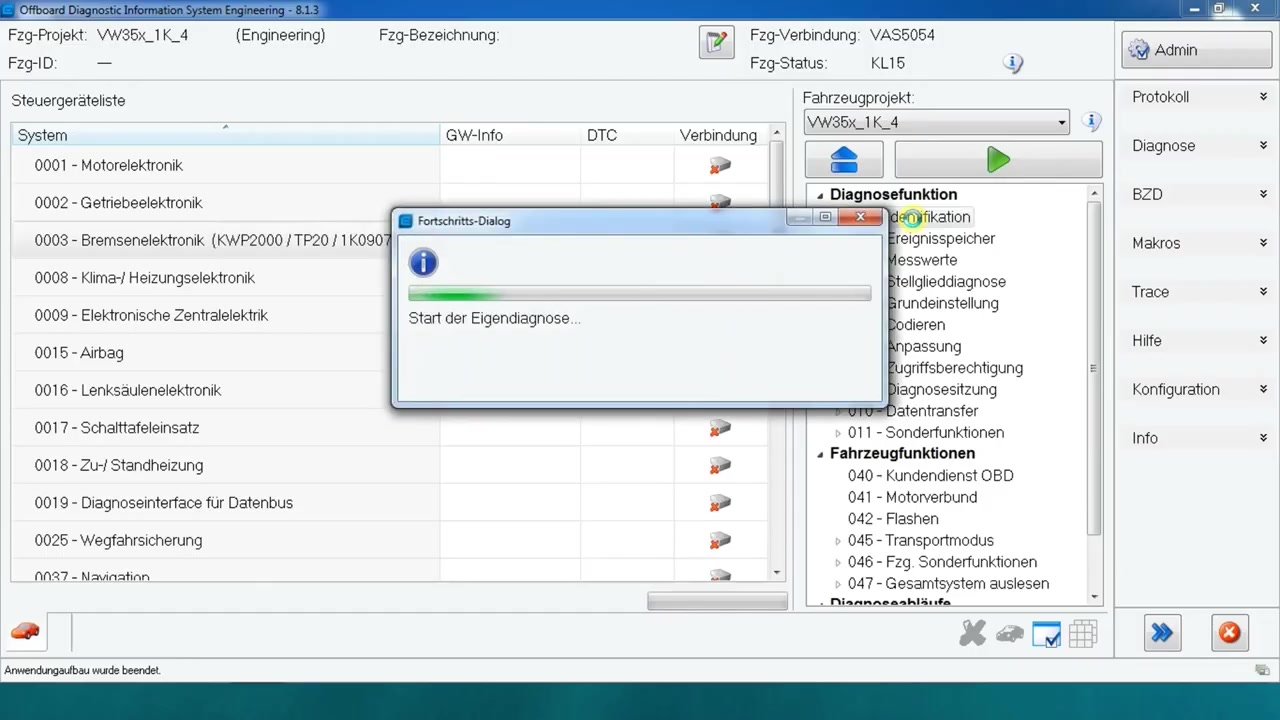
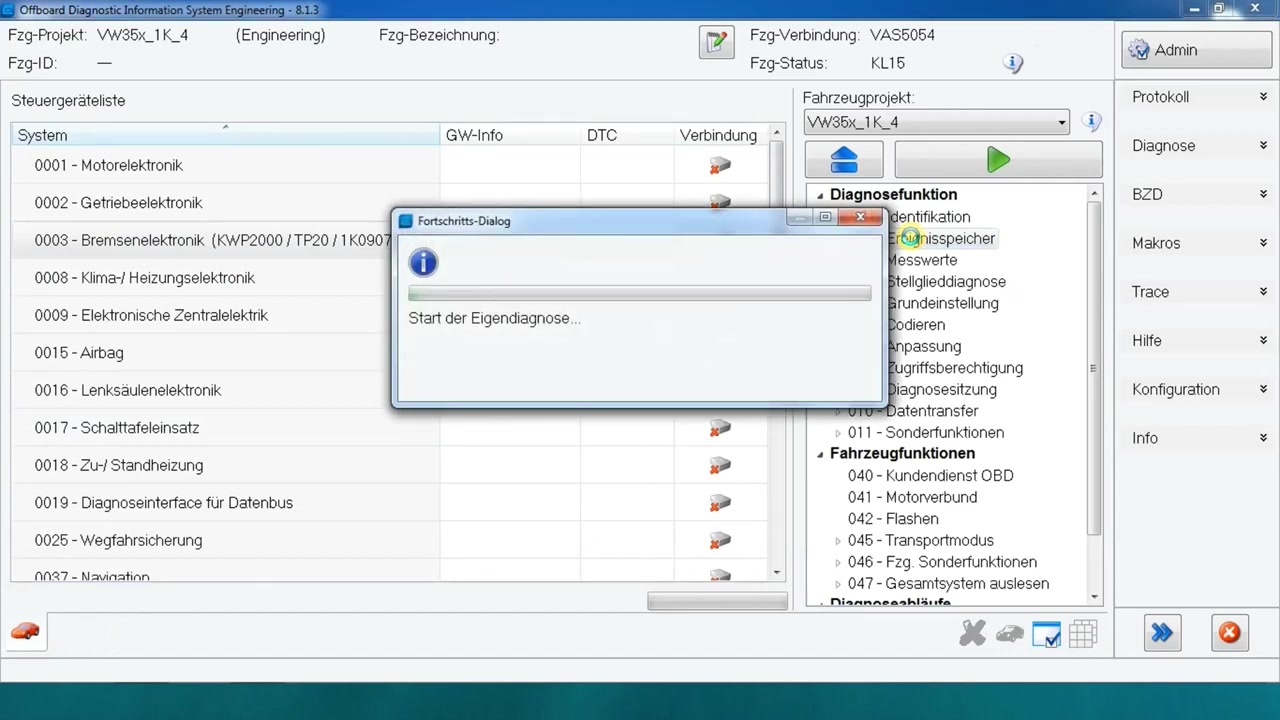
Next, connect the OBD‑II cable to the vehicle’s diagnostic port and power the ignition to the “ON” position. In the Control Unit Identification window, press Scan. ODIS Engineering will list all reachable ECUs; locate the ABS/ESC module (often labelled “13‑ABS/ESC”). Highlight it and click Read DTC. The interface displays code 16352 014, indicating a defective control unit.
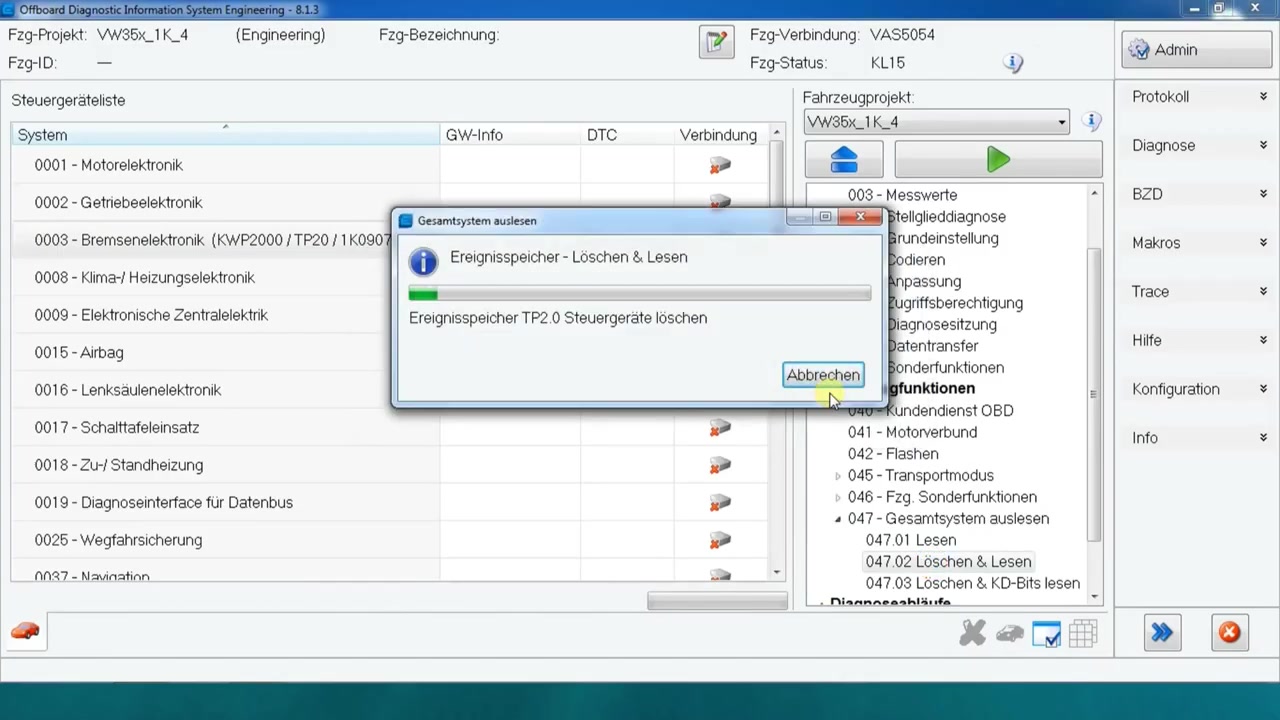
To clear the code, select the same ECU entry and choose Clear DTC. A confirmation dialog appears; accept it to erase the memory. Verify that the DTC list is now empty. This step removes the immediate fault but does not address the underlying firmware issue.
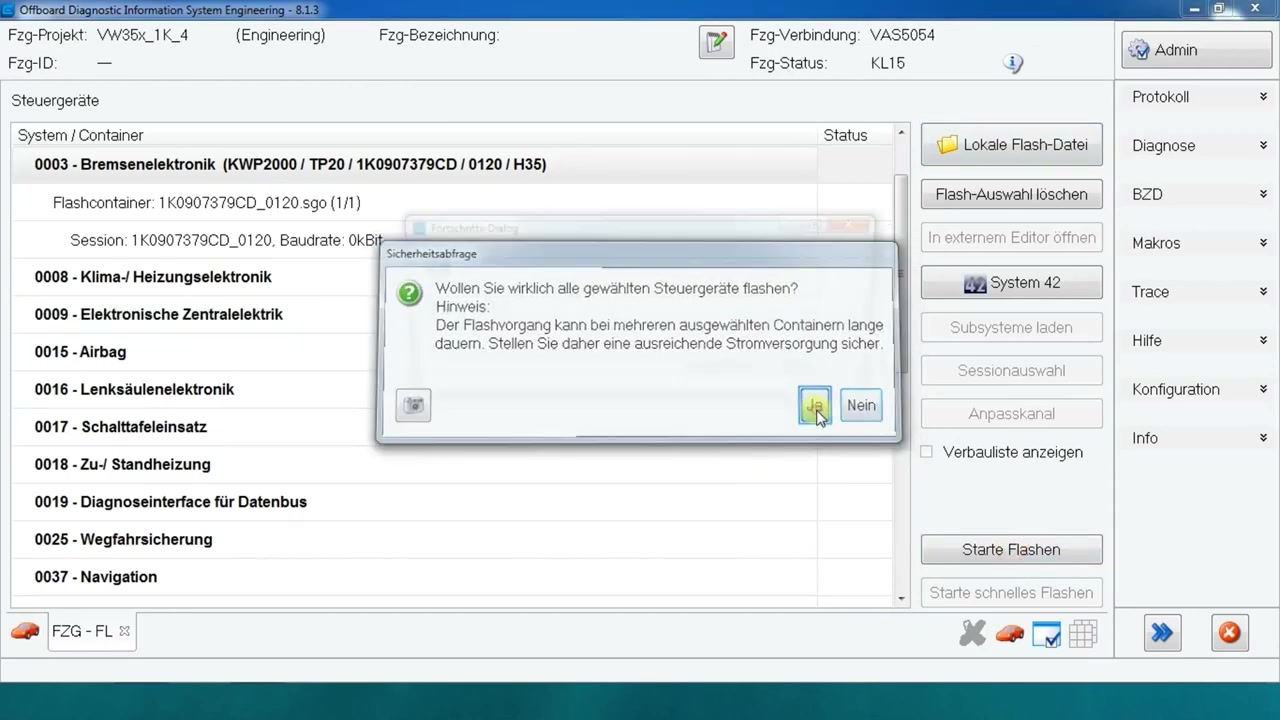
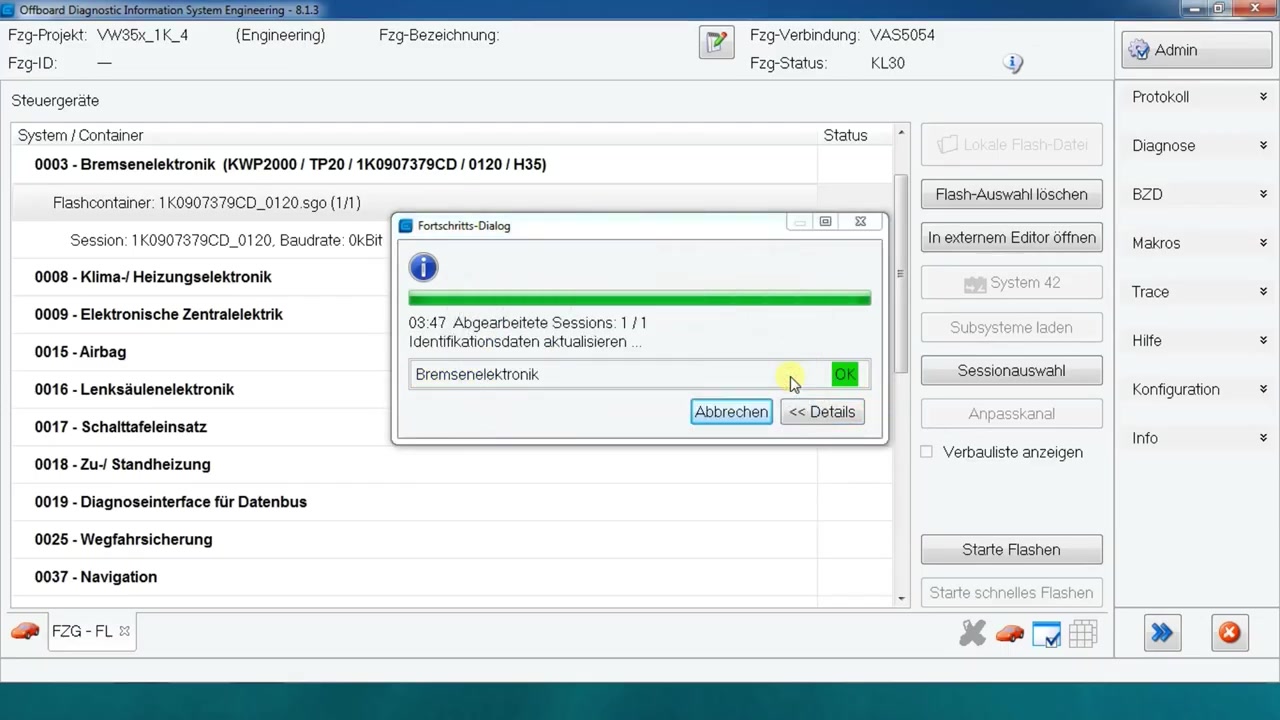
Proceed to the flashing stage by clicking Flash in the ECU toolbar. In the file browser, navigate to the local firmware folder and select the updated ABS/ESC binary (e.g., ABS_ESC_VW35x_1K_4_2023.bin). Ensure the Verify after flash option is enabled to automatically compare checksums post‑programming. Click Start Flash. ODIS Engineering will put the ECU into programming mode, transmit the file, and display a progress bar.
When the flash completes, ODIS Engineering reports “Flash successful” and shows the new software version. Immediately perform a global error memory read by selecting Global DTC Read from the main menu. This action queries every ECU on the bus, confirming that no residual codes remain. The result should be a clean list.
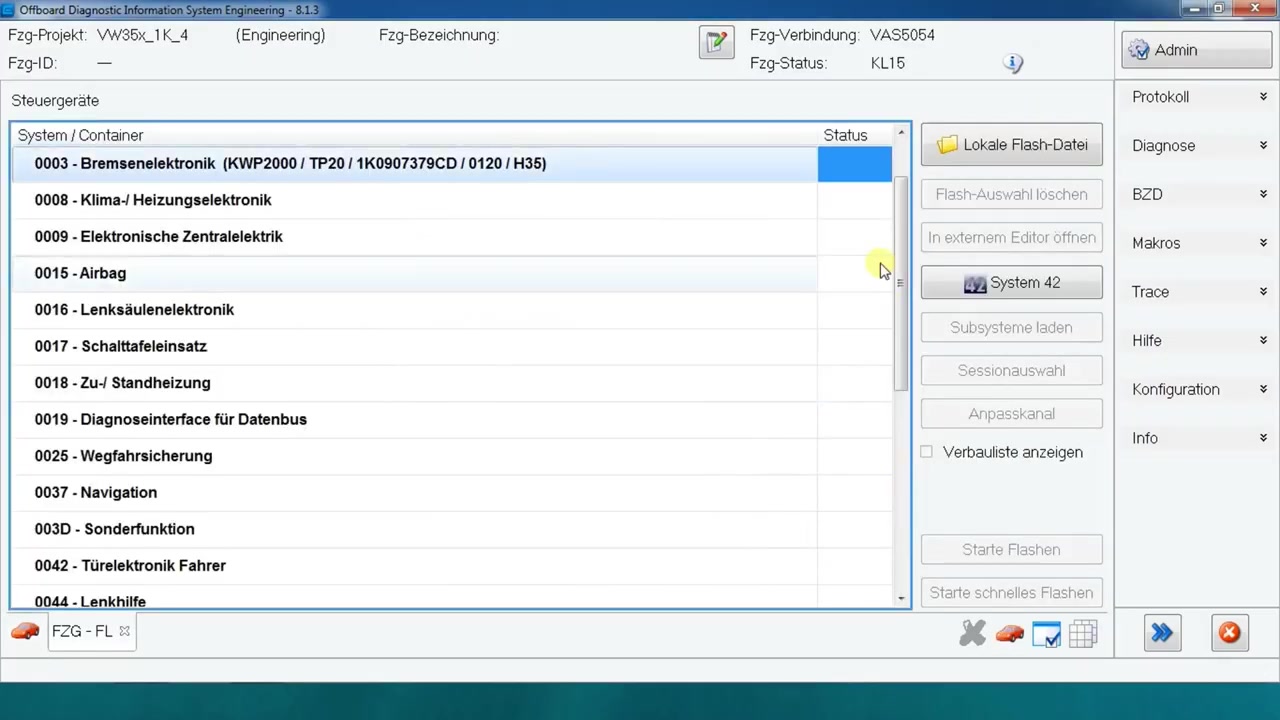
If any other modules report DTCs, repeat the clear‑and‑read cycle for those specific units. After all codes are cleared, execute a global error memory clear to reset the vehicle’s internal fault counters. Choose Global DTC Clear and confirm. ODIS Engineering will broadcast the clear command to all ECUs, ensuring a uniform state.
Finally, generate a service report. Click Report → Create PDF, select the relevant sections (project, ECU list, DTC history, flash log), and save the document. Attach the PDF to the vehicle’s service record for future reference.
Power down the vehicle, disconnect the diagnostic cable, and perform a short test drive. Re‑connect the OBD‑II tool and run a final global DTC read to guarantee that the “defective control unit” error does not reappear. Capture a final screenshot of the clean DTC list for completeness.
Key Features of Offboard Diagnostic Information System Engineering 8.1.3
- Comprehensive vehicle project database covering all VW Group platforms.
- Real‑time ECU identification and communication over CAN, LIN, and K‑Line.
- Full read/write access to diagnostic trouble codes, including global memory handling.
- Integrated flash manager with checksum verification and rollback protection.
- Automated report generation for service documentation and compliance.
- Support for custom firmware files and OTA‑style updates via local storage.
Compatible Vehicles and ECUs
The VW35x_1K_4 project supports the following models and their associated control units:
- Volkswagen Golf Mk6 (2008‑2013) – ABS/ESC, ESP, Engine, Transmission, Body Control.
- Škoda Octavia (2008‑2013) – ABS/ESC, ESP, Engine, DSG, Central Gateway.
- Audi A3 (2008‑2013) – ABS/ESC, ESP, Powertrain, HVAC, Instrument Cluster.
Pro Tips
- Always back up the original ECU firmware before flashing; ODIS Engineering can export a binary copy with a single click.
- Use a high‑quality OBD‑II cable with shielding to avoid communication errors during flash operations.
- Enable “Diagnostic Session Control” in the settings to keep the ECU in an extended session, preventing it from resetting mid‑flash.
- When clearing global DTCs, perform a brief idle run (5‑10 minutes) afterwards to let the ECUs re‑populate any latent faults before final verification.
- Document the firmware version numbers before and after the flash; this simplifies warranty claims and future updates.
Following this structured approach with ODIS Engineering 8.1.3 ensures a reliable ABS/ESC update, eliminates the defective control unit error, and provides a clear audit trail for every service action.
Ready to use Offboard Diagnostic Information System Engineering 8.1.3 in your workshop? Download it directly from firstdiag.com — instant delivery, no subscription needed.