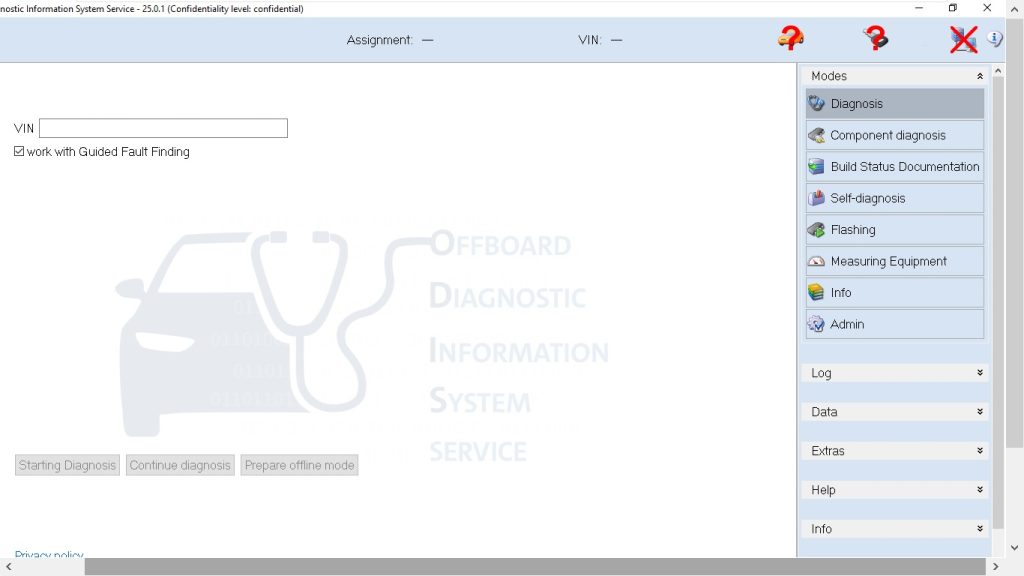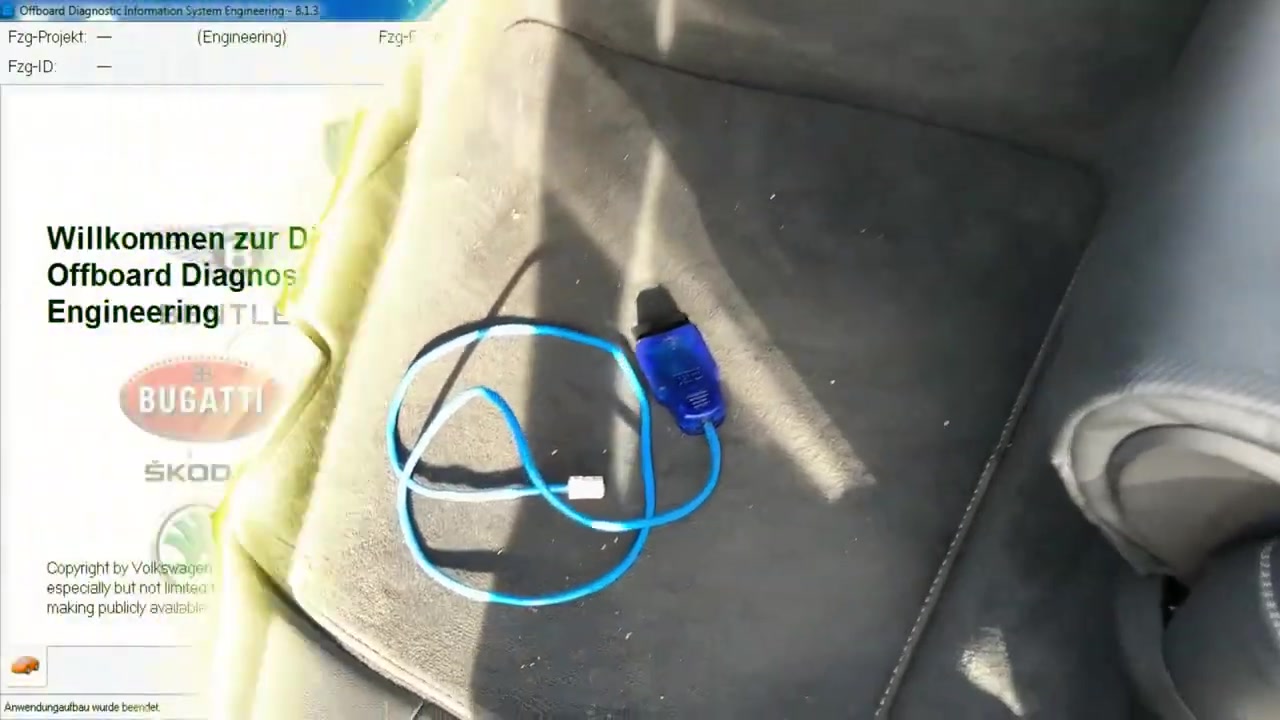
Offboard Diagnostic Information System Engineering 8.1.3 (ODS Engineering) is a powerful off‑board tool that lets professional technicians access, read, and program control units on modern Audi vehicles without needing a live connection to the car’s CAN bus. This tutorial walks you through diagnosing and fixing the “Steuergerät für Gurtstraffer nicht konfiguriert” fault on a 2020 Audi Q8, demonstrating how ODS Engineering 8.1.3 streamlines fault‑code analysis, basic‑settings adaptation, and safety‑critical write operations.
What You Will Learn
- How to select the correct vehicle project and load the appropriate ECU list in ODS Engineering 8.1.3.
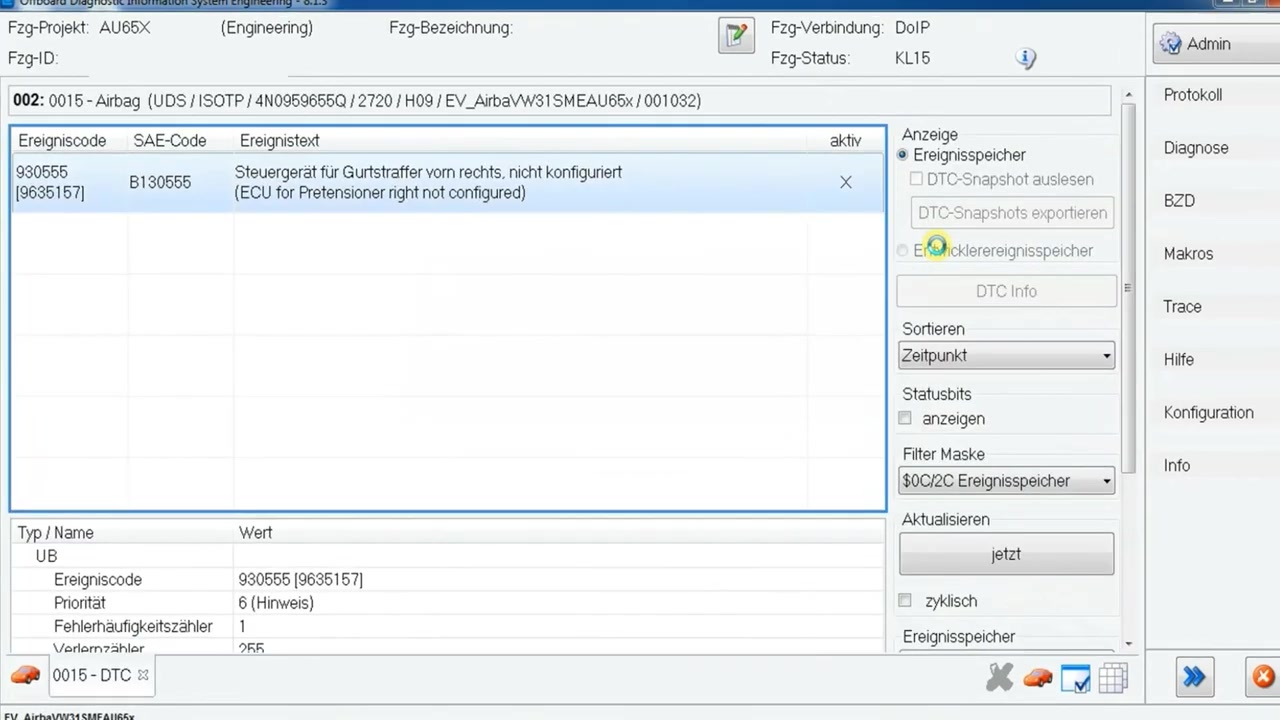
- How to read event memory and interpret fault code 930555 B130555 for the right‑hand seat‑belt tensioner.
- How to navigate the diagnostic firewall and enable write access by opening the hood.
- How to perform a secure login for basic‑settings adaptation on newer Audi models.
- How to clear the fault memory after the status changes from active to passive.
- How to verify that the adaptation was successful using ODS Engineering’s status displays.
- How to document the procedure for workshop records and future reference.
Step-by-Step Walkthrough
1. **Start ODS Engineering 8.1.3 and open the project selector.** Choose “Audi” as the manufacturer, then select the model year “2020” and the vehicle type “Q8”. The software automatically loads the correct ECU database for that series.
2. **Enter diagnostic mode.** Click the “Diagnostic Entry” button on the main toolbar. ODS Engineering prompts you to connect the diagnostic cable to the vehicle’s OBD‑II port. Once the connection is confirmed, the control‑unit list appears, showing all available modules including the “Steuergerät für Gurtstraffer rechts”.
3. **Read the event memory.** Highlight the seat‑belt tensioner ECU and select “Read Event Memory”. The fault code 930555 B130555 is displayed along with a description: “Control unit for seat belt tensioner right, not configured”. This code is safety‑relevant and caused the vehicle to fail the main inspection (HU).
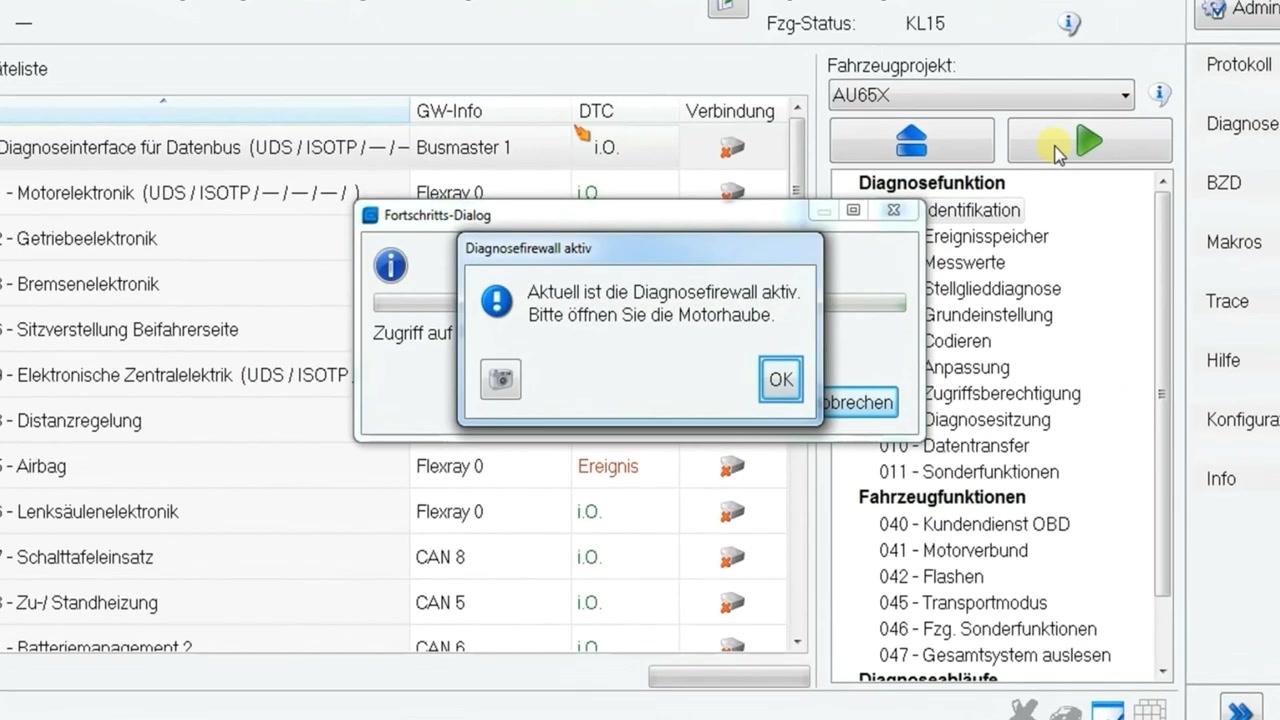
4. **Check the diagnostic firewall status.** ODS Engineering 8.1.3 indicates a red firewall icon next to the ECU, meaning write access is blocked. For model years 2019 and newer, the firewall requires the hood to be physically opened before any adaptation can be performed. Open the vehicle’s hood, then press the “Refresh Firewall” button in the software. The icon turns green, confirming that write access is now permitted.
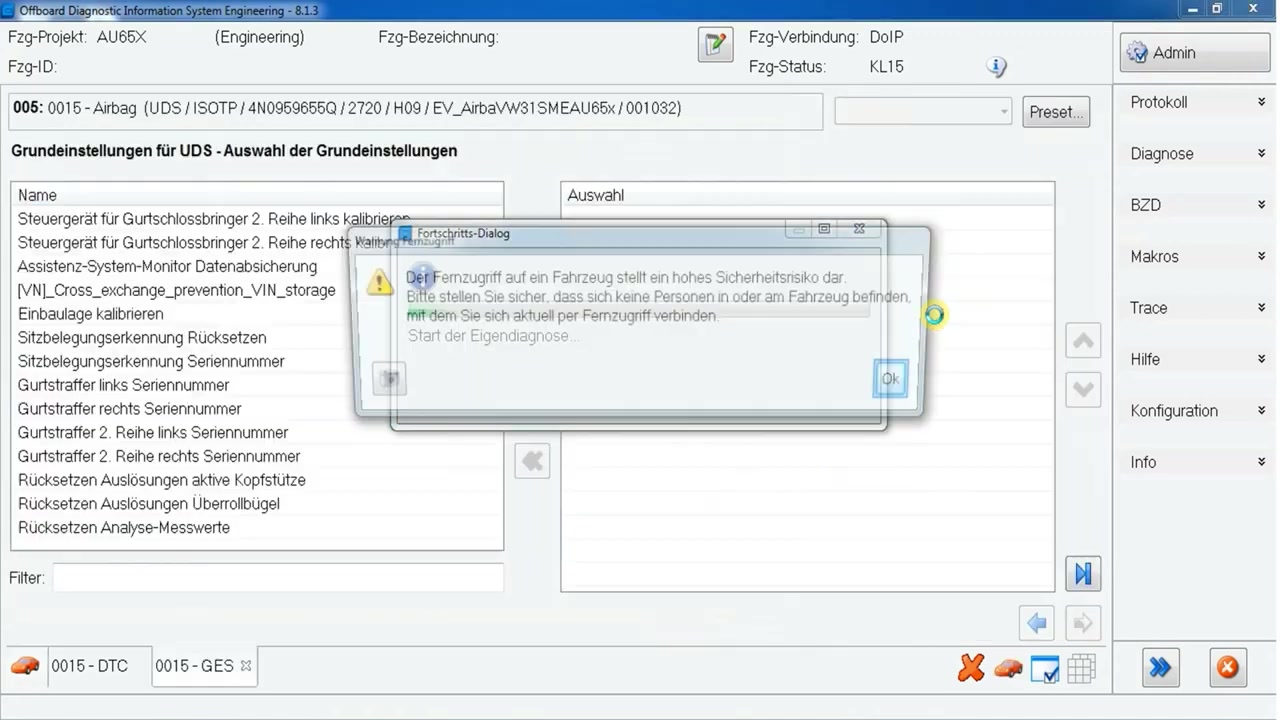
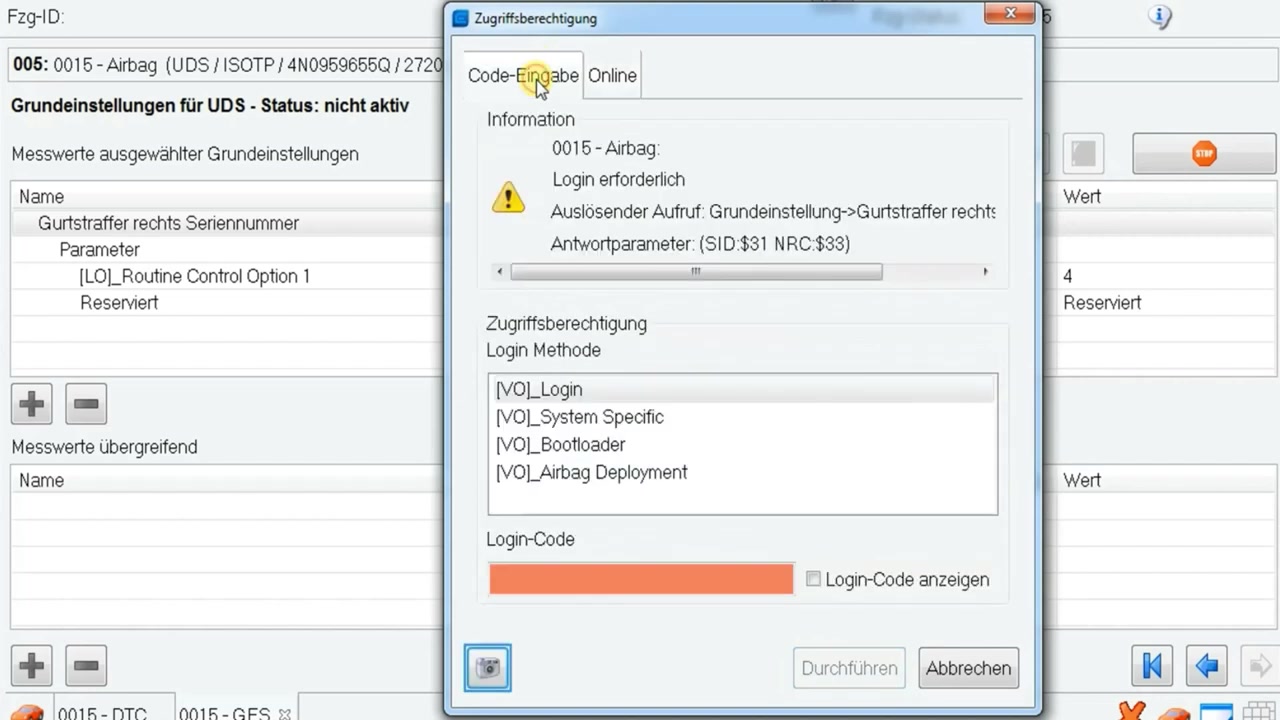
5. **Access basic‑settings.** Navigate to the “Basic Settings” tab for the right‑hand tensioner ECU. The first attempt triggers the error “ODS2602E Infrastruktur – Nicht vorhandene Daten” because the system needs authentication. Click the “Login” button, enter the workshop’s secure login code (provided by Audi’s technical portal), and confirm. The basic‑settings screen loads without error.
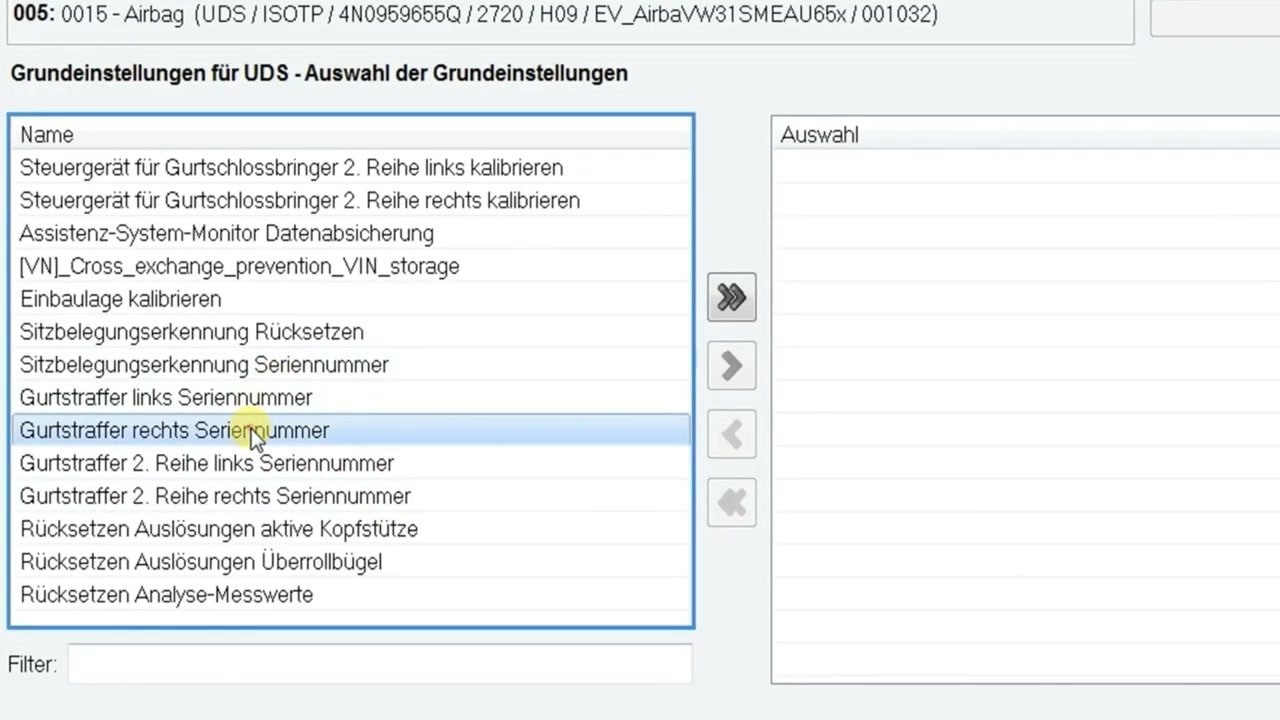
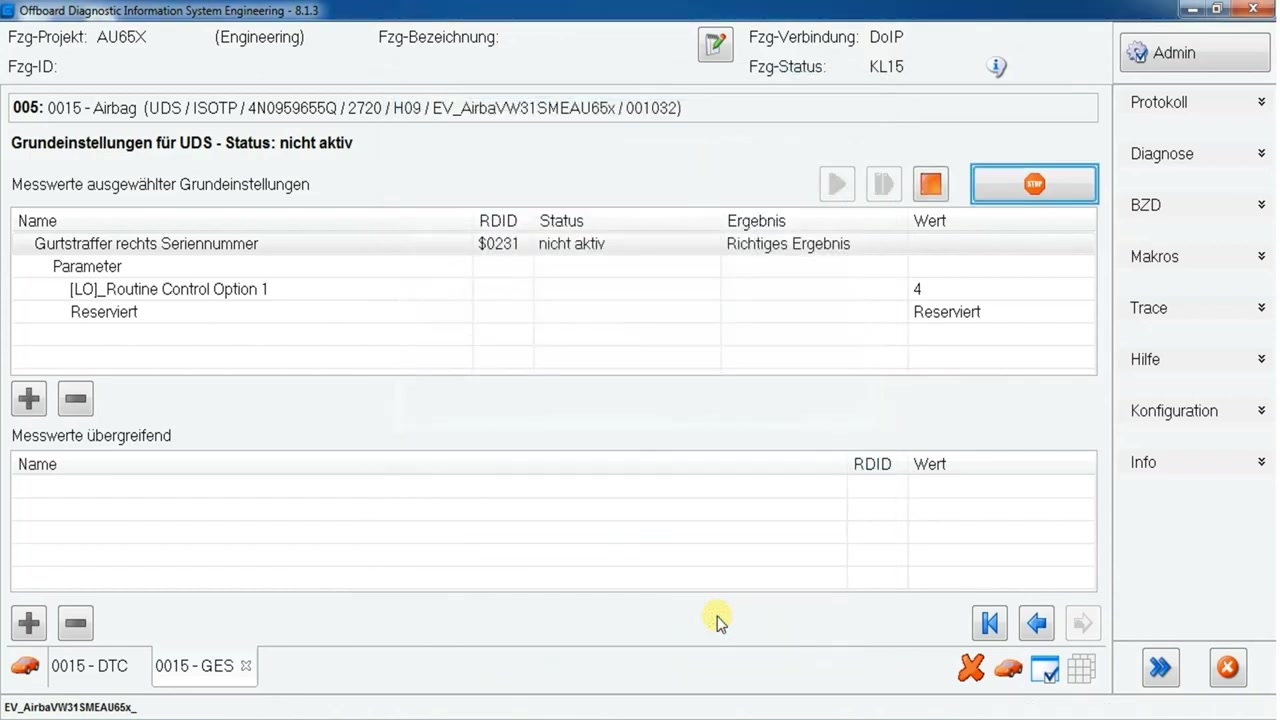
6. **Perform the adaptation.** In the basic‑settings window, locate the parameter “Tensioner Configuration”. Change the value from “Not Configured” to “Configured – Right Side”. Press “Apply”. ODS Engineering writes the new value to the ECU, and a confirmation message appears: “Adaptation successful”.
7. **Verify status change.** Return to the event‑memory view. The fault status for 930555 B130555 should now read “Passive”. This indicates that the ECU has acknowledged the adaptation but the fault memory still contains the historic record.
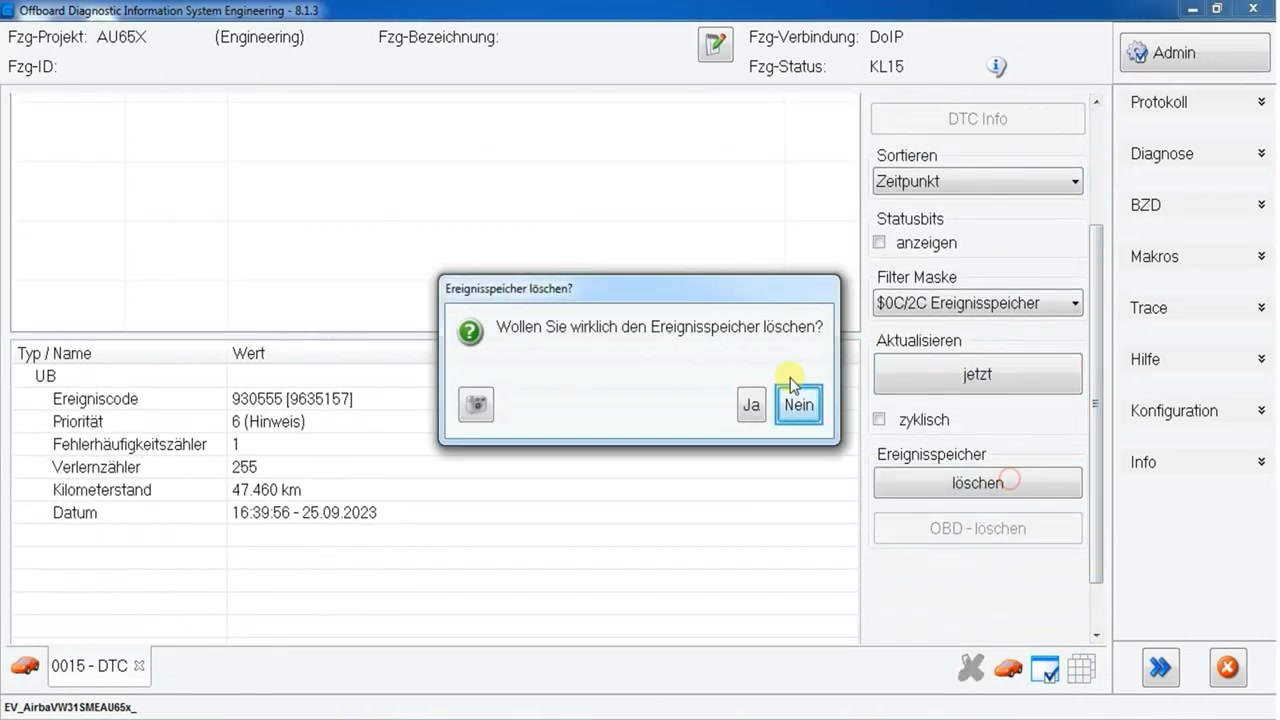
8. **Clear the fault memory.** With the status passive, select the fault code and click “Clear Event Memory”. Confirm the action in the pop‑up dialog. ODS Engineering reports “Event memory cleared”. Perform a final read of the event memory to ensure no active codes remain.
9. **Document the work.** Use the built‑in report generator to create a PDF that includes the vehicle VIN, fault code, adaptation steps, login credentials used, and the final status. Save the file to the workshop’s records folder for future audits.
Key Features of Offboard Diagnostic Information System Engineering 8.1.3
- Comprehensive vehicle project database covering all Audi models from 2005 onward.
- Real‑time event‑memory readout with detailed fault‑code descriptions and severity classification.
- Diagnostic firewall management that enforces safety protocols for write operations.
- Secure login system for accessing basic‑settings and adaptation parameters.
- Batch‑clear functionality for multiple ECUs, reducing workshop turnaround time.
- Integrated PDF report generator for compliant documentation.
Compatible Vehicles and ECUs
This guide applies to the 2020 Audi Q8 (B8 platform) and any model year 2019‑2022 equipped with the right‑hand seat‑belt tensioner control unit (ECU identifier B13055). The same procedure can be adapted for other Audi SUVs (e.g., Q7, Q5) that share the same tensioner module, provided ODS Engineering 8.1.3 includes the corresponding project files.
Pro Tips
- Always open the vehicle’s hood before attempting any write access on model years 2019 and newer; the diagnostic firewall will reject the command otherwise.
- Perform adaptations only when the vehicle is free of occupants and no tools are placed on or near the car to eliminate the high security risk associated with remote access.
- Store the workshop login code in a secure password manager; ODS Engineering 8.1.3 does not retain the code after the session ends.
- After a successful basic‑settings adaptation, wait a few seconds for the ECU to transition the fault status from active to passive before clearing the memory; premature clearing can re‑trigger the error.
- Use the “Refresh Firewall” button after closing the hood to re‑enable write protection for the next vehicle, preserving the safety integrity of the diagnostic environment.
By following this structured approach with ODS Engineering 8.1.3, technicians can reliably resolve the “Steuergerät für Gurtstraffer nicht konfiguriert” fault, pass the main inspection, and maintain accurate service records without compromising vehicle safety.
Frequently Asked Questions
Why did my Audi Q8 fail the main inspection despite no warning lights?
A safety-relevant fault code (e.g., unconfigured seat belt tensioner control unit) can cause failure, even if not displayed on the dashboard.
What is a diagnostic firewall in newer Audi vehicles?
It’s a security feature (since MY 2019) that prevents write access (like adaptations or basic settings) unless the hood is open.
How do I fix an ‘unconfigured seat belt tensioner control unit’ fault?
Use diagnostic software to perform a basic setting for the seat belt tensioner, which may require a login code and an open hood.
Why did I get an ‘ODS2602E Infrastruktur – Nicht vorhandene Daten’ error during basic settings?
This can be due to incorrect diagnostic runtime data, missing MCD server data, or the functionality not being supported by the specific control unit. Ensure proper access authorization (login) is performed.
Ready to use Offboard Diagnostic Information System Engineering 8.1.3 in your workshop? Download it directly from firstdiag.com — instant delivery, no subscription needed.