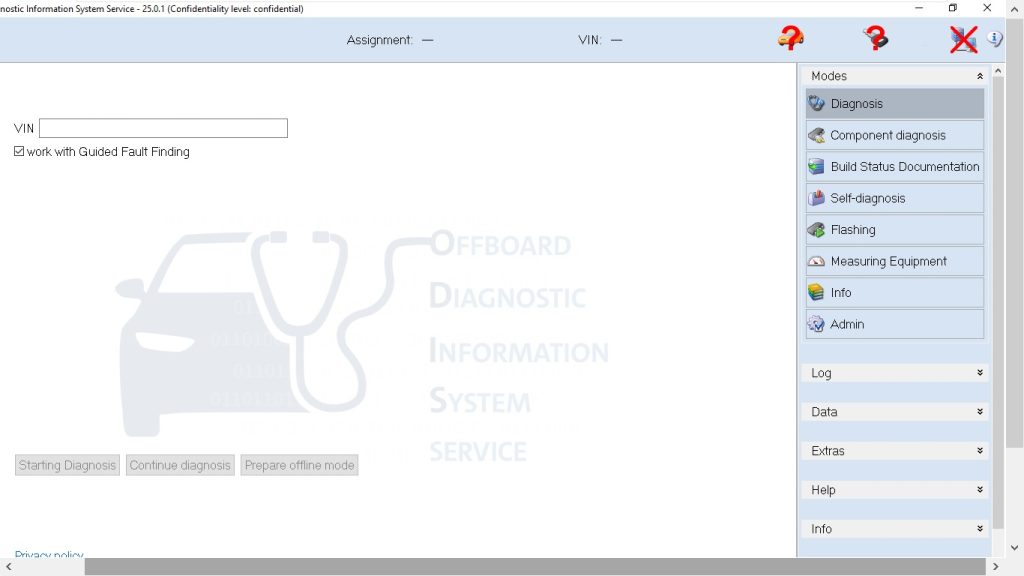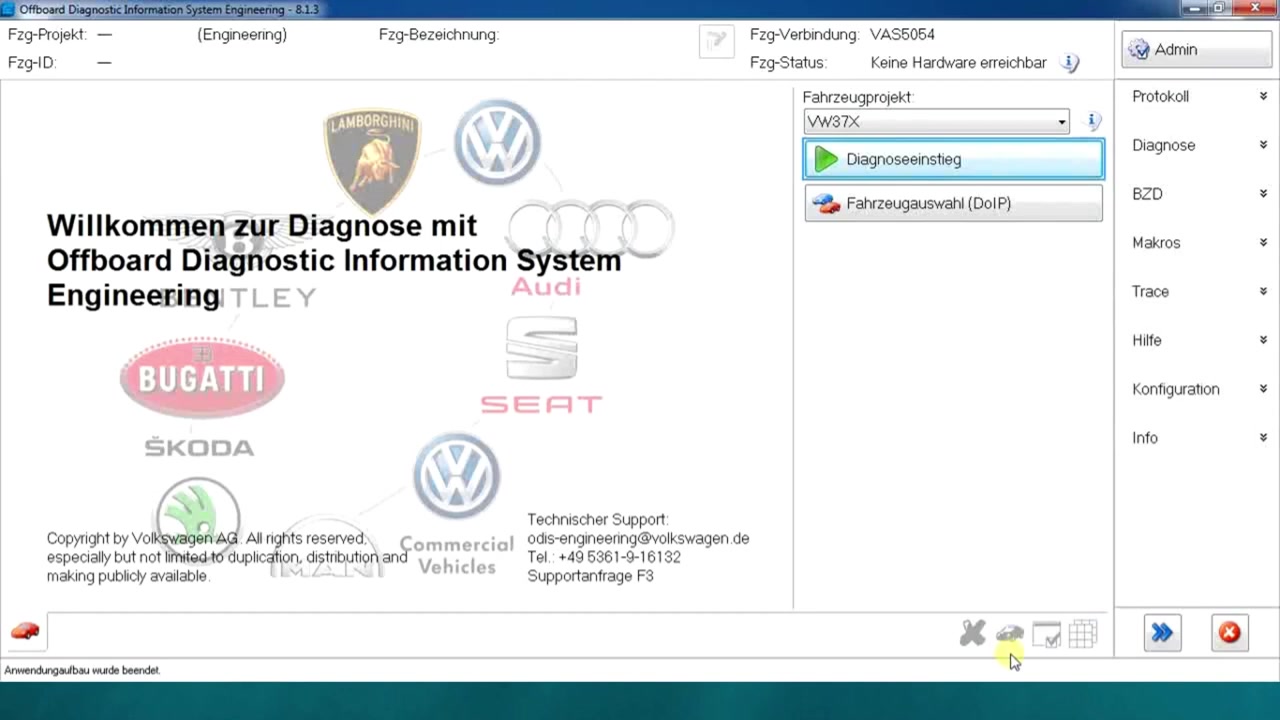
The Offboard Diagnostic Information System Engineering 8.1.3 (ODIS Engineering) is a powerful tool that lets professional technicians read, analyse and log live data from a wide range of Volkswagen Group vehicles. This tutorial shows how to extract the DPF ash value (Partikelfilter Ölaschevolumen) on a 2.0 TDI EA288 evo engine, highlighting the software’s ability to monitor filter health and regeneration status in real time.
What You Will Learn
- How to select the correct vehicle project (VW37X) within ODIS Engineering 8.1.3
- How to identify and connect to the DPF‑related control unit
- How to display live measured values for ash mass, soot mass and regeneration counters
- How to use the parameter filter function to isolate DPF‑specific data quickly
- How to add multiple parameters to a selection list for simultaneous monitoring
- How to interpret the ash‑value reading and recognise when regeneration is required
- How to handle the “no hardware reachable” warning and continue diagnostics safely
Step-by-Step Walkthrough
Start ODIS Engineering 8.1.3 and open the project selection window. Choose the VW37X project code, which covers the latest VW, Audi, Skoda, Seat, Bentley, Lamborghini and Bugatti platforms. After confirming the selection, the main interface loads with the vehicle tree on the left.
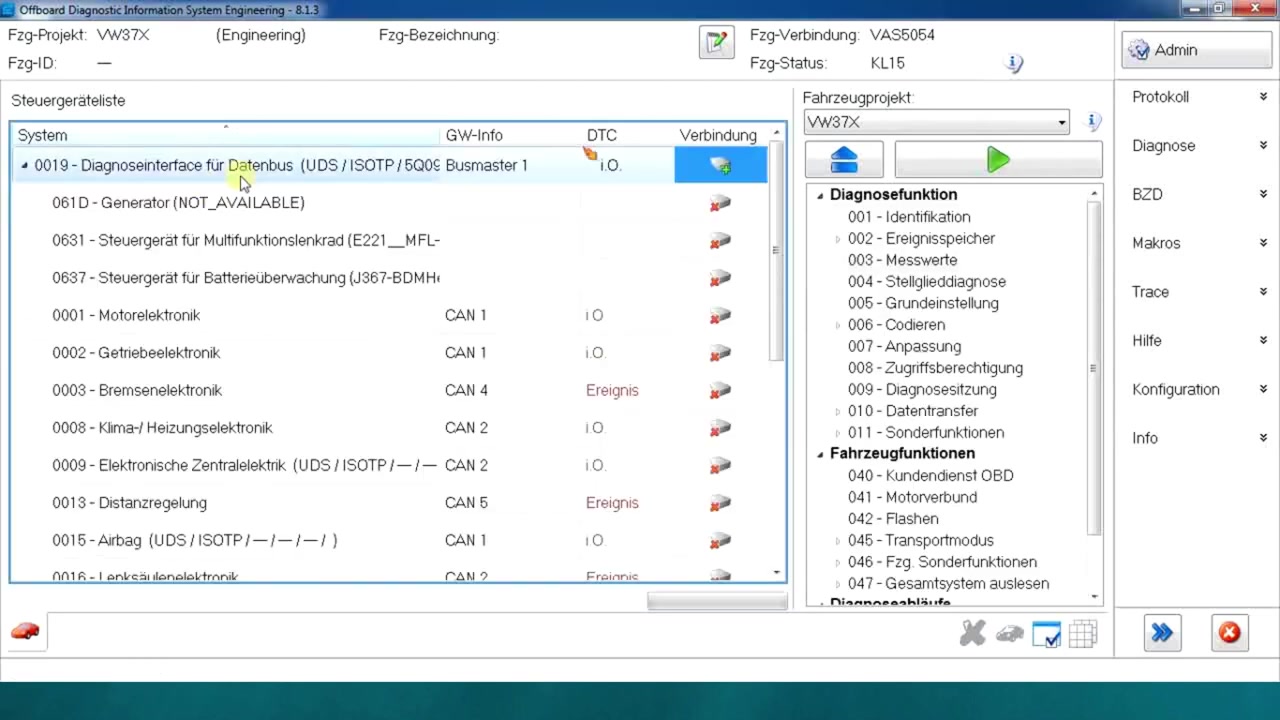
Navigate through the tree to locate the Engine Control Module (ECM) that houses the DPF management functions. Click the ECM node and press the “Identify” button; ODIS Engineering will attempt a handshake with the control unit. If the “no hardware reachable” message appears, verify the OBD‑II cable and power supply, then click “Retry”. Once the unit is identified, the status changes to “Online”.
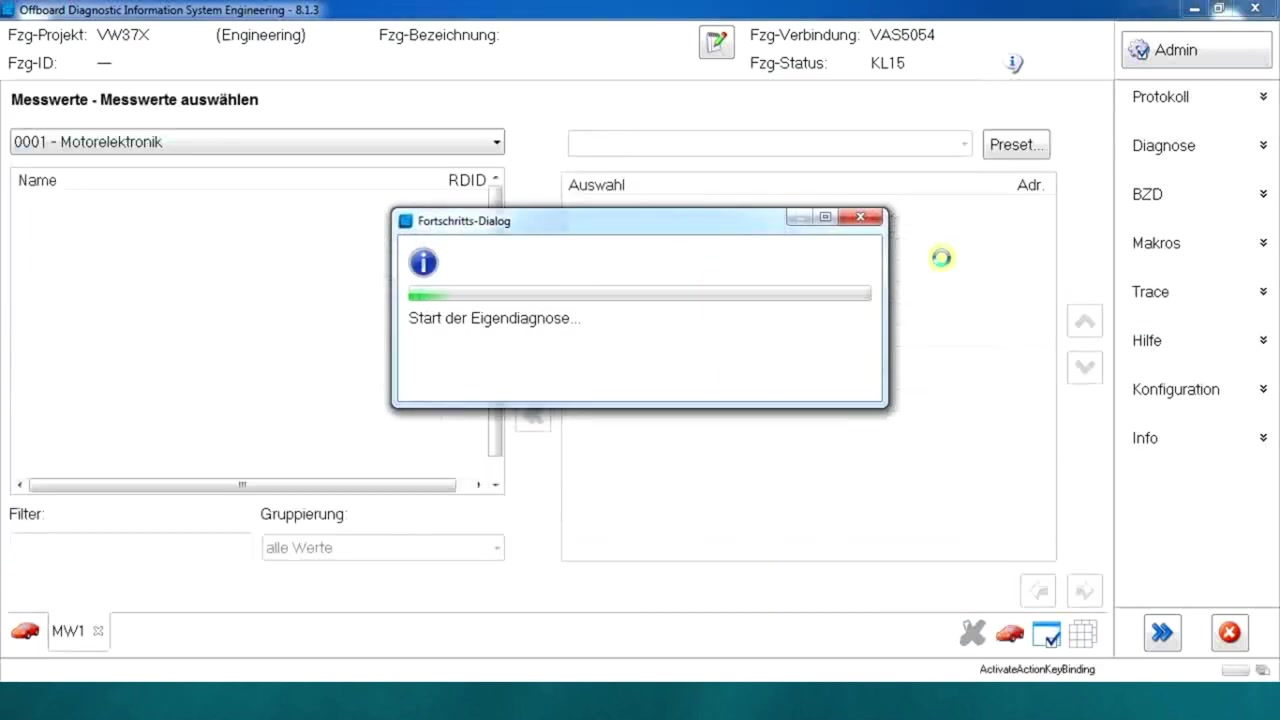
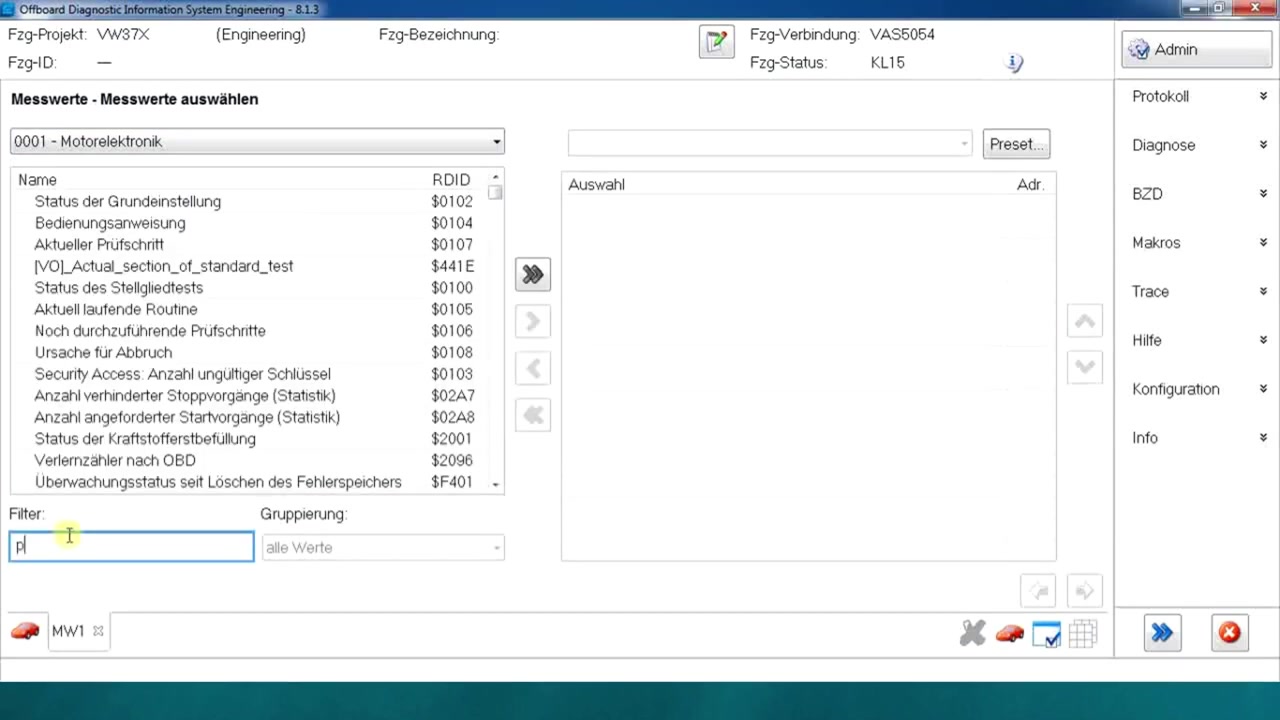
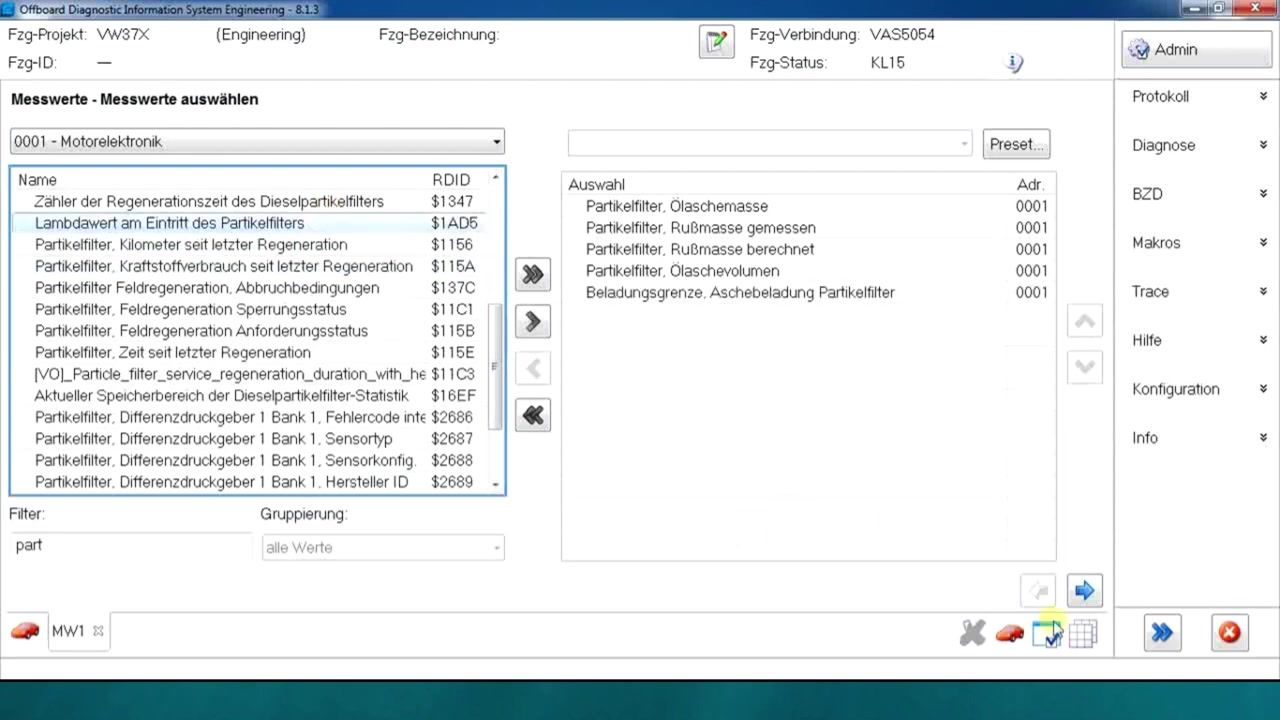
Open the “Live Data” tab. In the search bar, type “DPF” to filter the extensive parameter list. The filter function instantly narrows the view to entries such as DPF_Ash_Mass, DPF_Soot_Mass, DPF_Regeneration_Count, and DPF_Temperature. Select the desired parameters and click the right‑arrow to move them into the active list.
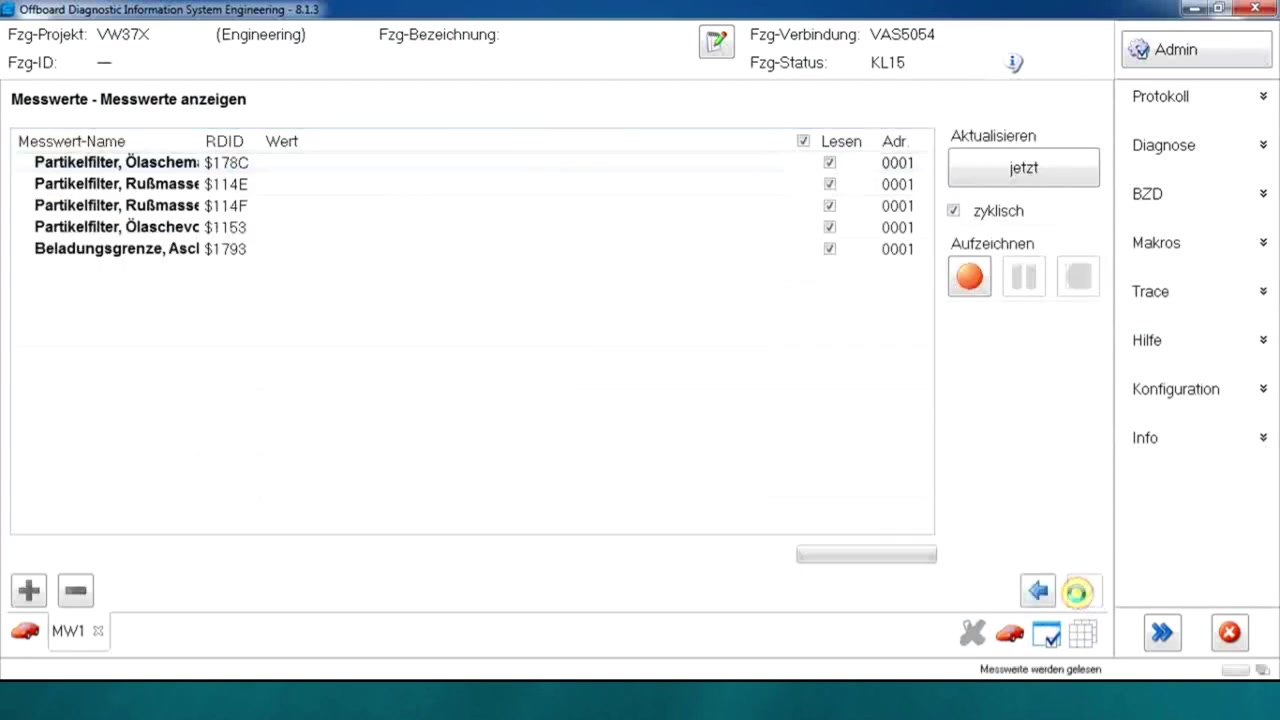
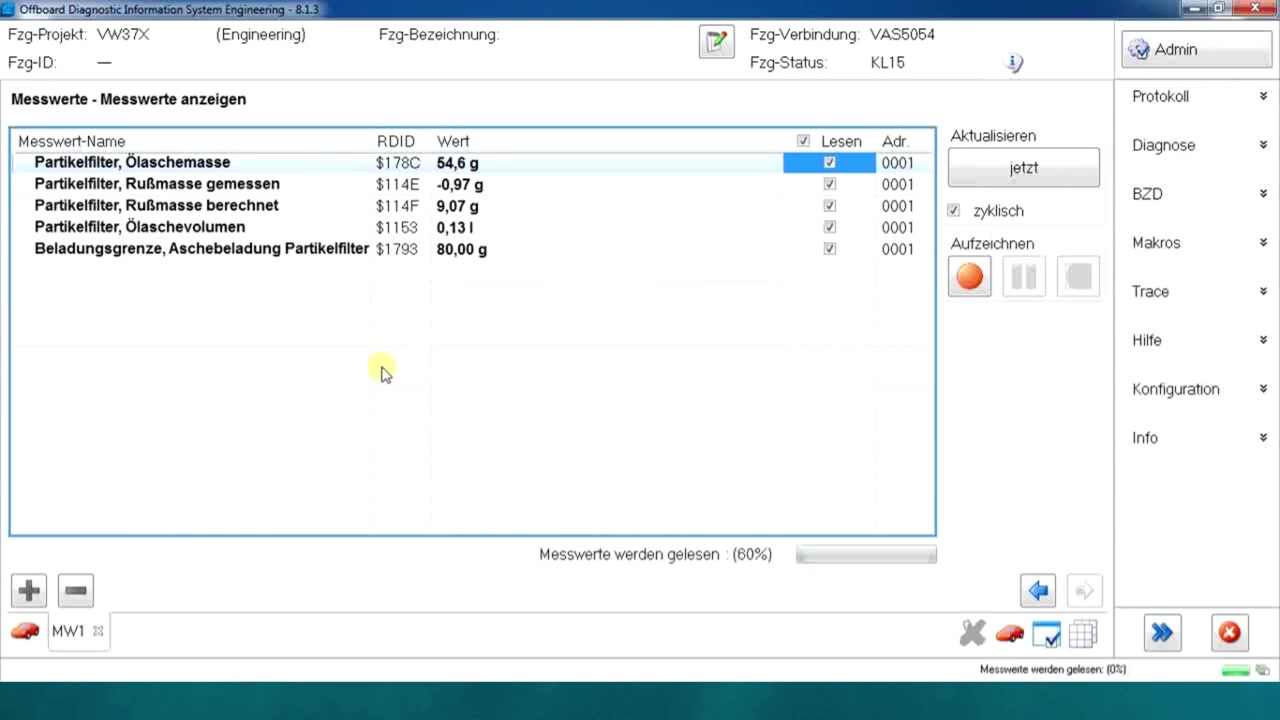
To monitor several values at once, click the “Add to Selection” button for each parameter. ODIS Engineering aggregates them into a single live‑data window, updating every second. You will now see real‑time numbers for ash mass (in grams), soot mass, and the number of completed regenerations. This simultaneous view is essential for diagnosing filter saturation during a road test.
If you need to focus on a single value, double‑click the parameter in the list; the software expands that entry into a larger graph. For the ash value, the graph shows a gradual increase over mileage, indicating the amount of inorganic residue accumulated in the filter. Use the zoom controls to examine specific intervals, such as the last 500 km, to decide whether a forced regeneration is advisable.
Should you wish to export the data, click the “Log” button. Choose a destination folder (e.g., https://example.com/logs) and select CSV as the file format. ODIS Engineering will record every live‑data point with a timestamp, enabling post‑analysis in Excel or a custom reporting tool.
Finally, close the live‑data session by pressing “Stop”. Save the project configuration to retain your parameter selection for future diagnostics. This ensures that the next time you connect to a similar EA288 engine, the DPF parameters are already loaded, saving valuable workshop time.
Key Features of Offboard Diagnostic Information System Engineering 8.1.3
- Comprehensive vehicle project database covering all Volkswagen Group marques
- Live data acquisition with millisecond‑level refresh rates
- Advanced parameter filtering and search functionality for rapid navigation
- Multi‑parameter selection list that allows simultaneous monitoring of related ECU data
- Built‑in logging and export options in CSV, XLSX and PDF formats
- Diagnostic trouble‑code (DTC) read/write capabilities with detailed description texts
Compatible Vehicles and ECUs
The tutorial applies to any vehicle that uses the VW37X project code, including:
- Volkswagen Golf, Passat, Tiguan, Arteon (2.0 TDI EA288 evo)
- Audi A3, A4, Q5, Q7 (EA288‑based diesel engines)
- Seat Leon, Ateca, Tarraco (EA288 variants)
- Skoda Octavia, Superb, Kodiaq (EA288 diesel)
- Bentley Continental GT, Flying Spur (diesel powertrains sharing the EA288 platform)
- Lamborghini Urus (diesel version, rare but covered)
- Bugatti models equipped with the EA288‑derived diesel architecture
Pro Tips
- Use the filter bar (Ctrl + F) to type “Ash” or “DPF” and instantly isolate relevant parameters without scrolling through long lists.
- Add up to ten parameters to the live‑data window; this gives a holistic view of filter health, engine load, and exhaust temperature in one screen.
- When the “no hardware reachable” warning appears, disconnect the cable, wait five seconds, then reconnect and press “Identify” again – this often clears transient communication glitches.
- Set the live‑data refresh interval to 500 ms for faster detection of rapid changes during regeneration cycles.
- Export logs after each test drive and compare ash‑mass trends over multiple services; a steady increase of more than 2 g per 10 000 km typically signals the need for a forced regeneration.
By mastering these ODIS Engineering 8.1.3 techniques, technicians can quickly assess DPF condition, plan appropriate maintenance actions, and keep diesel vehicles compliant with emission standards.
Ready to use Offboard Diagnostic Information System Engineering 8.1.3 in your workshop? Download it directly from firstdiag.com — instant delivery, no subscription needed.